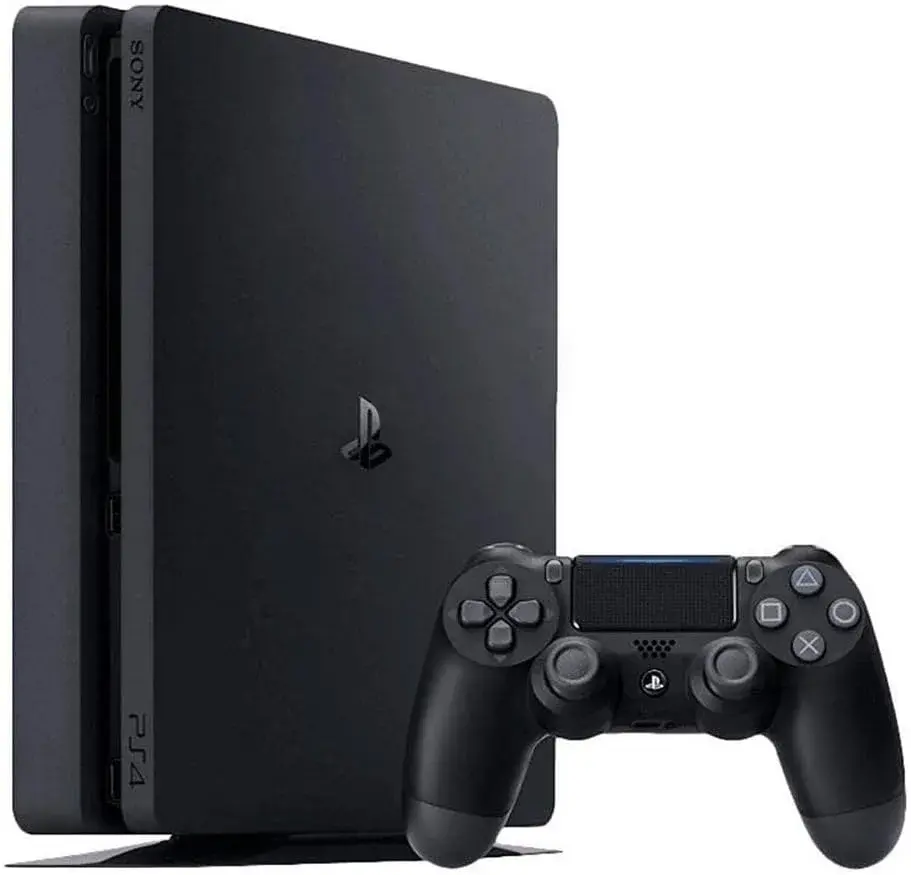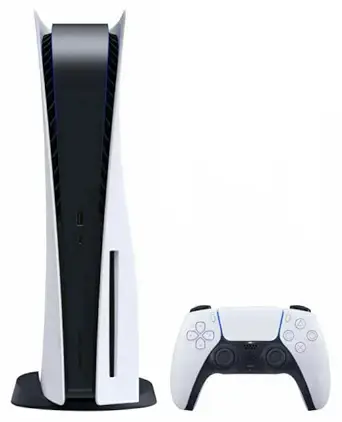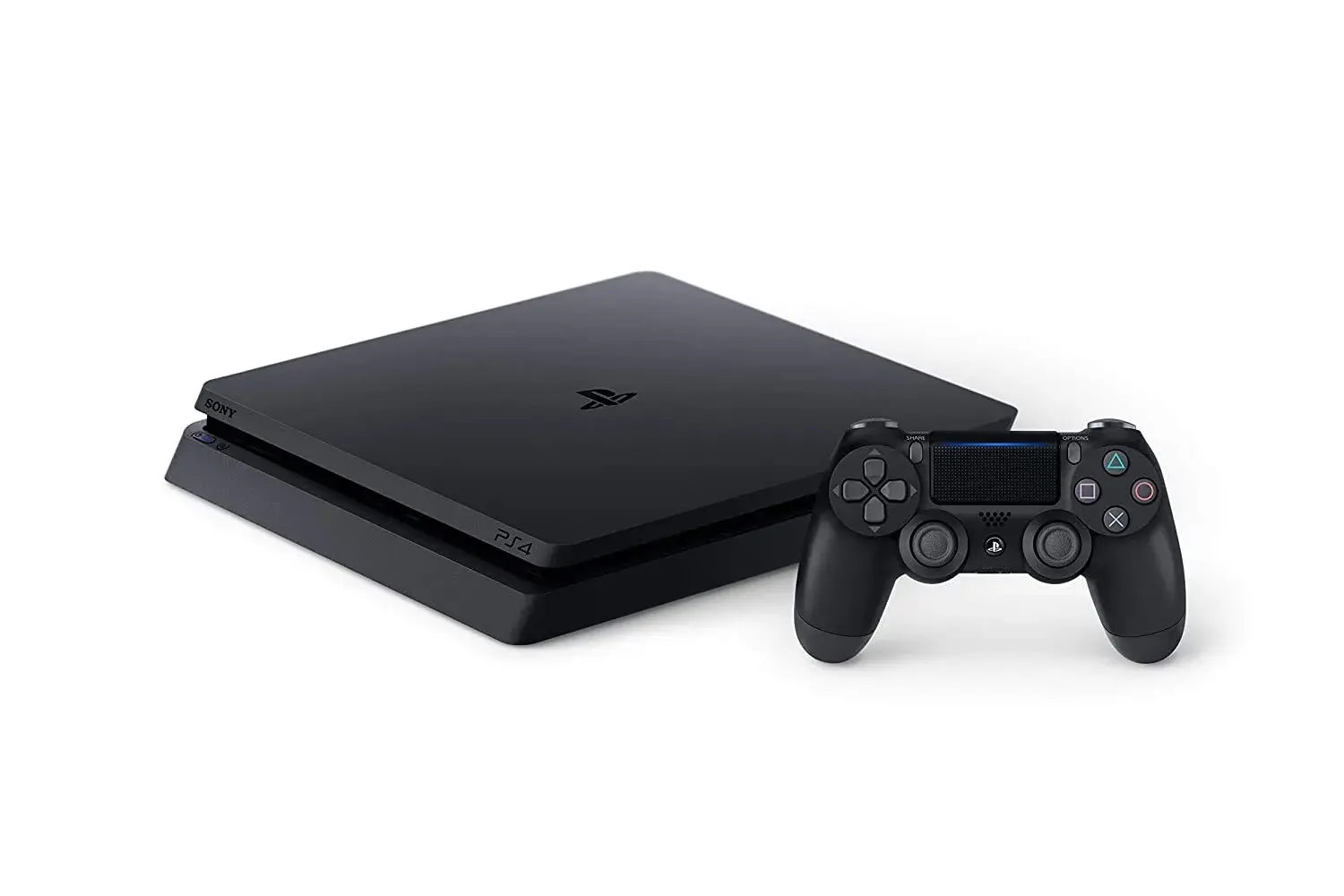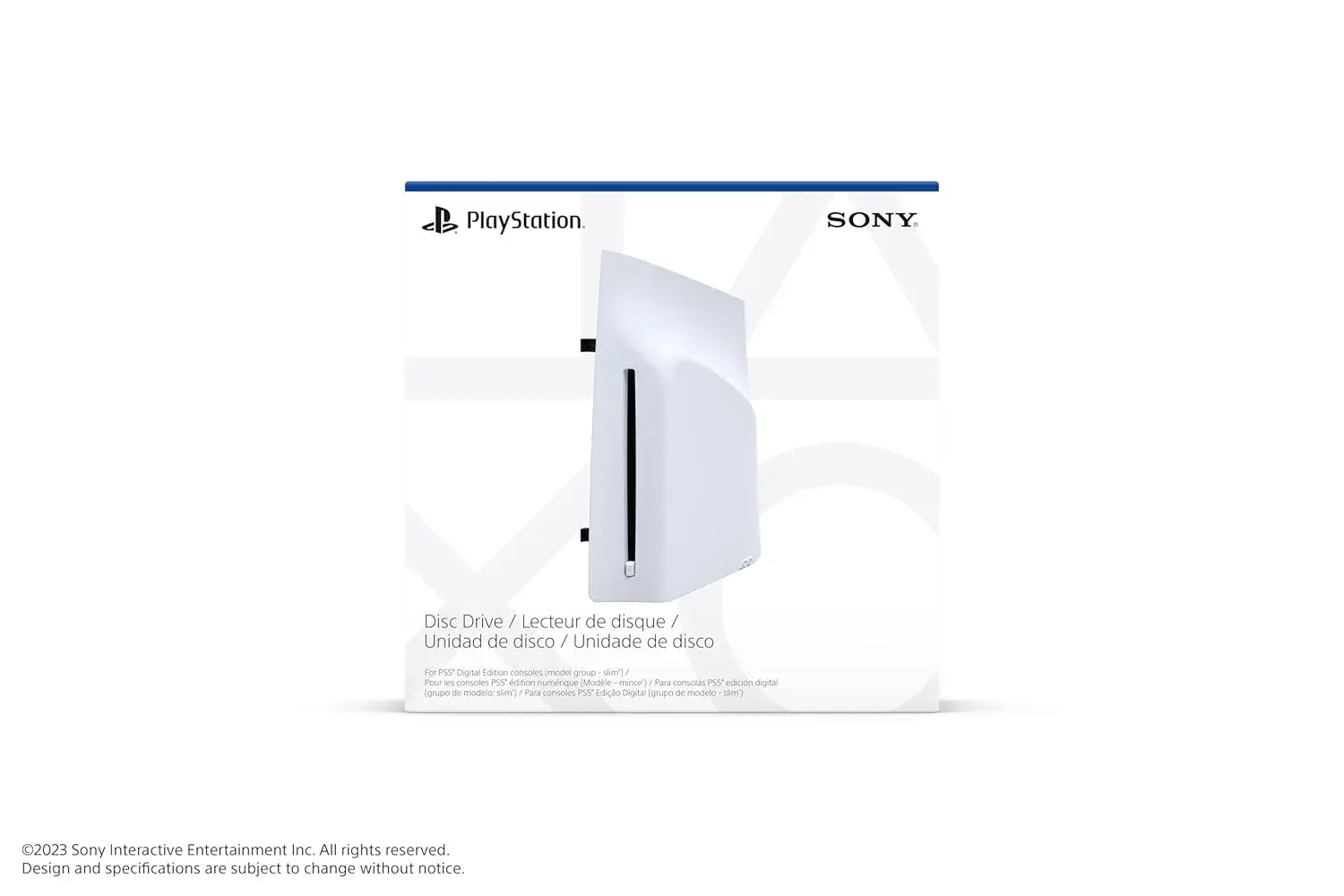
There's a particular kind of frustration reserved for a stuck disc drive. You press eject, and nothing happens — or worse, the disc finally comes out after a struggle, and now the drive refuses to take any disc back in at all, beeping uselessly at you every time you try. It feels like a small mechanical failure, but it's one of the most common hardware complaints PlayStation owners run into, on both PS4 and PS5, and it's rarely as mysterious as it feels in the moment. This guide walks through exactly what's happening inside that disc drive, why it stops ejecting or accepting discs, what's safe to try yourself, and when it's genuinely time to hand it to a professional rather than risk making things worse.
Two Different Problems Wearing the Same Symptom
It's worth separating this into the two distinct scenarios you're actually dealing with, since they don't always share the same root cause:
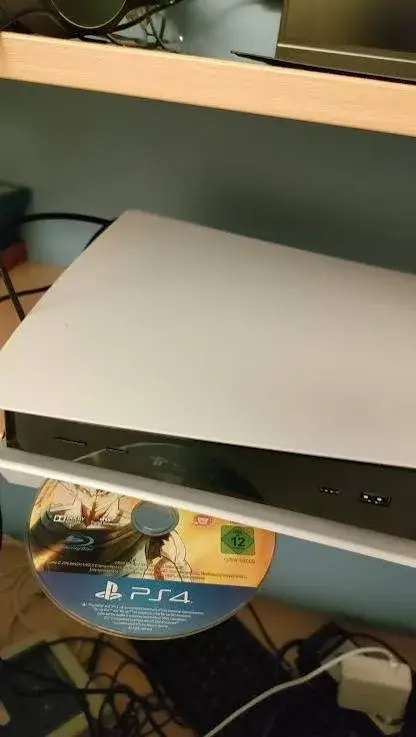
Problem one: the console won't eject a disc that's already inside. You press the eject button, hear a beep or a brief mechanical noise, and nothing comes out — the disc stays trapped inside the drive.
Problem two: the drive ejects fine, but then refuses to accept any disc back in. The eject mechanism itself works, but every attempt to insert a new disc afterward is met with the drive doing nothing, or briefly grabbing the disc before pushing it back out.
These can stem from the same underlying issue, or from entirely separate ones — which is exactly why understanding the mechanism itself helps make sense of both.
How a PlayStation Disc Drive Actually Works
Inside every disc-equipped PS4 and PS5 sits a mechanical loading system built around a set of small rubber rollers. When you insert a disc, these rollers grip its edge and pull it inward using a motor-driven mechanism, guiding it onto the spindle where it can spin and be read by the laser. Ejecting reverses the same process — the rollers engage again, pushing the disc back out along the same path. This entire system is precise, motorized, and — critically — mechanical, meaning it's subject to exactly the kinds of wear, obstruction, and misalignment issues any moving mechanical part eventually develops.
Understanding this is the key to understanding why the problem happens: almost every disc drive issue traces back to something interfering with this roller-and-motor system, whether that's dust, a worn part, a software confusion about what state the drive is actually in, or physical damage from a disc that was handled roughly.
Why the Console Won't Eject a Disc
1. A software glitch, not a hardware fault. This is genuinely the most common cause, and the easiest to fix. Sometimes the console's software loses track of the disc drive's actual physical state — it might think a disc has already been ejected when it hasn't, or get confused mid-process, meaning the eject button simply doesn't trigger the mechanism correctly. This is a software confusion, not a mechanical failure, and it's resolved through a restart or safe mode reset far more often than people expect.
2. Debris or dust obstructing the drive. Dust, small debris, or foreign objects inside the drive can physically block the rollers or the tray path, preventing the eject mechanism from moving the disc properly even though the motor itself is working fine.
3. A loose or misaligned manual eject screw. Both PS4 and PS5 include a manual eject mechanism — a small screw accessible either externally or after removing the console's cover — specifically built as a backup for exactly this situation. On PS4 specifically, a loose eject screw has been a well-documented recurring cause of ejection failures.
4. Ejecting mid-game or improperly. Ejecting a disc while a game is still actively running, rather than closing the application first, can occasionally leave the drive in a confused intermediate state — not usually causing permanent damage on its own, but a habit worth avoiding, since it increases the odds of triggering the kind of software confusion described above.
5. Genuine mechanical failure. Less commonly, especially on an older or heavily used console, the ejection mechanism itself — the motor, gears, or rollers — can genuinely wear out or break, meaning no amount of software troubleshooting will resolve it, since the underlying part physically can't perform the motion anymore.
Why the Drive Won't Accept a Disc Back
Once you've got the stuck disc out, a drive that then refuses new discs entirely is telling you something slightly different is going on:
1. Worn or dirty rollers. The same rubber rollers responsible for pulling a disc in can lose grip over time — either from accumulated dust and grime reducing their friction, or from genuine wear after years of use. A roller that can't grip properly simply can't pull a new disc into position, regardless of how many times you try.
2. The mechanism stuck mid-cycle from the original ejection problem. If the drive struggled or was forced during the initial stuck-disc episode — particularly if a disc was pulled out manually or with some force — the internal mechanism can be left slightly out of its normal resting position, meaning it's no longer correctly aligned to accept a new disc smoothly.
3. A firmware or software-level confusion following the stuck-disc event. Just as software confusion can prevent ejection, the same kind of state mismatch can persist afterward, with the console's software still believing a disc is present (or that the drive is mid-operation) even though it's now empty — causing it to reject or ignore new insertion attempts until that state is properly reset.
4. Disc drive damage from the original stuck episode. If the earlier stuck disc was forced out — bent, pulled at an angle, or removed while the mechanism was still engaged — it's possible for that same event to have damaged the rollers, gears, or sensor that detects disc presence, meaning the accept-disc problem is really a delayed symptom of the original stuck-disc incident rather than a coincidence.
5. Genuine drive failure. As with ejection, a disc drive nearing the end of its mechanical life can simply stop reliably gripping and loading discs altogether — at which point no amount of cleaning or resetting resolves it, since the physical components themselves need replacing.
What's Genuinely Safe to Try Yourself First
A few steps are worth attempting before assuming the worst, since a meaningful share of these cases resolve without any hardware intervention at all:
-
Restart properly, not just power-cycle. Turn the console fully off, unplug it from the wall entirely — not just standby — and leave it unplugged for a full 30 minutes before reconnecting. This clears far more residual software state than a quick restart does.
-
Try Safe Mode. On PS5 specifically, holding the power button until you hear two beeps opens Safe Mode with a controller plugged in directly via USB cable, from which restarting the console can resolve a stuck eject state that a normal restart doesn't.
-
Confirm there actually is (or isn't) a disc inside. It sounds obvious, but pressing eject on an empty drive versus one with a disc genuinely stuck produces different symptoms — rule out simple confusion about the drive's actual state first.
-
Check the disc itself, not just the drive. A warped, scratched, or dirty disc can cause a drive to reject it or behave as though something's wrong, when the drive itself is functioning normally. Try a different, known-good disc if you have one, to isolate whether the problem is the drive or that specific disc.
-
Only use genuine, undamaged PS4/PS5 game discs, movie Blu-rays, or DVDs. Burned discs, damaged media, or non-standard discs can cause loading issues that have nothing to do with drive hardware at all.
What not to attempt yourself: forcing a stuck disc out with anything other than the console's own manual eject mechanism, prying at the disc tray, or repeatedly forcing insertion attempts once a drive has clearly stopped accepting discs. All of these risk turning a simple, fixable mechanical issue into genuine internal damage — bent rollers, a misaligned laser assembly, or a damaged disc that further jams the mechanism. If a software reset and safe mode restart haven't resolved it, this has moved from a settings problem into a hardware one, and further force-based attempts at home tend to make the eventual professional repair more complicated, not less.
When You Should Genuinely Be Worried
A few patterns specifically indicate this has moved beyond a quick fix and needs proper attention:
The problem persists after a full power cycle and Safe Mode restart. Once you've ruled out simple software confusion through a proper reset, a continuing eject or disc-acceptance failure is a strong signal of something mechanical — worn rollers, a misaligned mechanism, or a genuinely failing motor.
The issue keeps recurring even after successfully getting a disc out or in. A drive that works occasionally but keeps returning to the same stuck or rejecting behavior is showing you a progressive mechanical problem, not a one-off glitch — the kind of pattern that reliably gets worse rather than resolving itself over time.
You hear unusual grinding, clicking, or straining noises during eject or insertion attempts, rather than the drive's normal quiet mechanical sound. Abnormal noise during a mechanical process is rarely a good sign, and continuing to force attempts once you're hearing this risks compounding whatever's already going wrong inside.
The problem started immediately after a disc got stuck and was forced out. If disc-acceptance issues began right after an earlier stuck-disc episode — especially one where the disc was removed with any force — treat this as a likely continuation of that same incident rather than a fresh, unrelated fault, and get it looked at rather than continuing to test it yourself.
Your console is still relatively new, and this is happening despite careful, normal disc handling. A drive failing this early points toward a manufacturing or assembly issue rather than expected wear, which is worth having diagnosed both to fix the immediate problem and to check whether it's still covered under warranty.
Why This Isn't a DIY Repair Beyond Basic Troubleshooting
Opening a PS4 or PS5 to access the manual eject screw, or to physically extract a genuinely stuck disc, is technically possible to do at home — plenty of guides walk through the exact screwdriver steps. But it's worth being honest about the real risk: getting this wrong can scratch or crack the disc, misalign the drive mechanism further, or damage components that were otherwise still working fine, turning a straightforward roller or mechanism repair into a full drive replacement. It also risks voiding any remaining manufacturer warranty on a console that might otherwise still be eligible for a free or discounted repair. This is exactly the kind of job where professional tools, proper technique, and experience with the specific mechanism make the difference between a clean fix and a more expensive mistake.
Protecting Your Disc Drive Going Forward
Once your console is reading and ejecting discs normally again, a few habits genuinely reduce the odds of running into this again:
Always close the application before ejecting. Use the proper sequence — closing out of the game itself before pressing eject — rather than ejecting while still inside an active game session, which reduces the odds of the software-state confusion that causes many eject failures in the first place.
Keep discs and the drive area clean. Store discs properly in their cases when not in use, avoid touching the playing surface, and periodically keep the area around the console's disc slot free of dust — small habits that meaningfully reduce debris-related loading issues over the console's lifetime.
Avoid stacking or leaning objects against the disc slot side of the console. Physical pressure against the drive opening, even indirectly, can contribute to alignment issues over time, particularly on consoles positioned vertically.
Address a stuck disc calmly the first time it happens. As covered above, how a stuck disc is handled in the moment — patient troubleshooting versus forceful extraction — often determines whether it becomes a one-off inconvenience or the start of a recurring accept-disc problem.
Consider whether digital makes sense for some of your library. If disc drive issues become a recurring frustration despite good habits, it's worth weighing digital purchases for at least part of your game library going forward — our guide on digital vs disc PS5 games in Kenya covers the genuine trade-offs specific to Kenya's market before you decide.
Get It Looked at Properly
If a full power cycle and Safe Mode restart haven't resolved your disc drive issue — or if you'd rather not risk forcing a stuck disc out yourself — City Gadgets Kenya's Repairs category offers proper diagnosis and repair for exactly this kind of PS4 and PS5 hardware issue. Rather than guessing at rollers, screws, or internal alignment yourself, a professional assessment can identify precisely what's wrong — whether that's simple cleaning, a manual eject procedure done correctly, a roller replacement, or a full drive swap — and get your console reading discs reliably again without risking further damage in the process.
Frequently Asked Questions
Why won't my PS5 eject the disc when I press the button? Most commonly, this is a software glitch where the console's system loses track of the drive's actual state, rather than a mechanical fault — a full power cycle (unplugged for 30 minutes) or a Safe Mode restart resolves this in many cases.
My PS4 ejects fine but won't take any discs back — why? This usually points to worn or dirty rollers that can no longer grip a disc properly, or the mechanism being left slightly misaligned following an earlier stuck-disc episode, particularly if that disc was removed with any force.
Is it safe to force a stuck disc out myself? Basic manual eject procedures using the console's own designated eject screw are relatively low-risk if followed carefully, but forcing a disc out any other way — prying, pulling at an angle, or repeated aggressive attempts — risks scratching the disc or damaging the drive mechanism, and should be avoided.
Can a loose eject screw really cause this? Yes — this is a well-documented cause specifically on PS4 consoles, where a loose manual eject screw can prevent the drive from ejecting properly even when the rest of the mechanism is functioning normally.
Will this void my warranty if I try to fix it myself? Opening the console yourself can void remaining manufacturer warranty coverage, which is worth checking before attempting any internal fix — particularly relevant if your console is still relatively new.
Where can I get my PS4 or PS5 disc drive repaired in Kenya? City Gadgets Kenya's Repairs category provides professional diagnosis and repair for disc drive issues on both consoles — reach out via WhatsApp to describe your specific symptoms and get guidance on the right next step.
Final Word
A disc drive that won't eject, or won't accept discs back afterward, is one of the more common PlayStation hardware complaints — and in a genuinely encouraging number of cases, it turns out to be a simple software confusion rather than anything mechanically broken. The key is working through it in the right order: a proper full power cycle and Safe Mode restart first, careful basic checks second, and professional diagnosis before you reach for force or start unscrewing the console yourself. Getting this sequence right is the difference between a five-minute fix and a far more expensive repair.
If your disc drive issue hasn't resolved after the basic troubleshooting above, get it looked at through City Gadgets Kenya's Repairs category, or reach out on WhatsApp to describe what's happening and find out the best next step for your console.