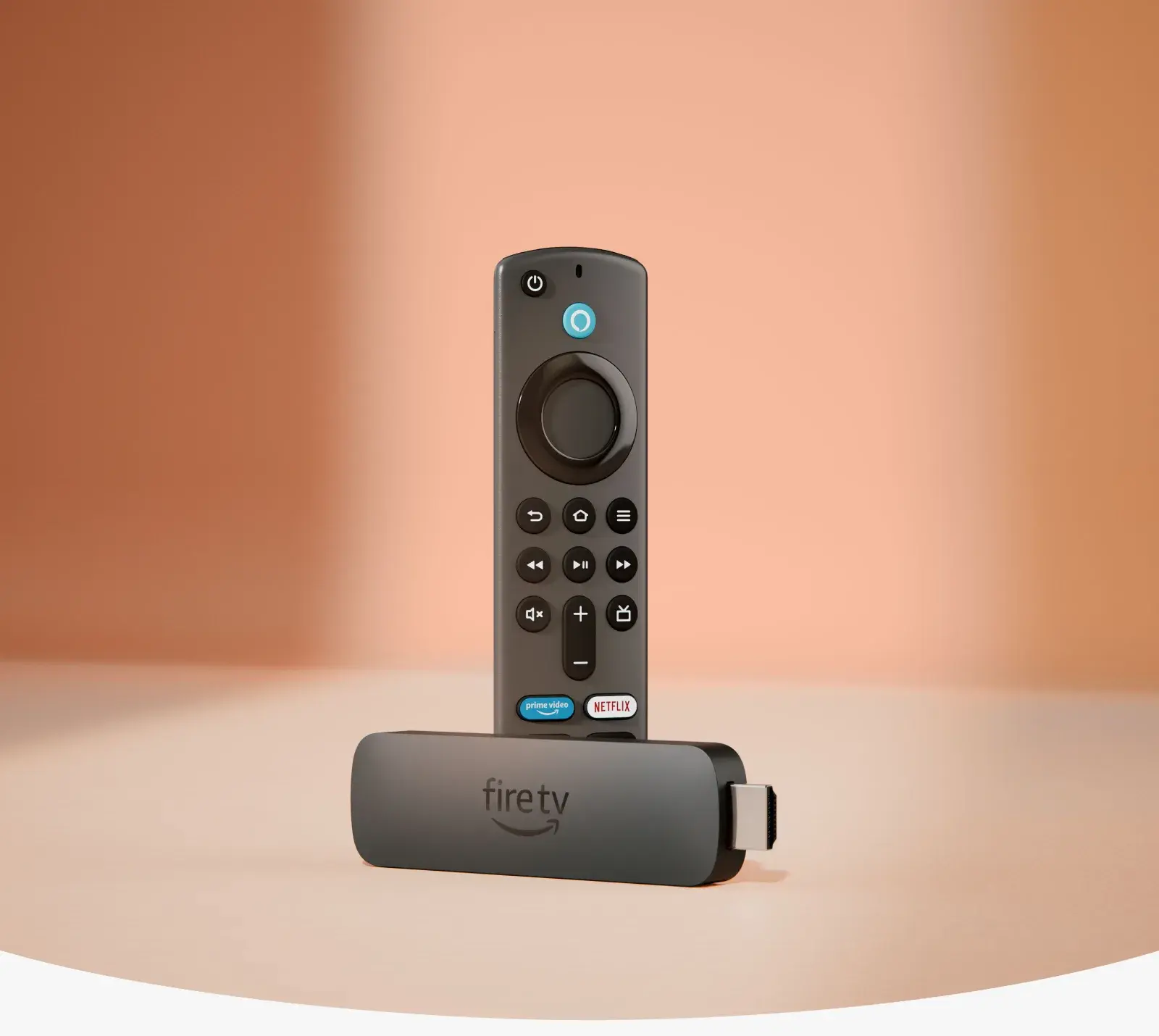
Why a Fire TV Stick 4K Is Actually Better Than a Smart TV
It sounds backwards at first — why would a small stick that costs a fraction of a television's price outperform the "smart" software built directly into that television? But it happens, genuinely and often, and it's worth understanding exactly where and why, because a lot of Kenyan households are sitting on a smart TV whose built-in apps have quietly become the weakest part of an otherwise perfectly good screen. Here's an honest, specific breakdown of where a Fire TV Stick 4K actually wins.
1. Software Updates: A Stick Keeps Getting Better, a TV Often Doesn't
This is the single biggest reason, and it's worth understanding properly. TV manufacturers build smart TV software as a secondary feature attached to a hardware product — the television itself is the thing they're selling, and the software running on it typically gets a handful of updates in the first year or two, then support quietly tapers off as the manufacturer moves on to newer models. Amazon, by contrast, treats Fire OS as a genuinely ongoing product in its own right, shipping regular updates to the entire Fire TV Stick lineup for years after release, adding new features, patching security issues, and keeping app compatibility current.
The practical result: a three-year-old smart TV's built-in apps are very often noticeably slower, buggier, or missing features compared to the same TV brand's current models, while a Fire TV Stick from the same era is still receiving updates and running smoothly. A stick keeps aging gracefully in a way most built-in smart TV software simply doesn't.
2. App Selection and Freshness
Smart TV app stores, particularly on budget and mid-range TV brands, are frequently smaller, slower to add new services, and slower to update existing apps than Amazon's own app store on Fire TV. It's a common, genuinely frustrating pattern in Kenya: a new streaming service launches, and it's available on Fire TV Stick within weeks, while your smart TV's built-in app store either never gets it or takes many months to catch up, if it ever does. Because Amazon actively courts streaming partners to build for Fire OS specifically, the Fire TV Stick's app catalogue tends to stay current in a way a smart TV's built-in store, especially on a TV that's a couple of years old, often struggles to match.
3. Interface Speed and Responsiveness
Smart TVs, especially in the budget and mid-range segments most common in Kenyan households, are built around a television's core job — displaying a picture — with the smart software running on comparatively modest processing hardware bolted on as an extra. A Fire TV Stick, by contrast, is built specifically to run its interface fast, with a chip dedicated entirely to menus, app launches, and navigation rather than sharing resources with picture processing and other TV functions. The result is often a genuinely snappier, less laggy experience navigating a Fire TV Stick's menus than the same brand television's built-in interface, even on TVs that were reasonably capable when new.
4. Consistency Across Different Rooms and TVs
If your household has more than one television — different rooms, different ages, different brands — each one likely runs its own smart TV platform, with its own menu layout, its own app store, its own quirks, and its own remote. Put the same Fire TV Stick on every TV in the house instead, and every room gets the identical interface, the same remote layout, the same voice search, and the same installed apps. For a household managing multiple screens, this consistency is a genuinely underrated advantage — no relearning a different menu system every time you walk into a different room.
5. Fixing a Slow Smart TV Without Replacing It
This is perhaps the most financially significant point. A smart TV's picture quality — the actual screen hardware, the panel, the backlighting — doesn't degrade the way its software does. It's extremely common for a Kenyan household to own a television whose picture is still genuinely excellent, years after purchase, while the smart features have become sluggish, buggy, or outdated to the point of being genuinely annoying to use. Replacing the whole television to fix a software problem is an expensive, wasteful solution to a problem a Fire TV Stick 4K solves for a small fraction of that cost — plug it in, and the picture you already own gets paired with software that's actually current.
6. Alexa Voice Control and Smart Home Integration
Most smart TVs offer some form of voice control, but it's frequently a shallower, less capable implementation than a dedicated Alexa Voice Remote, which brings the full breadth of Alexa's voice assistant capabilities — smart home device control, general knowledge questions, timers, weather, and genuinely fast content search — directly to your remote. If your household already uses Alexa-compatible smart plugs, lights, or other devices, a Fire TV Stick becomes a genuine extension of that smart home setup in a way most built-in smart TV voice features don't match.
7. Universal Search Across Apps
Fire OS includes a search function that spans your installed streaming apps simultaneously, so searching for a specific movie or show surfaces results from Netflix, Prime Video, and other installed services all at once. Many smart TV platforms, particularly older or budget ones, either lack this entirely or implement a much more limited version restricted to a handful of pre-selected services, forcing you to check each app individually — a small but genuinely time-consuming difference when you're just trying to find something to watch.
Where a Smart TV's Built-In Software Still Has an Edge
It's worth being fair rather than one-sided here. A genuinely modern, well-supported smart TV — particularly from a brand that takes software updates seriously and the TV is still fairly new — can absolutely deliver a smooth, current, well-stocked app experience without needing an additional device at all. If your smart TV is recent, from a manufacturer with a good update track record, and you're happy with its current speed and app selection, there's no urgent need to add a Fire TV Stick purely for the sake of it. The cases above are specifically about where smart TV software tends to fall short over time, or where a household's specific needs (multiple TVs, heavy Alexa use, a TV whose software has genuinely aged) make a stick the clearly better fit.
The Real Test: Ask Yourself These Questions
Rather than a blanket rule, here's a practical way to decide whether your specific smart TV would benefit from a Fire TV Stick 4K:
- Does your TV's app menu feel noticeably slower than it did when you first bought it? That's a strong sign the built-in software has aged past its useful life, even if the picture itself is fine.
- Have you noticed a streaming service is missing or was added late to your TV's app store, despite being available elsewhere? That's the app-freshness gap showing up directly.
- Do you own more than one TV, each running a different smart platform? Standardizing on Fire TV Stick across all of them genuinely simplifies day-to-day use.
- Do you already use Alexa devices elsewhere in your home? A Fire TV Stick brings that same ecosystem to your television in a way most built-in TV voice assistants don't match.
If you answered yes to any of these, a Fire TV Stick 4K is very likely to noticeably improve your day-to-day experience with a television whose actual picture you're otherwise perfectly happy with.
Why This Is Genuinely Good News for Your Wallet
Framed practically: a new, genuinely capable smart TV in Kenya represents a significant household purchase, often requiring saving up or paying in installments. A Fire TV Stick 4K, at Ksh 6,500, sits at a small fraction of that cost, and in every one of the areas above, it very often outperforms the smart software built into a television that's a few years old — all while keeping the screen, the picture quality, and the physical TV you already own and like. For a huge number of Kenyan households, this is genuinely one of the most cost-effective home entertainment upgrades available, precisely because it fixes the part of your setup that actually ages (the software) without touching the part that doesn't (the screen).
Getting the Most Out of a Fire TV Stick 4K on Your Existing TV
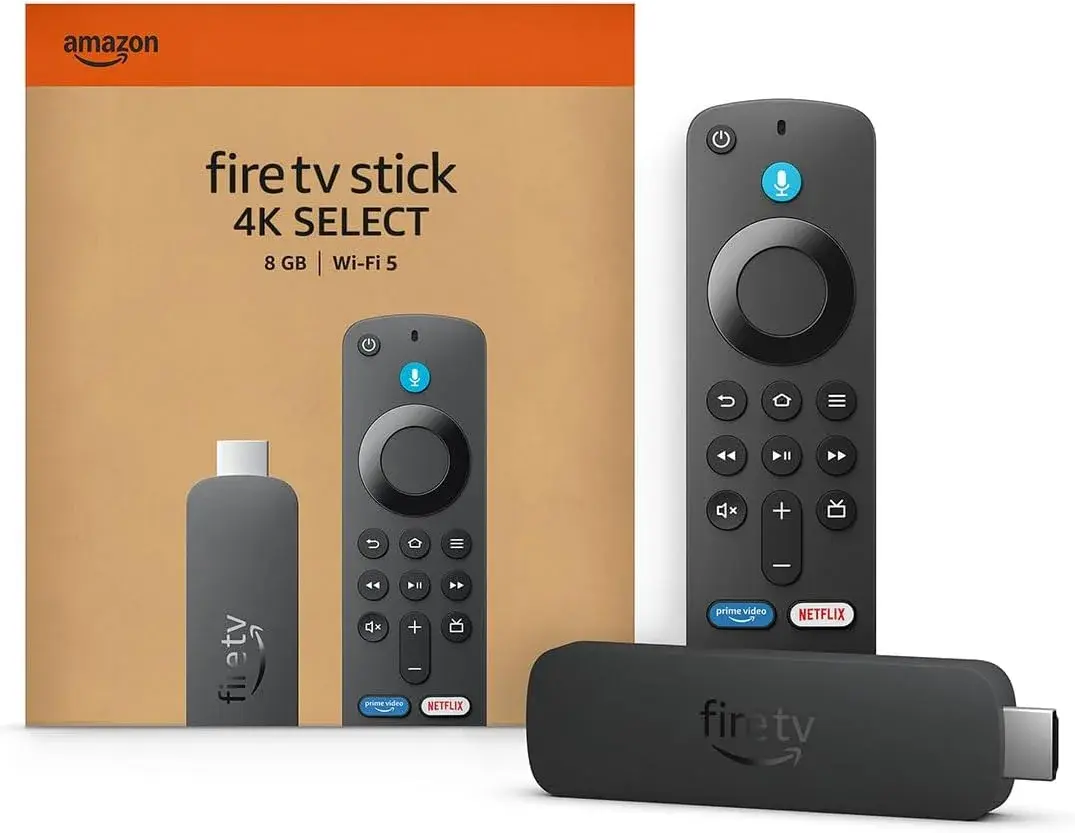
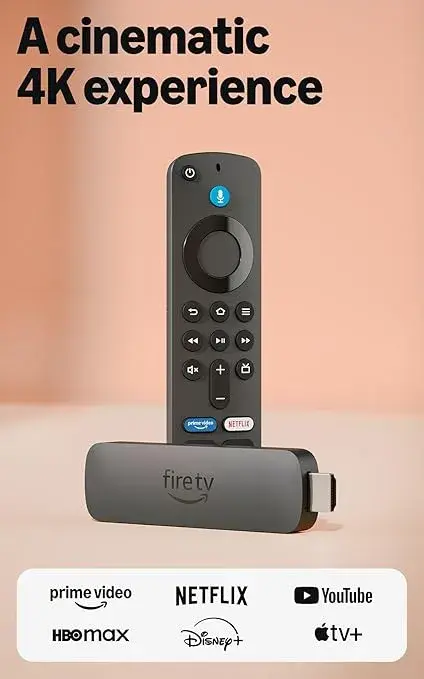
Setup is straightforward regardless of your TV's age or brand: plug the Fire TV Stick 4K into a free HDMI port, connect the included power adapter to a wall outlet, switch your TV's input to the correct HDMI channel, and follow the on-screen setup to connect to your Wi-Fi and sign in with an Amazon account. From there, install Netflix, Showmax, YouTube, Prime Video, and whatever else your household watches, and you're running genuinely current software on the screen you already own — typically inside fifteen minutes, start to finish.
Why Buy Your Fire TV Stick 4K From City Gadgets Kenya
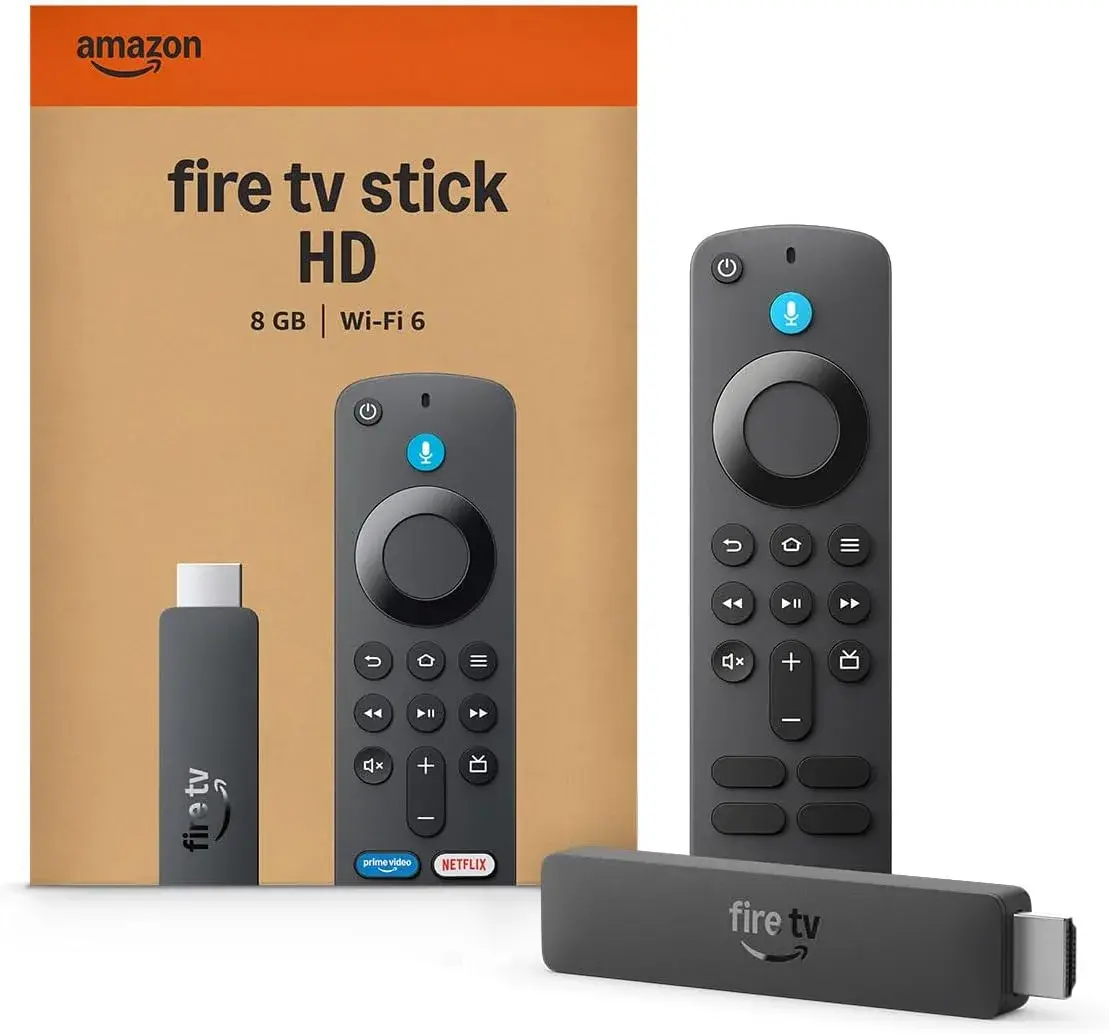
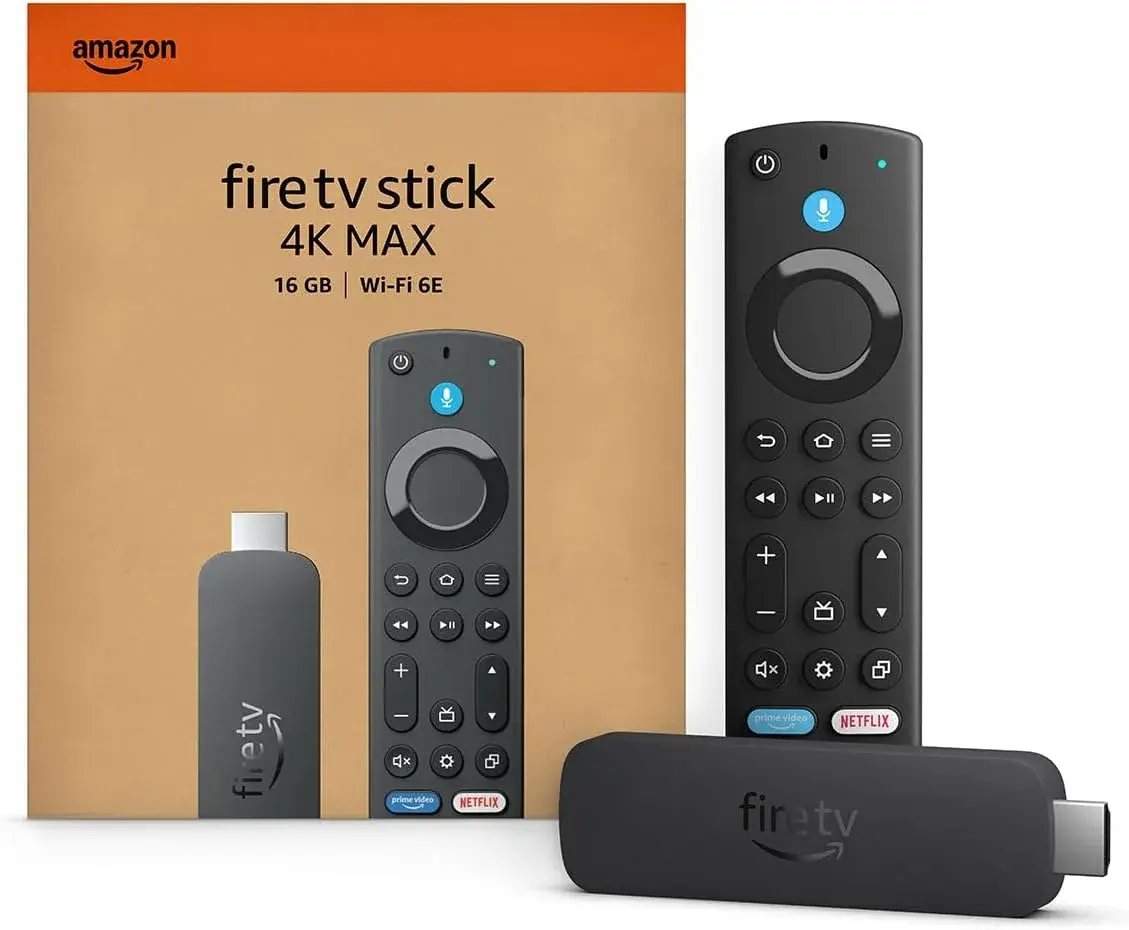
If you're doing this specifically to breathe new life into an existing television, buying genuine hardware backed by real accountability matters just as much as the device choice itself. City Gadgets Kenya stocks the full Fire TV Stick range — HD, 4K, 4K 2nd Gen, and 4K Max — each listed with its exact chip, RAM, storage, and Wi-Fi standard stated clearly upfront, backed by a 12-month official brand warranty, brand new and sealed, with same-day delivery within Nairobi and countrywide shipping across Kenya. Payment options include M-Pesa, card, or cash on delivery.
Reach out via WhatsApp to confirm current stock and pricing, or browse the Fire TV Stick 4K listing directly, or the full range including the Fire TV Stick 4K 2nd Gen and Fire TV Stick 4K Max if you want extra speed or Wi-Fi performance on top.
Frequently Asked Questions
Is a Fire TV Stick 4K really better than my smart TV's built-in apps? Often, yes, particularly if your TV is more than a couple of years old — smart TV software tends to receive fewer and less frequent updates than a dedicated device like the Fire TV Stick, which Amazon continues actively supporting for years.
Do I need to replace my smart TV to fix slow, outdated apps? No — that's precisely the point of a Fire TV Stick 4K. It pairs genuinely current software with the picture quality you already own, at a fraction of the cost of a new television.
Will a Fire TV Stick 4K work on an older smart TV? Yes — as long as your TV has a free HDMI port, it works regardless of the TV's built-in smart platform or age.
Does a Fire TV Stick 4K improve picture quality too? It can, if your smart TV's built-in apps were compressing or limiting resolution and HDR unnecessarily — the Fire TV Stick 4K delivers genuine 4K with Dolby Vision, HDR10+, and HLG support to any compatible 4K television.
Is it worth buying a Fire TV Stick if my smart TV is brand new? Not urgently — a recent smart TV from a manufacturer with good update support may already deliver a smooth, current experience. The case for a Fire TV Stick is strongest once a smart TV's software has started to feel dated.
Where can I buy a genuine Fire TV Stick 4K in Nairobi? City Gadgets Kenya stocks the full genuine range, with a 12-month official brand warranty and same-day Nairobi delivery. Reach out via WhatsApp to confirm stock and pricing.
Final Word
A smart TV's built-in software isn't guaranteed to stay smart for long — it's a secondary feature attached to a product manufacturers primarily sell on picture quality, and it ages accordingly. A Fire TV Stick 4K fixes exactly the part that ages, at a fraction of the cost of replacing the whole television, while keeping the screen you already like. If your TV's menus have started to feel slow, your app selection feels behind, or you're simply tired of a clunky built-in interface, a Fire TV Stick 4K is very often the smarter fix.
Browse the full genuine Fire TV Stick range at City Gadgets Kenya, or reach out on WhatsApp to get set up.