
What Happens to Your PS4 Games, Saves and Accessories When You Move to a PS5? Explained for Kenyan Players
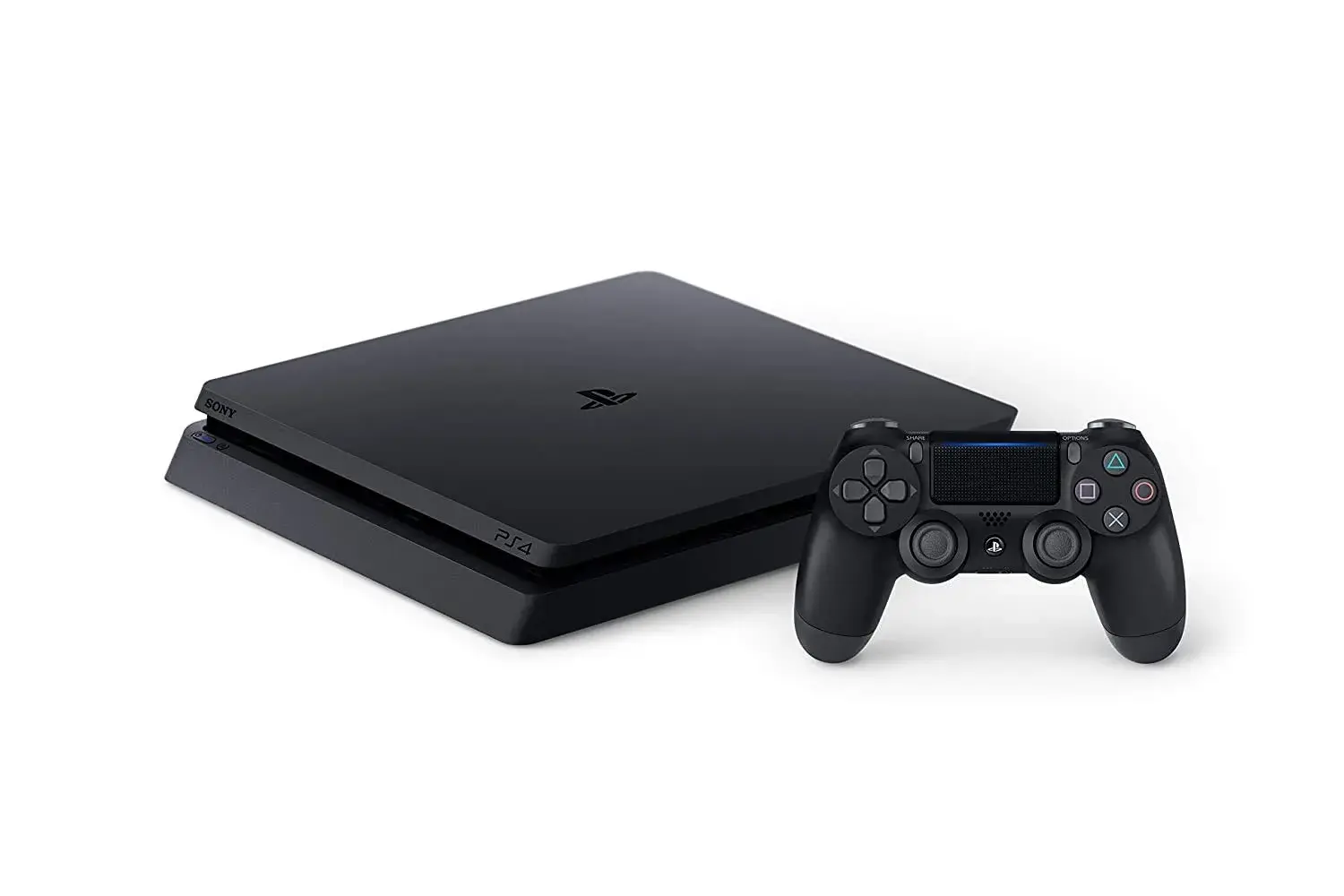
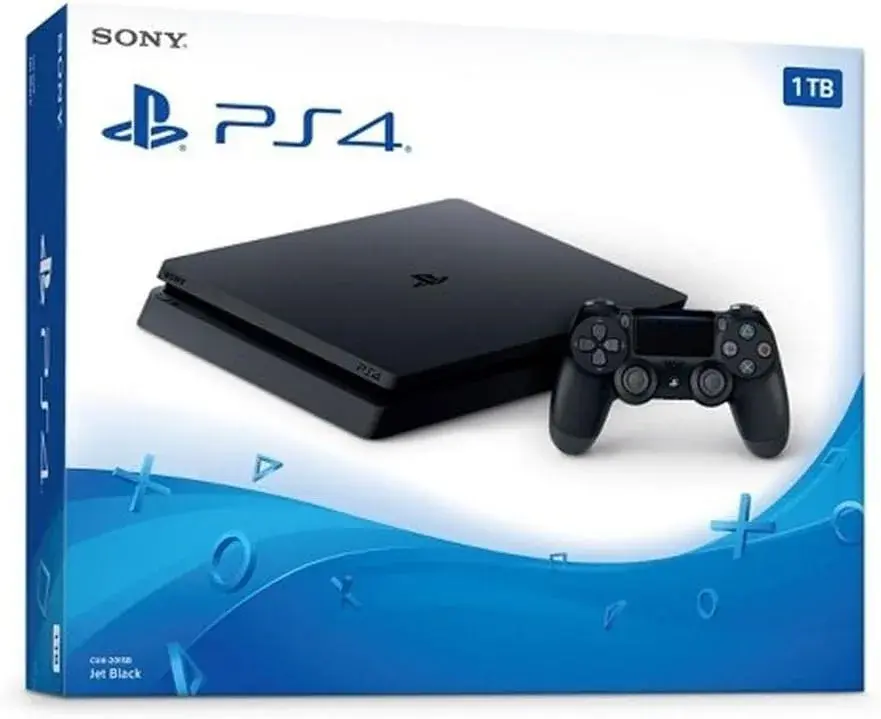
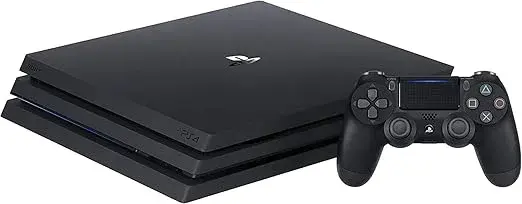
The biggest worry we hear from PS4 owners is not about the money or the console. It is about what they will lose. Will my games still work? What about my saved progress, my trophies and my controller? This explainer answers those questions in plain words, so that you can trade in your PS4 for a PS5 with confidence. At City Gadgets Kenya, a PS4 Slim is valued at KSh 13,000, a standard PS4 at KSh 12,000 and a PS4 Pro at KSh 18,000 towards any PS5, and in every case, almost everything that matters to you comes with you.
Where a detail depends on a particular game or accessory, we say so, and we suggest checking the store page or asking us. We never guess.
The short answer: what stays and what goes
| What you own | What happens on a PS5 |
|---|---|
| Your PlayStation Network account | Stays. Sign in on the PS5 |
| Trophies | Stay. They belong to your account |
| Digital PS4 games | Stay. Download them again on the PS5 |
| PS4 game discs | Work on a PS5 with a disc drive. A digital-only PS5 has no drive |
| Saved data | Comes with you if you back it up and restore it |
| PlayStation Plus | Stays. It belongs to your account |
| PS4 controller | Works on the PS5 for PS4 games only |
| Headsets | Many wired ones work through the controller's headphone jack. Check wireless models |
| External storage | A USB drive can hold PS4 games on the PS5 |
| The PS4 console | You hand it over in the trade-in, after you reset it |
Your account and your trophies
Your PlayStation Network account lives online, not on the console. When you set up your PS5, you sign in with the same account, and your name, friends, trophies and purchases are there. You do not lose your trophy history, and you can keep earning trophies on the PS5. Before you trade in your PS4, make sure your trophies have synced, which is a quick check in the Trophies section.
Your digital games
Every game you bought from the PlayStation Store belongs to your account. On the PS5, open your game library, find your purchased games and download them. You do not buy them again. Most PS4 games are playable on the PS5, though a few may have limits, so check the store page of any game that matters to you, or ask us.
A few practical points:
- Downloads take time and data. Prioritise the games you play now.
- PS4 games can live on a USB drive, which saves internal space for PS5 games.
- Some games have PS5 versions. A game may offer an upgraded PS5 version, with different terms depending on the game. Check the store page.
- Your PlayStation Plus games that you claimed stay in your library while the subscription is active, per the terms of the service.
Your disc games
Disc games work on a PS5 with a disc drive. Insert the disc, and the console installs the game, often with an update. A digital-only PS5 has no disc drive, so your discs will not work on it. If you own many discs, choose a PS5 with a disc drive. Keep your discs safe. They stay with you, and are not part of the trade-in.
PS3, PS2 and PS1 discs do not work on a PS5. If you have a large collection of older discs, think about whether you want to keep an older console for them.
Your saved data
Saved data is the one thing you must back up yourself. Without a backup, a reset console takes your saves with it. You have these options.
- Online storage with PlayStation Plus. Upload saves from the PS4, and download them on the PS5.
- A USB drive. Copy saves to a drive, and copy them to the PS5.
- Data transfer over your network. The PS5 can transfer data from a PS4 over your home network if both are switched on, so do this before you reset the PS4.
- Cloud saves in the game itself. Some games have their own online save systems.
Not every game supports every method, so check your most important games. Read how to prepare your PS4 before trading it in for the steps.
Your screenshots and videos
Captured screenshots and videos live on the console. Copy them to a USB drive or upload them before you reset the console, or they will be lost.
Your PlayStation Plus subscription
Your subscription belongs to your account, so it carries over. Check its expiry date. If you want online play on the PS5, make sure it is active. If you use cloud saves, keep it active until your saves are restored.
Your controller
The PS4 controller, the DualShock 4, works on the PS5, but only for PS4 games. PS5 games need the DualSense. If you plan to play PS5 games, you need a DualSense, which comes with the console. If you want a second one, ask us, or see our customised GTA 6 PS5 controller. If your PS4 controller is part of the trade, tell us. We confirm what we take and what you keep.
Your headset
Many wired headsets work through the headphone jack on the controller. Wireless headsets vary. Some use USB adapters, and some are made for a particular console. Tell us your headset model, and we confirm whether it works. See our guide to the best gaming headsets if you plan a new one.
Your external storage
If you use an external hard drive or a USB drive for PS4 games, it can still hold PS4 games on a PS5. PS5 games, however, need the PS5's internal storage, or compatible expansion storage. So keep your drive. Do not hand it over by accident. If you need extra space, see our guide to the best portable SSDs.
Your cables
The PS5 comes with its own cables. Your PS4's cables are part of the trade, along with the console. If you have a good HDMI cable that you want to keep, tell us when you bring the console in.
PS VR and other accessories
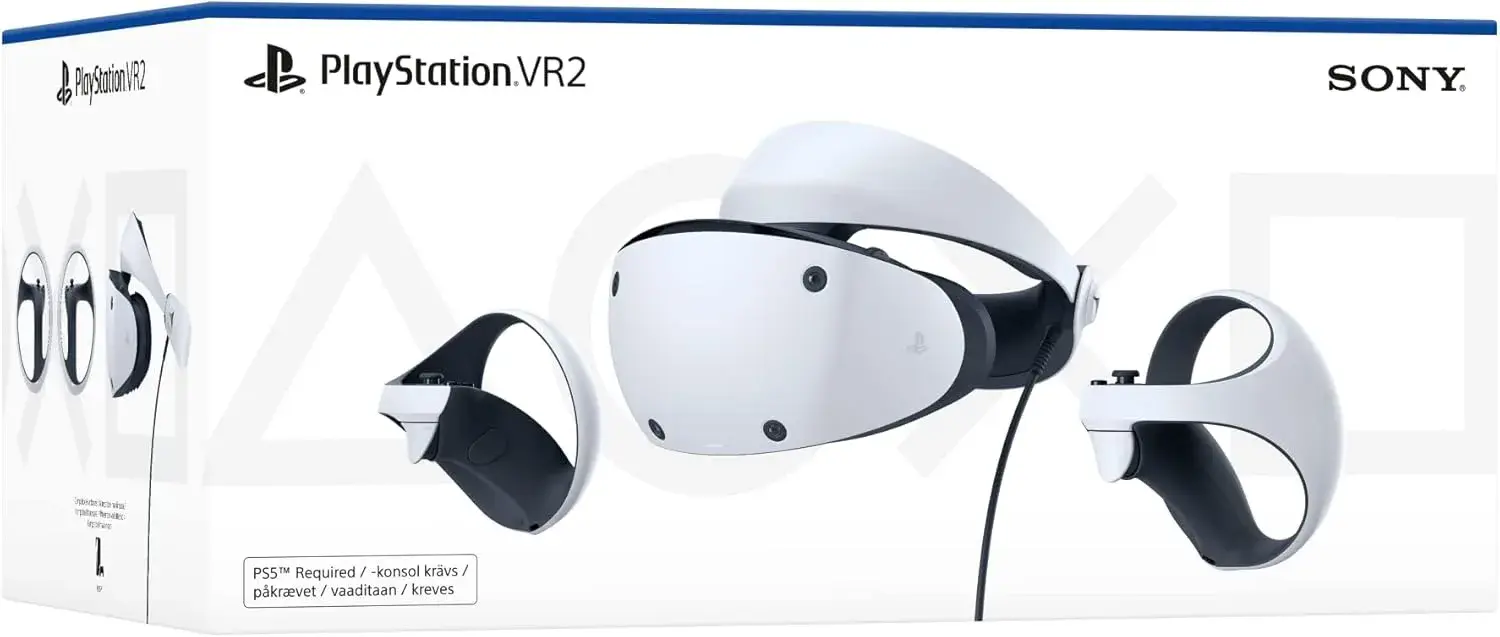
If you own a PlayStation VR headset, check how it works with the PS5. Some set-ups need an adapter, and not every game works. Cameras, charging docks and other accessories vary, so tell us what you own, and we check.
How to move everything, step by step
- Before the trade-in, back up your saves with online storage or a USB drive.
- Sync your trophies.
- Note your digital games and your discs.
- Copy screenshots and videos you want to keep.
- Deactivate your PS4 as your primary console, sign out and initialise it fully.
- Trade it in, and collect your PS5.
- Set up your PS5, and sign in with your account.
- Restore your saves from online storage or your USB drive.
- Download your digital games. Start with your favourites.
- Insert your discs, if your PS5 has a disc drive.
- Test a game, to confirm your saves are there.
- Keep your backup until you are sure everything is restored.
Moving everything: the safe order
Many players ask whether to trade in first or set up first. The safest order is this: back up first, collect your PS5, set up and restore, check that your saves and games are there, and only then reset and hand over your PS4. If you trade in on the same visit as you buy the PS5, make sure you have backed up first, and keep your backup safe.
Console by console: what to know
If you have a PS4 Slim (valuation KSh 13,000)
Your Slim has no optical audio output, so if you used one, plan an HDMI audio connection on the PS5 instead. Your storage is 500GB or 1TB, depending on the version, so the move is usually quick.
If you have a standard PS4 (valuation KSh 12,000)
Your original console may have a loud fan and a slow drive, so backups and downloads can feel slow. Be patient. Your optical audio output has no equivalent on the PS5, so plan an HDMI audio connection.
If you have a PS4 Pro (valuation KSh 18,000)
Your Pro likely has a large library on its 1TB drive, so plan a long download. Check your TV settings so that you keep your picture quality. Your Pro uses its own power cable, so make sure it goes with the console.
What does not carry over
A few things do not transfer, and it is better to know in advance.
- PS3, PS2 and PS1 discs do not work on a PS5.
- Some accessories may not work, so check your headsets, cameras and VR gear.
- Console-specific settings need setting up again.
- Themes and layouts may need setting up again.
- Anything that was only on the console and not backed up is lost when you reset it.
Game-by-game checks
Before you trade in, look at your most-played games and ask three questions.
- Is the game playable on the PS5? Most PS4 games are. Check the store page.
- Is my save backed up? Check the cloud or copy it to a drive.
- Is there a PS5 version? If there is, check the terms of any upgrade.
For online games, also check whether your account's progress is stored online. Many online games keep your progress on the publisher's servers, so it follows you.
Family and child accounts
If your PS4 has family accounts, the family manager keeps control. On the PS5, sign in each account, and check the family settings: age ratings, spending limits and playtime. GTA 6 is a mature-rated game, scheduled for 19 November 2026 on PS5 and PS5 Pro, and not for PS4, so be sure that the settings suit your household.
What to do about your old accessories
If you have accessories that you no longer need, ask us. We tell you whether they are useful with the PS5, and whether they can be part of the trade. If you want to keep them, keep them. Many people keep a PS4 controller as a spare for PS4 games.
Planning your first day on the PS5
- Unbox and connect the PS5.
- Sign in and restore your saves.
- Download your favourite games first.
- Pair your DualSense.
- Update the system software.
- Test a game you know well.
- Check your settings: vibration, trigger effects, video and audio.
If you are planning for GTA 6, buy your game early. See buy GTA 6 PS5 today.
Five stories
Njeri's discs
Njeri owns a shelf of PS4 discs. She chose a PS5 with a disc drive, and every disc still works. Her PS4 Slim, valued at KSh 13,000, helped with the balance.
Otieno's saves
Otieno was halfway through a long game. He uploaded his save to online storage, restored it on the PS5 and carried on from the same spot. His standard PS4, valued at KSh 12,000, went towards the PS5.
Mercy's headset
Mercy has a wired headset. It works through the DualSense's headphone jack. Her PS4 Pro, valued at KSh 18,000, went towards her PS5.
Brian's external drive
Brian keeps PS4 games on an external drive. He kept the drive, and still plays them on the PS5.
Faith's trophies
Faith worried about her trophy collection. It was all there when she signed in on the PS5.
Backward compatibility, explained
Backward compatibility means a newer console can play games made for an older one. The PS5 plays the vast majority of PS4 games. For many, the PS5 can even improve how they run, with faster loading and, in supported titles, steadier performance. This is not guaranteed for every game, so if a certain game matters to you, check its store page, or ask us.
What it means in practice
- A PS4 game that you own runs on the PS5, using your saves.
- Loading is usually faster than on a PS4, because of the PS5's solid-state drive.
- Some games get an optional PS5 version, which can look and run better. Terms vary by game.
- PS4 games use the DualShock 4 or the DualSense, depending on the game.
What it does not mean
- It does not mean every PS4 game will run perfectly. A few may have limits.
- It does not mean older consoles' discs, such as PS3 discs, work.
- It does not mean PS5 games run on a PS4. They do not.
A library audit you can do in ten minutes
Before you move, take stock of what you own.
- List your digital games. Open your PS4's library, and note the ones you play.
- List your disc games. Count your discs.
- Mark the ones you will play on the PS5.
- Mark the ones you will not. You do not need to download them.
- Check the saves. Which games have progress you care about?
- Check the online games. Where is your progress stored?
- Check your subscriptions. When does PlayStation Plus expire?
This list tells you how much to download, which discs to keep and which saves to back up.
Save data: the details that matter
Local saves
Local saves are stored on the console's drive. They are the ones at risk when you reset the console, so back them up. Use online storage or a USB drive.
Cloud saves
Cloud saves are stored online, and follow your account. PlayStation Plus offers online storage for saves from supported games. Check that your key games have uploaded.
Game-specific online saves
Some games store your progress on the publisher's servers. These follow your account in the game, regardless of the console.
Which saves can be moved?
Most PS4 saves can be restored on the PS5 for the PS4 version of the game. If a game has a PS5 version, check the store page for how saves carry across, since terms vary by game.
How to test your saves
After you restore, start the game and check that your progress is there. Do this before you reset your PS4, if you can. If you have already reset it, rely on your backup, and keep the backup until you are sure.
Accessories: a compatibility guide
| Accessory | On a PS5 |
|---|---|
| PS4 controller (DualShock 4) | Works for PS4 games only |
| PS5 controller (DualSense) | Works for PS5 and PS4 games |
| Wired headset (headphone jack) | Often works through the controller |
| Wireless headset | Check the model |
| USB drive | Can hold PS4 games |
| External hard drive | Can hold PS4 games |
| PS VR | May need an adapter; check games |
| PS Camera | Check compatibility |
| Charging dock for PS4 controllers | For PS4 controllers only |
| Charging dock for DualSense | Needed for PS5 controllers |
If you plan to use older accessories, ask us when you call. We check what works.
Troubleshooting: when something does not carry over
A save is missing
Check that you restored from the right place. Look in the cloud and on your USB drive. If you uploaded to the cloud, sign in with the same account. If the save is still missing, call us, and we help you look.
A game does not appear in the library
Make sure you signed in with the account that bought it. Look in your purchased games list. If it is still missing, check that the game is available in your account's region.
A game will not run
Check that the game is playable on PS5. Update the game and the system software. If it still will not run, ask us.
The controller will not pair
Connect the DualSense by cable first. For a PS4 controller, connect by cable and choose the right account.
A headset has no sound
Check the connection and the audio settings in the PS5's menus. Try the headphone jack on the controller.
Planning your downloads
A big library means big downloads. Plan them.
- Prioritise. Download the games you play now.
- Use a stable connection. A wired connection is steadiest.
- Download at quiet times. Late at night, many connections are faster.
- Watch your data allowance.
- Keep the console powered until a download finishes.
- Delete what you do not play. You can download it again later.
If your connection is weak, see our guide to fixing weak Wi-Fi at home.
What to buy new, and what to keep
Keep
- Your PS4 controller, as a spare for PS4 games.
- Your wired headset, if it works.
- Your external drive.
- Your discs.
- Your HDMI cable, if it is good.
Consider buying
- A second DualSense.
- A charging dock.
- A new headset.
- Extra storage.
- A surge-protected extension.
PS5 top-up amounts for every PS5 on our site
The top-up is the PS5 price minus your trade-in valuation, and you pay it by M-Pesa. Here it is for every PS5 we list, for each PS4 you might trade in.
| PS5 model | PS5 price | Top-up with a PS4 Slim (KSh 13,000) | Top-up with a standard PS4 (KSh 12,000) | Top-up with a PS4 Pro (KSh 18,000) |
|---|---|---|---|---|
| PS5 Standard (disc), brand new | KSh 94,999 | KSh 81,999 | KSh 82,999 | KSh 76,999 |
| PS5 Slim Digital Edition 1TB, brand new | KSh 99,000 | KSh 86,000 | KSh 87,000 | KSh 81,000 |
| PS5 Slim Disc Edition 1TB, brand new | KSh 115,000 | KSh 102,000 | KSh 103,000 | KSh 97,000 |
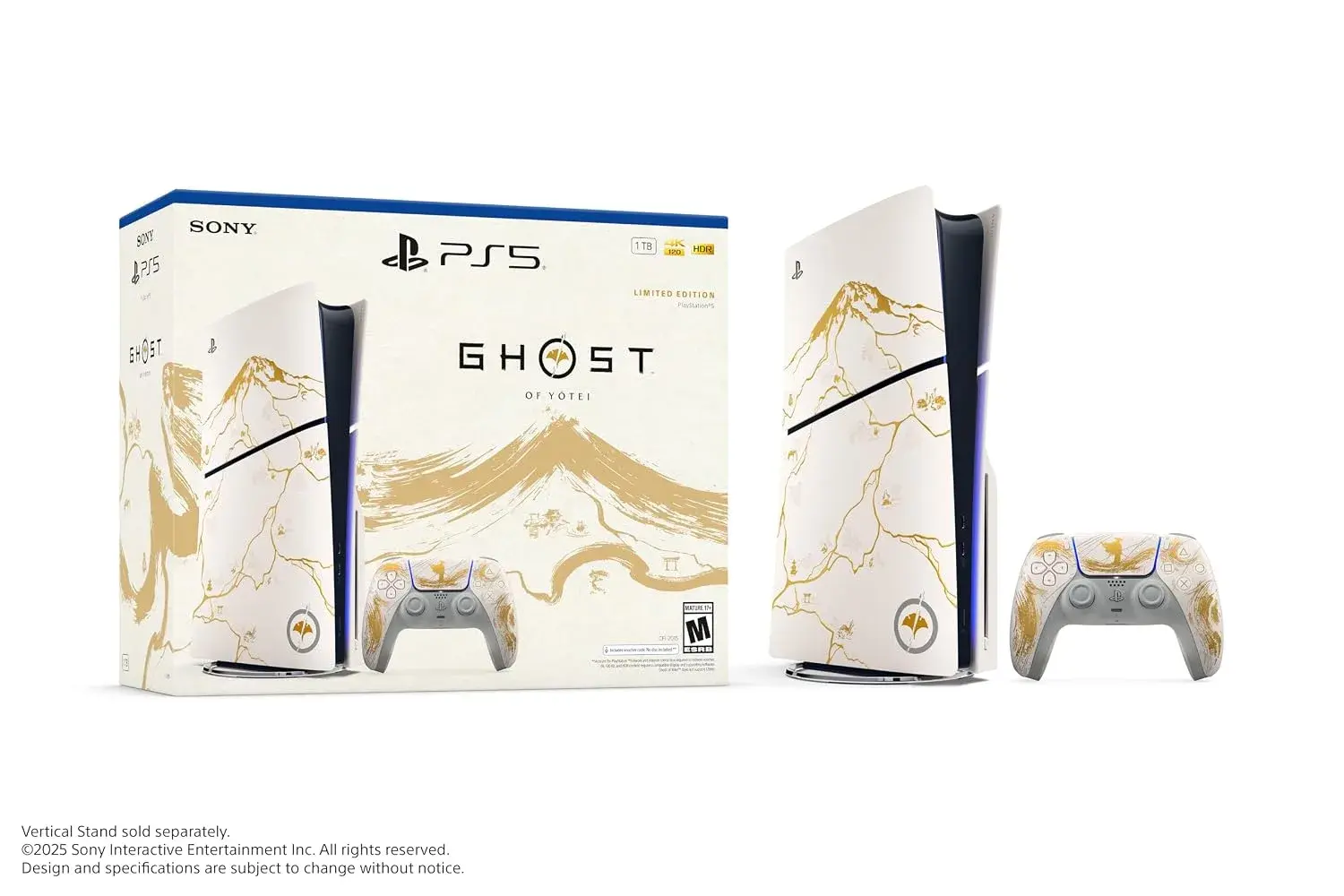
| PS5 Slim Ghost of Yōtei Limited Edition, brand new | KSh 125,000 | KSh 112,000 | KSh 113,000 | KSh 107,000 |
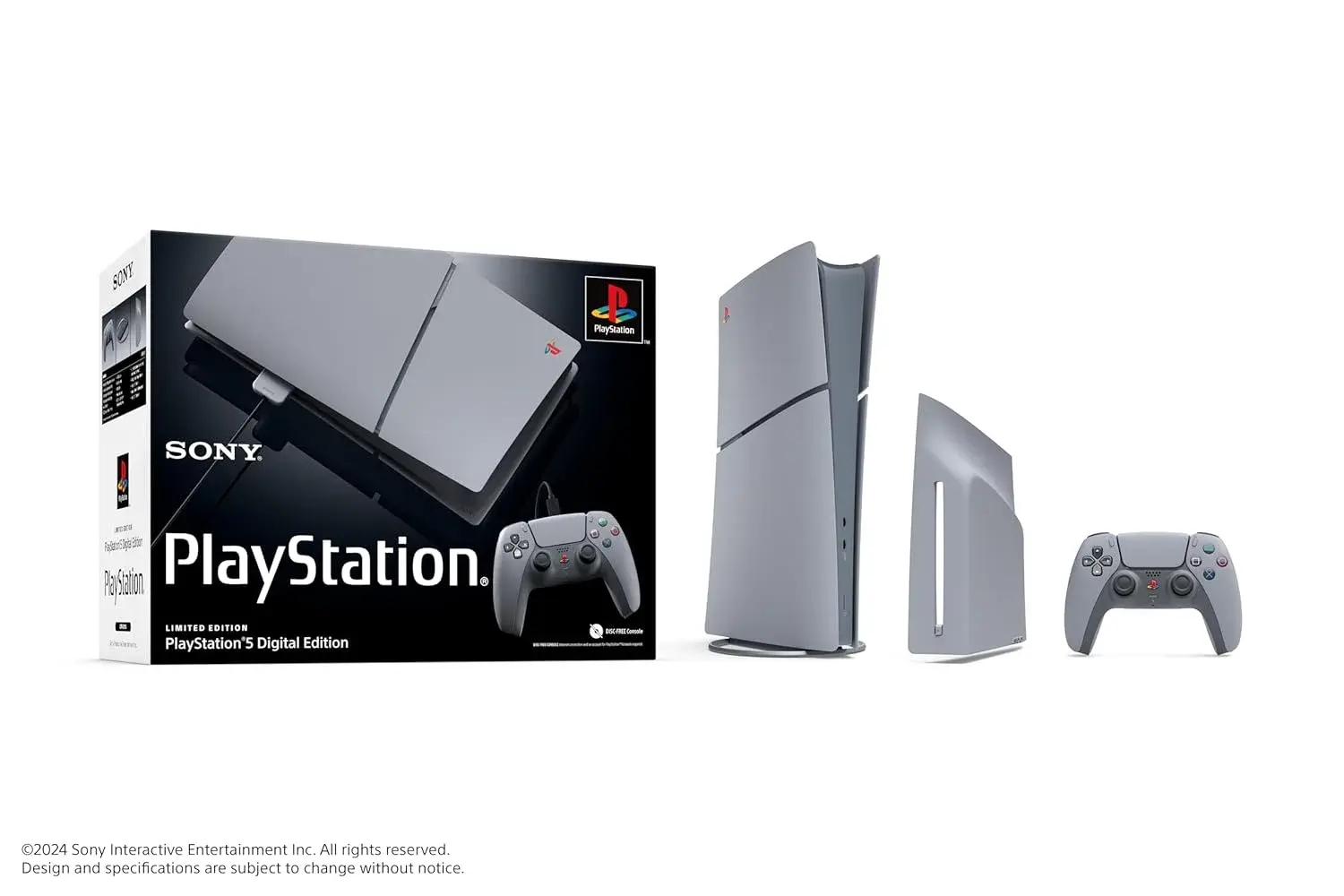
| PS5 Slim 30th Anniversary Edition, brand new | KSh 125,500 | KSh 112,500 | KSh 113,500 | KSh 107,500 |
| PS5 Pro 2TB (digital-only), brand new | KSh 195,000 | KSh 182,000 | KSh 183,000 | KSh 177,000 |
| PS5 Standard 825GB Disc Edition, refurbished | KSh 78,000 | KSh 65,000 | KSh 66,000 | KSh 60,000 |
| PS5 Slim 1TB Digital Edition, refurbished | KSh 78,000 | KSh 65,000 | KSh 66,000 | KSh 60,000 |
| PS5 Slim 1TB Disc Edition, refurbished | KSh 88,000 | KSh 75,000 | KSh 76,000 | KSh 70,000 |
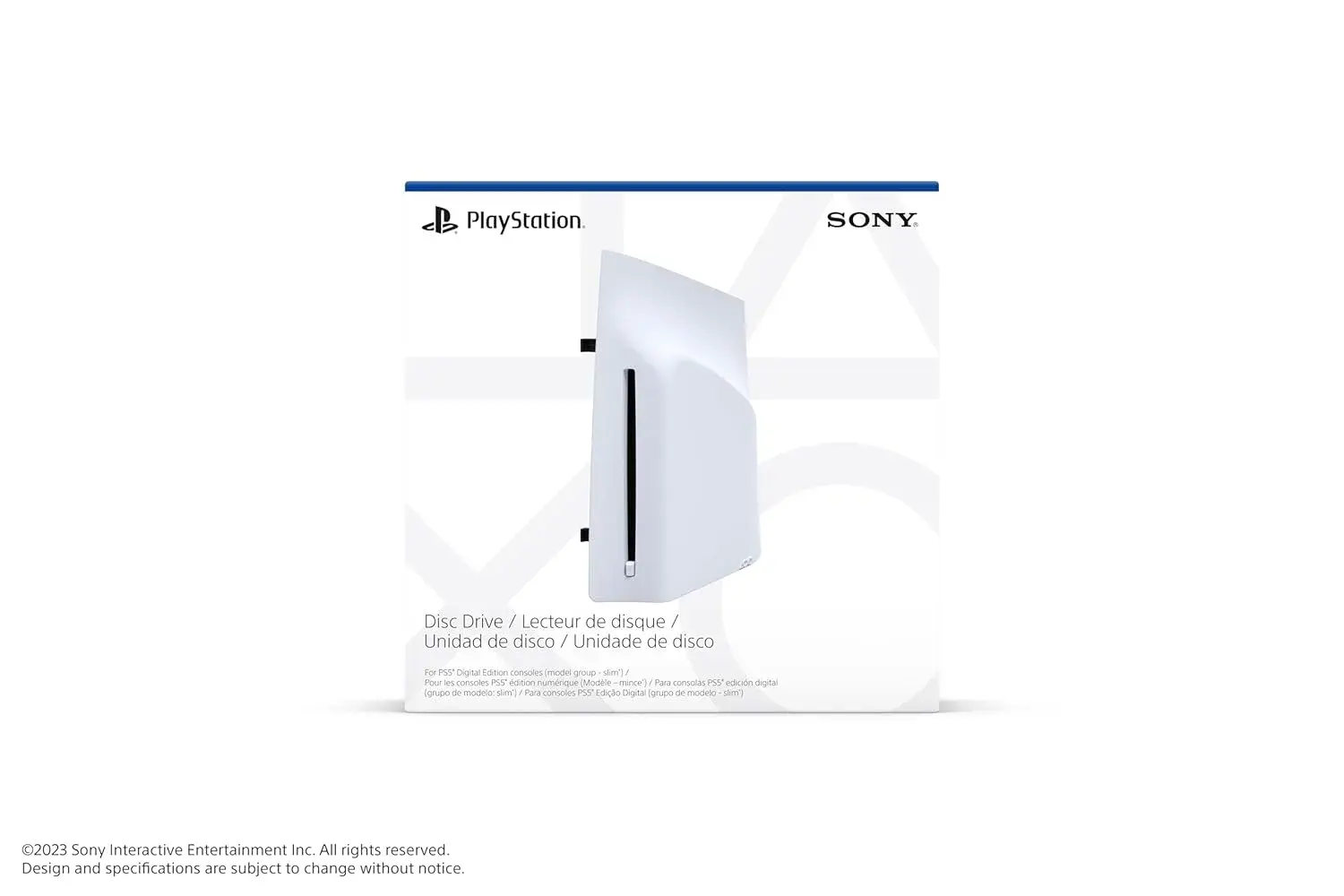
Top-up amounts use the PS5 prices shown on our product pages on 20 November 2026. Prices and stock can change, so confirm on the product page or by phone before you order. The PS5 Pro is digital-only, and a disc drive attachment is sold separately.
The trade-in itself
When you are ready, the trade-in is simple. You prepare your PS4, bring it to Shop 7, Second Floor, New Alnoor Exhibition, Taveta Road, Nairobi CBD, and we apply the valuation: KSh 13,000 for a PS4 Slim, KSh 12,000 for a standard PS4 and KSh 18,000 for a PS4 Pro. You choose any PS5, pay the balance by M-Pesa and collect it for free. These valuations are for consoles in good working condition, and we confirm the condition on inspection. Read how to trade in your PS4 for a PS5 in Kenya for every step.
Five common set-ups and how each moves
Set-up 1: all digital, PlayStation Plus active
This is the smoothest move. Your saves are in the cloud, your games are in your account, and your trophies are online. Set up the PS5, sign in, restore saves, download games. Your PS4 can be reset with confidence once your cloud saves have uploaded.
Set-up 2: mostly discs, no subscription
Choose a PS5 with a disc drive. Copy saves to a USB drive. Set up the PS5, restore the saves from the drive and insert the discs. The discs install and update, and your saves load.
Set-up 3: a mix of discs and digital games
Choose a PS5 with a disc drive. Back up saves by the method that suits you. Download your digital games, and insert your discs. Keep the disc case for each disc, so you can tell them apart.
Set-up 4: a very large library on a Pro
Plan a long download. Prioritise. Consider extra storage, and keep PS4 games on a USB drive to save internal space. Back up saves first.
Set-up 5: a shared family console
Each person backs up their own saves. Each account signs in on the PS5. Family settings are set for children. The family manager checks spending limits and age ratings. Reset the PS4 last, once everyone has confirmed.
A timeline for the move
One week before: audit your library, check your subscription and decide on your PS5.
Three days before: back up saves and copy screenshots and videos.
The day before: sync trophies, deactivate, sign out and, if you are ready, reset the PS4. If you prefer to restore first, keep the PS4 until after.
The day of the trade-in: bring the console, controller and cables, pay the balance by M-Pesa and collect your PS5.
The same evening: set up, restore saves and start downloading.
The following days: finish downloads, test games and adjust settings.
Mistakes that cause lost progress
- Resetting before backing up.
- Assuming every game has cloud saves.
- Forgetting to check that the upload finished.
- Losing the USB drive that holds the saves.
- Signing in to the wrong account on the PS5.
- Handing over the console with the account still signed in.
- Deleting the backup too soon.
Prevent all of them with a simple rule: back up, check, keep the backup, then reset.
Glossary for the move
Backward compatibility: playing PS4 games on a PS5.
Cloud save: a save stored online with your account.
Local save: a save stored on the console's drive.
DualShock 4: the PS4 controller.
DualSense: the PS5 controller.
Primary PS4: the console you designate to share your account's benefits.
Initialise: erase a console to a clean state.
Digital game: a game you downloaded and own through your account.
Disc game: a game on a physical disc.
Trade-in valuation: the amount we take off your PS5 total. PS4 Slim KSh 13,000, standard PS4 KSh 12,000, PS4 Pro KSh 18,000.
Print-and-tick checklist for the move
- Library audit done.
- Digital games noted.
- Discs counted and kept safe.
- Saves backed up and checked.
- Screenshots and videos copied.
- Trophies synced.
- PlayStation Plus status checked.
- Accessories checked for compatibility.
- External drive kept.
- Console deactivated, signed out and initialised.
- Controller and cables gathered.
- PS5 chosen: disc or digital, storage.
- Balance ready to pay by M-Pesa.
- Backup kept until the PS5 is confirmed.
What not to worry about
You do not need to worry about losing your friends list, your trophies, your purchases or your subscription. They all belong to your account. You do not need to worry about being unable to play your favourite games, since most PS4 games run on the PS5. You do not need to worry about finding a buyer or making a deal with a stranger. And you do not need to worry about doing it alone. Call us on 0745 575 931 or 0794 488 806, and we help you at every step.
Final word
Moving from a PS4 to a PS5 is mostly about care, not about loss. Back up your saves, keep your account, bring your discs and your accessories where they work, and let your old console count towards the new one. At City Gadgets Kenya, that means KSh 13,000 for a PS4 Slim, KSh 12,000 for a standard PS4 and KSh 18,000 for a PS4 Pro, towards any PS5, with the balance paid by M-Pesa. Visit Shop 7, Second Floor, New Alnoor Exhibition, Taveta Road, Nairobi CBD, Monday to Friday 9am to 7pm or Sunday 11am to 4pm, closed Saturday.
Questions parents and families ask
"Can the children keep their own accounts?"
Yes. Each child's account lives online, and signs in on the PS5. The family manager's account controls the family settings, so check age ratings, spending limits and playtime when you set up.
"Will the children lose their progress?"
Not if each child's saves are backed up before the PS4 is reset. Sit down together, go through each account and confirm.
"Can the children keep using the PS4 controllers?"
Yes, for PS4 games on the PS5. For PS5 games, they need DualSense controllers. A second DualSense is a popular addition.
"What about a mature-rated game like GTA 6?"
GTA 6 is scheduled for 19 November 2026 on PS5 and PS5 Pro, and it is not made for PS4. It is a mature-rated game, so check the rating and use the PS5's family settings before buying for a young player.
"Do we need to tell the shop about each account?"
No. We never need your passwords. Just make sure each account is backed up, signed out and the console initialised before you hand it over.
The key idea
Your games, saves, trophies and subscription belong to your account, not to the console. That is why a trade-in is safe when you prepare properly: the console is only the machine, and everything that matters stays with you.
Frequently asked questions
Will my PS4 games work on PS5?
Most do. Digital games download again, and discs work on a PS5 with a disc drive.
Will I lose my saves?
Not if you back them up. Use online storage, a USB drive or a network transfer.
Do my trophies carry over?
Yes. They belong to your account.
Will my PS4 controller work on PS5?
For PS4 games, yes. PS5 games need a DualSense.
Will my headset work?
Many wired headsets do. Check wireless models.
Do PS3 discs work on PS5?
No.
Can I keep my external drive?
Yes. It can hold PS4 games on the PS5.
Does PlayStation Plus carry over?
Yes. It belongs to your account.
Do I need to buy my games again?
No. Digital games belong to your account.
How much is my PS4 worth on trade-in?
PS4 Slim KSh 13,000, standard PS4 KSh 12,000 and PS4 Pro KSh 18,000.
Where do I bring my console?
Shop 7, Second Floor, New Alnoor Exhibition, Taveta Road (Taveta/Accra Road junction), Nairobi CBD.
Can I pay the balance by M-Pesa?
Yes.
One more reassurance: if you are ever unsure whether something will carry over, ask before you reset. Call 0745 575 931 or 0794 488 806 with the name of the game or the accessory, and we check it with you. It takes a minute, and it can save you from losing something you cannot get back. The golden rule remains the same: back up first, restore on the PS5, confirm that everything is there, and only then reset and hand over your PS4. Your valuation, KSh 13,000 for a PS4 Slim, KSh 12,000 for a standard PS4 or KSh 18,000 for a PS4 Pro, will be waiting when you are ready.
Quick answers by keyword
- Will my PS4 games work on PS5: most do.
- Transfer PS4 saves to PS5: online storage, USB drive or network transfer.
- PS4 controller on PS5: works for PS4 games only.
- PS4 trade-in Kenya: Slim KSh 13,000, standard KSh 12,000, Pro KSh 18,000.
- PS4 to PS5 upgrade Nairobi: call 0745 575 931.
Ready to move up?
Call 0745 575 931, email sales@citygadgetskenya.co.ke or visit the shop. Pay the balance by M-Pesa, and collect your PS5 for free. Product pages: trade in a PS4 Slim, trade in a standard PS4 and trade in a PS4 Pro.