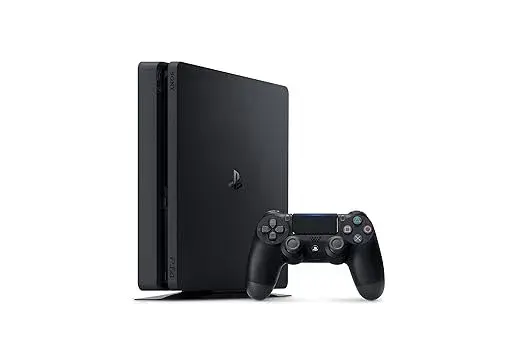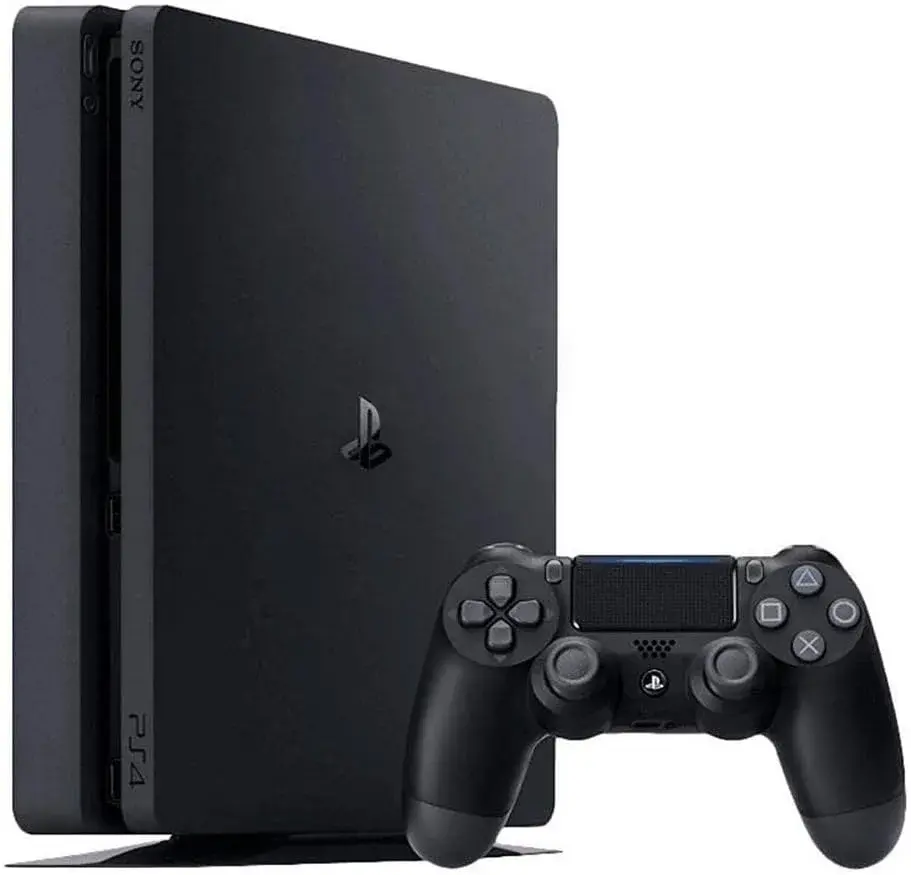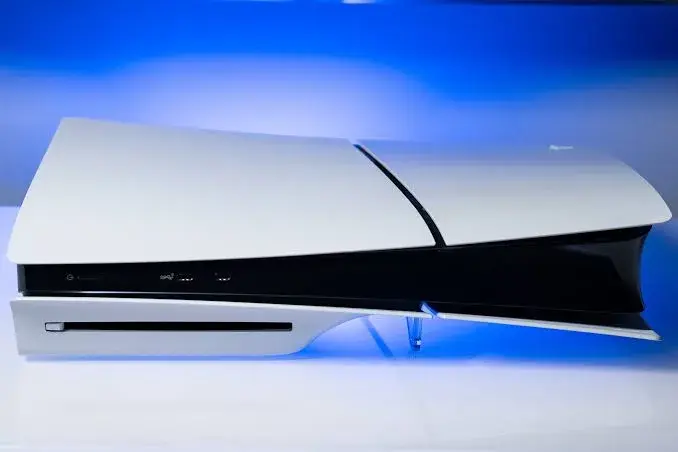
Refurbished PS5 in Nairobi, Kenya: The Honest Buying Guide
What "refurbished" means, which PS5 to look for, the tests to run before you pay, the scams to avoid, and why a shop with an address beats a stranger on a classifieds site. By City Gadgets Kenya, Nairobi CBD.
If you are searching for a refurbished PS5 in Nairobi, you have probably noticed two things. First, a new PS5 is a big expense for most households. Second, the used market is crowded, confusing and full of listings that say very little. Some are fine. Some are traps. Telling them apart takes a little knowledge, and this guide gives you that knowledge in plain language.
We run a shop at Taveta Road in Nairobi CBD, and we would be happy for you to buy from us. But this guide is written to be useful wherever you buy. A good buyer is good for everyone, including us. We will tell you what to check, what to ask and what to walk away from, and we will be clear about what we confirm for you and what you should always verify yourself.
Stock note: Refurbished stock changes quickly and varies by model, condition and what is included. We do not list a fixed stock here. Call or WhatsApp our Sales team on 0745 575 931 to ask what PS5 units we have right now, and we will confirm the exact model, its condition, what is in the box and the warranty before you pay.
The short answer: where to buy a refurbished PS5 in Nairobi
You have four realistic routes, and they carry different levels of risk.
| Route | What you get | Main risk |
|---|---|---|
| An established shop with a physical address (such as City Gadgets Kenya) | A seller you can visit again, a receipt and someone accountable if the console fails | You still need to test the console and get the warranty terms in writing |
| Online classifieds such as Jiji Kenya | Many listings, often from individuals, sometimes at lower prices | Little or no warranty, wide variation in honesty, and scams |
| Social media sellers (Instagram, TikTok, Facebook, WhatsApp groups) | Photos and quick replies | Payment-first demands, vanishing sellers and stolen goods |
| Sony's own refurbished programme | Sony has started selling refurbished PS5 consoles in some markets, per a VGC report | We have not confirmed it is available in Kenya |
Our advice is to treat the seller as the most important part of the purchase. The same console can be a good buy from one seller and a bad buy from another, because what protects you is not only the hardware but the warranty, the receipt and the person you can walk back to if something goes wrong.
What "refurbished" really means (and what it doesn't)
The word is used loosely, so ask the seller to explain what they mean. In general:
- New: sealed, never used.
- Open box: opened but barely used, often a return.
- Refurbished: a used console that has been inspected, cleaned and tested, and in some cases repaired, before resale. What exactly was done varies by seller. There is no single legal definition that we can point you to in Kenya, so the word alone guarantees nothing.
- Used or pre-owned: sold as it was, with little or no testing.
- Faulty or "for parts": sold broken.
The practical lesson is that "refurbished" is a claim, not a certificate. Ask the seller three questions:
- What was checked or repaired? A good answer is specific. A vague answer ("it's been tested") is a warning.
- Who did the work? A shop, a technician or the previous owner?
- What warranty comes with it? In writing, with the duration and what it covers.
Refurbished goods can be a smart purchase when the seller is honest and the price reflects the condition. We have written before about why refurbished does not have to mean inferior, and the same logic applies here: the quality depends on the inspection and the seller, not on the label.
Which PS5 should you look for?
Before you shop, decide which PS5 you want, because the models are different and some sellers blur the differences.
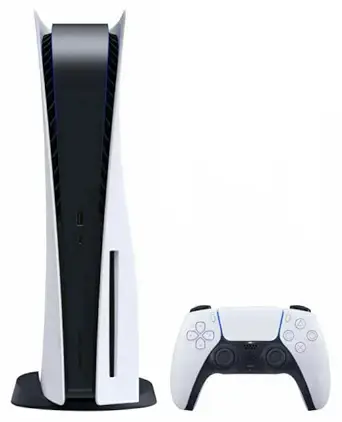
The original PS5 (disc and digital)
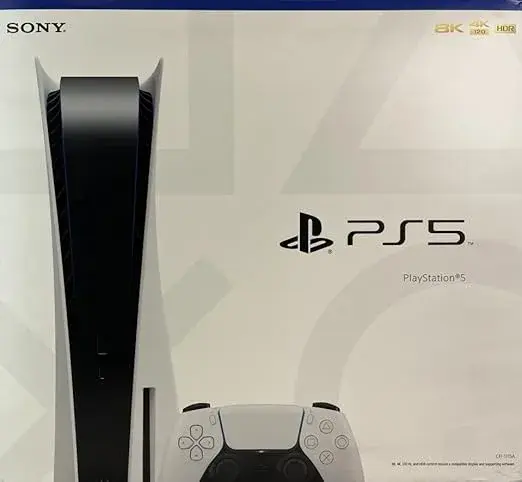
The first PS5 came in a disc edition and a digital edition, with an 825GB SSD. It is larger than later models. If you buy an original, check which edition it is: the digital edition has no disc drive and cannot play physical discs.
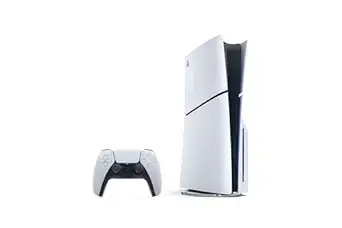
The PS5 Slim
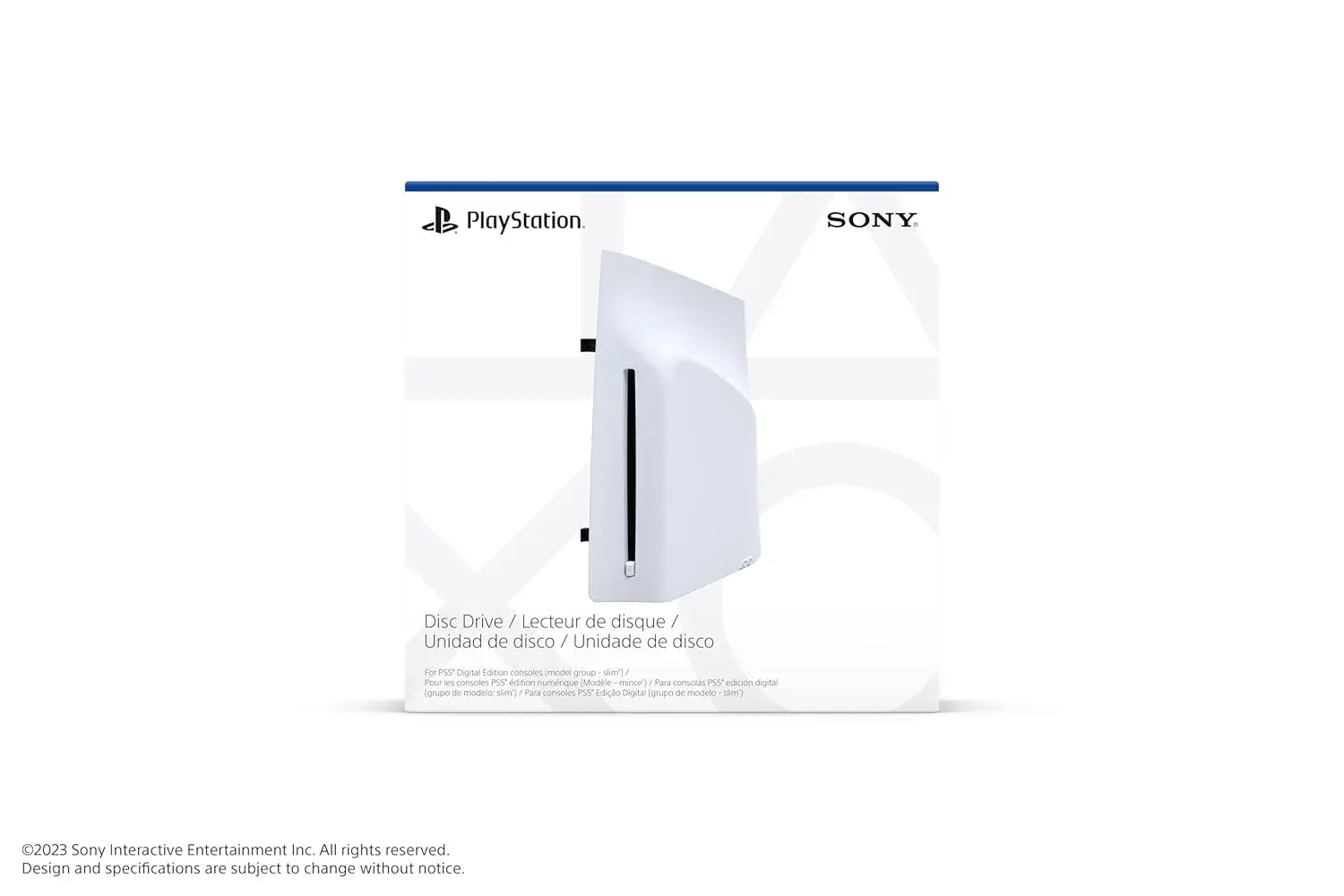
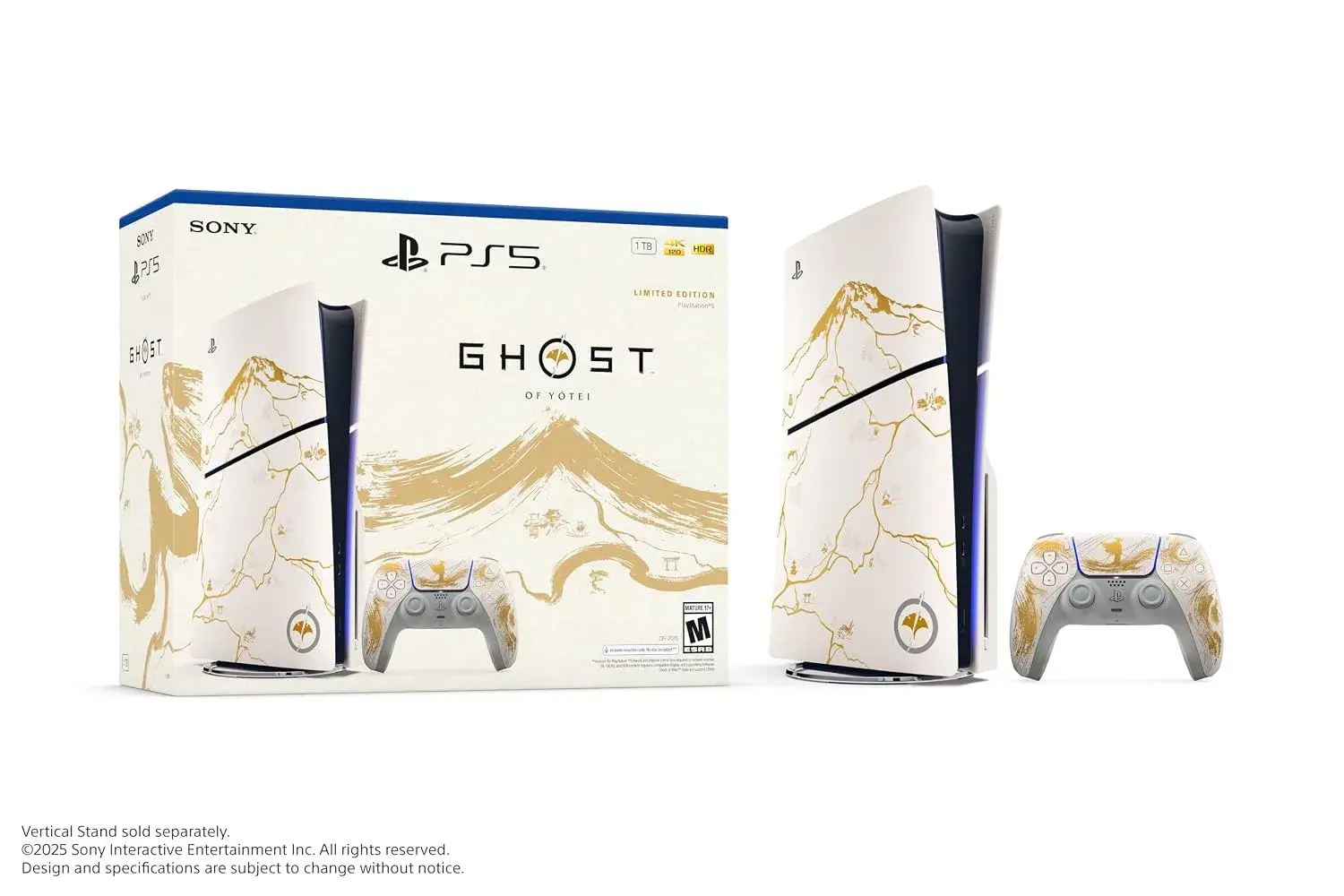
The PS5 Slim is a smaller redesign with a 1TB SSD. It comes as a disc model and a digital model, and the disc drive on the Slim is a separate, detachable part. This means a digital Slim can be paired with a disc drive that is sold separately, and it also means you should check that a "disc" Slim really has its drive.
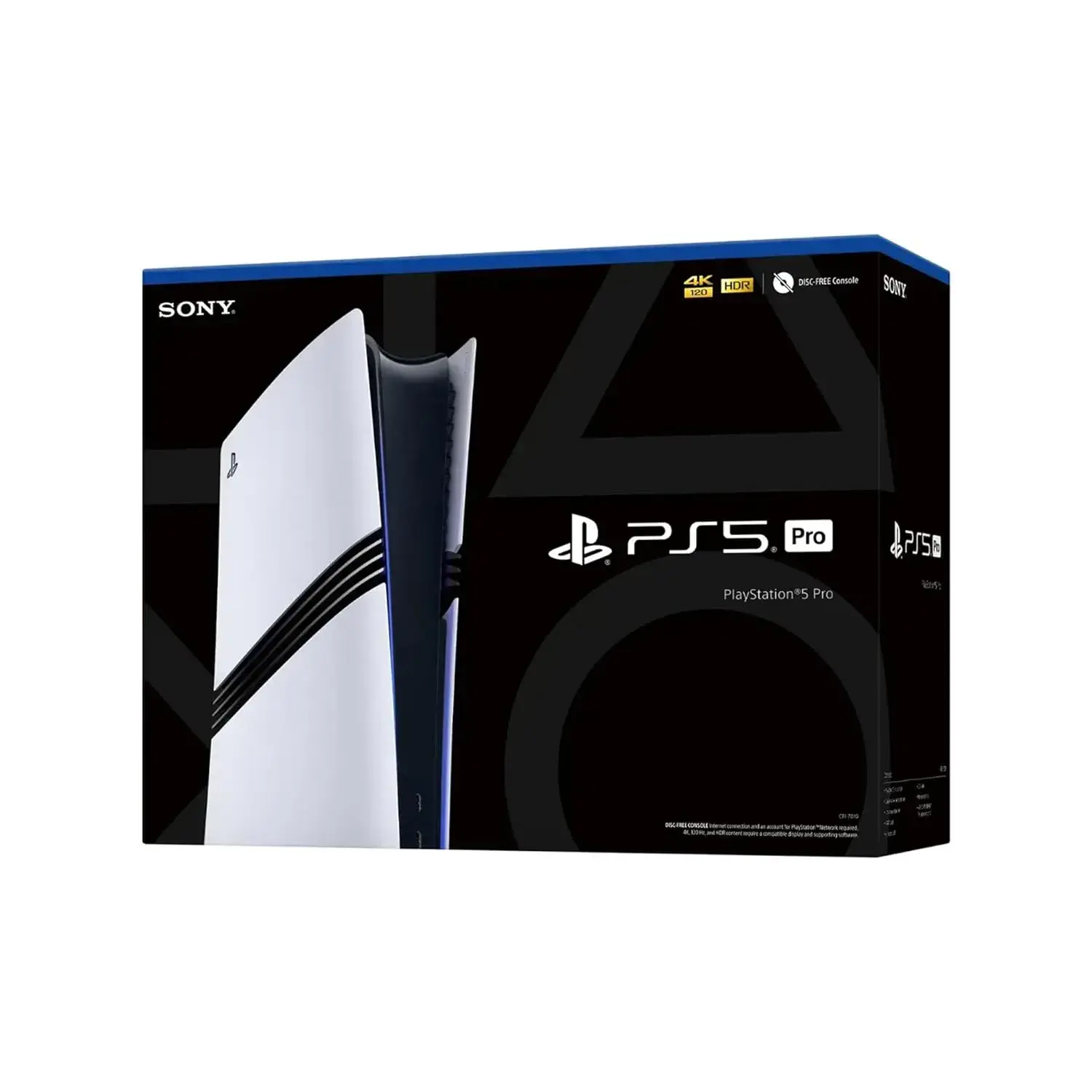
The PS5 Pro
The PS5 Pro is the higher-performance model, with a 2TB SSD, and it does not include a disc drive in the box. If a seller offers a "Pro", check the label on the box and the model information in the console's settings, because the price gap between models is large and mislabelling is an easy scam.
Which one is best for you?
- You buy physical discs, trade games or borrow from friends: pick a disc model.
- You buy games digitally: a digital model is enough, and is often cheaper.
- You want more built-in storage: a Slim or Pro starts with more than the original.
- You have a 120Hz TV and care about the highest quality: the Pro is the one that targets the highest-end features. Many games, including the new Call of Duty: Modern Warfare 4, list extra benefits on PS5 Pro, per the game's PlayStation page.
The key point: know the model before you talk price. Ask the seller for a photo of the model label and for the model information shown in the console's settings.
Is a refurbished PS5 a good idea at all?
Yes, for many buyers, with conditions.
The case for
- Lower cost than new, which can be the difference between buying now and waiting a year.
- The console is a mature product. The PS5 has been on the market for years, so its common failure points are well known, and you can test for them.
- Many games run the same on a refurbished console as on a new one.
- You can inspect it before paying, which you cannot do with a sealed box.
The case against
- Wear is real. Fans, ports, the disc drive and the controller can show age.
- You may get a short warranty or none.
- Account and ban issues can come with a console that has a history.
- Scams are more common in the used market.
A good rule: if the seller will not let you test the console, will not give you a receipt or will not state the warranty, walk away, however good the price looks.
The 15-point test: what to check before you pay
Do these checks before you hand over money. A genuine seller will let you. If you are buying from us, ask to inspect and test the console in the shop before you pay. If you are buying from anyone else, insist on meeting in person.
Part 1: Look at the console
- Model and edition. Compare the model label on the console and box with what the seller said. Confirm disc or digital.
- Serial number. Find it on the console and on the box if there is one. Write it on the receipt.
- Physical condition. Look for cracks, deep scratches, loose panels, missing screws and signs of opening, such as damaged screw heads. Light marks are normal.
- Ports. Look inside the HDMI port, the USB ports and the power socket for bent pins, damage or looseness. Wiggle the cables gently.
- Vents and dust. Heavy dust or a smell of smoke suggests a hard life.
Part 2: Power it on
- Boots cleanly. Switch it on. It should reach the home screen without error messages or repeated restarts.
- Fan and noise. After a few minutes it should not sound like a jet. Note any rattling, grinding or sudden loud spikes.
- Overheating. Run a game or an app for 15 to 30 minutes. If it shuts down, throws a heat warning or smells hot, that is a red flag.
- Video output. Connect it to a TV and check that the picture is stable at the resolution you expect. If you have a 4K 120Hz TV, test that mode. Our guide on HDMI 2.1 explained shows what to look for, and your cable must support it.
- Disc drive (disc models). Insert a disc you know works, and test reading and ejecting. Try more than one disc if you can.
- Storage. Open the storage settings and check that the capacity matches the model.
Part 3: Connections and accessories
- Wi-Fi and Ethernet. Connect to a network and make sure it stays connected. Test a download or a speed check.
- USB ports. Try a controller or a flash drive on each port.
- Controller. Test every button, both sticks (drift is common on older controllers), triggers and the charging port. If a second controller comes with it, test that too. Charge it and check it holds a charge.
- Accessories in the box. Check the power cable, HDMI cable and anything else the seller promised. In Kenya, check that the power cable plug fits your sockets, which are Type G, or that an adapter is included.
If anything fails, ask for it to be fixed or replaced, or walk away. Do not accept "it will probably be fine".
The account and ban check (the part people forget)
A PS5 is not just hardware. It is tied to a PlayStation Network account, and a console with a history can bring problems.
- The previous owner's account must be removed. The console should be reset to factory settings, and it should not show someone else's profile. If the previous owner's account is still on it, ask them to sign out and deactivate the console. Do not accept a console that is "set up and ready" with another person's account.
- Do not buy a console that is tied to someone else's PSN account or that requires you to sign in with their details. That is a recipe for losing the games and the console to a dispute.
- Ask whether the console has ever been banned from PlayStation Network. A banned console can lose online features. A seller may not know, or may not say, so the safest option is a seller who stands behind a written warranty.
- Avoid modified consoles. A jailbroken or "chipped" PS5 carries serious risks, including bricking and losing online access. If the seller advertises modifications as a feature, we would walk away.
Warranty: the single most important question
When you buy a refurbished PS5, the warranty is your safety net. Ask:
- How long is it? Get a number of days or months.
- What does it cover? The whole console, or only some parts? Does it cover the controller and the disc drive?
- What does it not cover? Liquid damage, physical damage and modification are common exclusions.
- Who honours it? The shop, a repair partner or no one?
- What do I do if it fails? Who do I call, and do I need to bring the receipt?
- Is it in writing? If not, it may not exist.
At City Gadgets Kenya, ask us to confirm the warranty in writing for the exact unit before you pay, and our Customer Relations team on 0794 488 806 handles warranty and support questions. We do not publish a generic warranty length here because it depends on the specific unit, and we would rather confirm the real terms than promise something loosely.
Price: how to judge a fair deal
We do not list prices in this guide, since they change, and stock varies. But here is how to judge any quote.
- Compare like with like. Same model, same edition, same storage and the same accessories. A "PS5" at a low price may be a digital model without a controller.
- Count what is included. A second controller, a game or a charging dock can change the real value.
- Ask what the price includes. Warranty, delivery and a receipt are part of the price.
- Be wary of prices far below everyone else's. If a deal is much cheaper than the market, ask why. Stolen goods, hidden faults and accounts that will be taken back are common reasons.
- Do not pay a deposit to a stranger. Pay on collection, after testing, and keep proof.
Ask our Sales team on 0745 575 931 for a current quote. Pay with M-Pesa when you are satisfied with the console.
Scams and red flags in the Nairobi used-console market
Scams exist everywhere. Here are the patterns to watch for.
- "Pay first, I'll send it." Genuine sellers do not demand full payment from a stranger before you have seen the console.
- Photos that do not match. Ask for a short video with today's date written on paper next to the console, powered on.
- A seller who will not meet. If they only want to deal through a courier or a bus, be cautious.
- Stolen consoles. An unusually low price, no box or receipt and a hurry to sell are common signs. Ask for the original box, proof of purchase and the serial number.
- Fake "brand new" claims. A used console sold in a re-sealed box is a known trick. Check for tampered seals.
- Wrong model. A digital sold as disc, or a console without the drive described, is a common mismatch.
- Account traps. A console tied to the seller's account, or a "free games included" offer using a shared account that can be taken back.
- Modified consoles sold as a bonus.
- Fake payment confirmations. If you pay by M-Pesa, check your own phone for the real message and do not trust a screenshot.
- Pressure. "Many people are interested, decide now" is a classic push. A good deal survives a 15-minute test.
Setting up your refurbished PS5
Once you have bought it, set it up properly.
- Update the system software on Wi-Fi or Ethernet.
- Create or sign in to your own PlayStation Network account.
- Set the console as your primary console if you want to share digital games on it.
- Check the video settings for your TV: resolution, HDR and 120Hz if supported. See our guide on HDR, HDR10 and Dolby Vision explained and the one on refresh rate.
- Choose a good place for the console. Leave space around the vents, keep it off carpet and out of enclosed cabinets.
- Use a voltage regulator or surge protector. Kenyan power can fluctuate, and cuts are common. A sudden outage during an update can cause trouble.
- Back up your saves with PlayStation Plus cloud saves, if you subscribe, or a USB drive.
Does your TV match your PS5?
A PS5 gives its best on a 4K TV with HDMI 2.1. If your TV is older, the console will still work, but you will not get every feature. Match your TV to your goals:
- Casual gaming on a modest TV: the console will scale to your screen. See our guide on 4K upscaling explained.
- Competitive or high-frame-rate gaming: look for 120Hz and variable refresh rate (VRR).
- Choosing a size: read which TV size for your room.
- Ready shortlists: 43-inch, 55-inch and 65-inch TVs.
We confirm the specs of the specific TV before you pay, since 120Hz and VRR support varies by model.
Common faults to look for, and what they usually mean
This list is general guidance based on how consoles commonly behave, not a finding about any particular unit.
- Constant loud fan noise. Dust build-up or heavy use. A clean may help, but a fan that is grinding or rattling needs attention.
- Random shutdowns or heat warnings. Often a cooling problem. Do not accept this on a console you are paying for.
- Controller drift. The character moves on its own with the stick untouched. It is common on older controllers and can be fixed or replaced, so factor it into the price.
- A disc drive that will not read or eject. Test with more than one disc. A fault here can be costly, so check it before you pay.
- A loose or damaged HDMI port. A picture that flickers when you touch the cable is a warning. Ports are hard to repair well.
- Wi-Fi that keeps dropping. Test on the network, and also try a LAN cable. If both fail, there may be a hardware fault.
- Error messages on start-up. Note the code and ask the seller to explain it. If they cannot, do not buy.
- A console that needs "special" steps to work. Be careful with anything that only works with a trick the seller shows you.
Photograph or note any fault you find, and agree in writing how it will be resolved before you pay.
Accessories worth thinking about
A refurbished console is only part of a gaming setup. Think about what else you need, and ask us to quote it together.
- A second DualSense controller for local multiplayer. Test it before you buy.
- A certified HDMI cable. A weak cable can block 4K at 120Hz.
- A voltage regulator or surge protector. Power cuts and surges are a risk to any electronics in Kenya.
- Extra storage. The PS5 has an expansion slot for a compatible NVMe SSD. Check the PlayStation requirements for speed and heatsink before you buy one, and ask us to confirm compatibility.
- A headset. Good audio helps in shooters. Check that the headset connects the way you want, via the controller's headphone jack, USB or a wireless dongle.
- A soundbar, if your TV's speakers are thin. Read our guide to the best soundbar in Kenya.
- A subscription plan. PlayStation Plus for online play, and a budget for games.
Looking after your PS5
A refurbished console lasts longer when you care for it.
- Give it space. Keep the vents clear and leave a few centimetres on each side.
- Keep dust down. Dust is the main enemy of any console. Wipe the exterior with a dry cloth and avoid blowing compressed air into the vents unless you know what you are doing.
- Do not move it while it is on. Especially a disc model, where a knock can damage the drive.
- Use a regulated power supply. Switch it off at the wall in a storm.
- Update the software. Updates fix bugs and improve stability.
- Do not open it if you are under warranty. Opening may void the warranty.
Games, accounts and what to expect
- Digital games belong to accounts, not consoles. If you buy a console with someone else's games on their account, the games stay theirs. Use your own account.
- Physical games work on any disc console, and they hold their value, so they are a safe route if you want to sell later.
- Online play needs PlayStation Plus for most multiplayer games. New releases such as Call of Duty: Modern Warfare 4, which launched on PS5 and not on PS4, also need an Activision account, per the PlayStation Canada product page.
- Storage fills fast. A big game can take well over 100GB, and one report puts the Modern Warfare 4 install at 115GB, which we treat as unconfirmed. Check your console's capacity against the games you want.
Refurbished PS5 vs new PS5: how to decide
| Question | Refurbished leans better if... | New leans better if... |
|---|---|---|
| Budget | You want to spend less today | You want the longest possible coverage |
| Warranty | The seller gives a clear written warranty | You want the manufacturer's full warranty from day one |
| Risk | You are happy to test the console carefully | You want no history at all |
| Model | You want an older model for less | You want the latest model |
| Time | You can inspect it in person | You want to order and receive a sealed box |
Neither is automatically better. The right choice is the one that matches your budget, your patience for checking and the seller you trust.
Why buy a refurbished PS5 from City Gadgets Kenya
We want to be fair here, so this is what we offer and what we ask you to confirm.
- A real shop, a real address. City Gadgets Kenya is at New Alnoor Exhibition, Shop 7, Second Floor, Taveta Road (at the Taveta Road and Accra Road junction), Nairobi CBD. You can walk in, hold the console and test it. If something goes wrong, you know where to find us.
- We confirm before you pay. Model, edition, condition, what is in the box and the warranty are confirmed for the specific unit before payment.
- Two clear lines. Sales on 0745 575 931 for stock, quotes and orders. Customer Relations on 0794 488 806 for warranty, returns and support. Both are on WhatsApp.
- Delivery. Same-day delivery in Nairobi for orders confirmed before 3:00pm on a working day, and courier delivery outside Nairobi, typically 1 to 3 business days after dispatch. The delivery charge depends on your location and the size of the item, and is confirmed before you pay. Collection from the shop is free.
- M-Pesa accepted.
- Everything for the console. Ask us about a TV that suits your PS5, a soundbar or a voltage regulator. We can quote them together.
How to spot a bad seller in one minute
Ask these five questions. A good seller answers calmly and specifically.
- "Which exact model is this, and how do I check it on the console?"
- "What was checked or repaired, and who did it?"
- "What warranty do I get, and can I have it in writing?"
- "Can I test it before I pay?"
- "Is the console free of any account, and has it ever been banned?"
If the answers are vague, defensive or impatient, you have learned what you needed to know.
Frequently asked questions
Where can I buy a refurbished PS5 in Nairobi? You can buy from an established shop with a physical address, from online classifieds such as Jiji Kenya, or from individual sellers on social media. Shops usually offer more accountability. Call or WhatsApp us on 0745 575 931 to ask what we have in stock.
What does refurbished mean? Usually a used console that has been inspected, cleaned and tested, and sometimes repaired. The meaning varies by seller, so ask what was done.
Is a refurbished PS5 safe to buy? It can be, if you test it, get a receipt and a written warranty, and make sure no account is tied to it.
Should I pay a deposit? We advise against paying a stranger before you have seen and tested the console.
What should I test first? Power it on, listen for fan noise, run a game for 15 to 30 minutes, check the HDMI output, the disc drive and the controller. The full checklist is in this guide.
Can a used PS5 be banned? Consoles can be banned from PlayStation Network. Ask the seller, and prefer a seller who gives a written warranty.
What is the difference between the disc and digital PS5? The disc model plays physical discs. The digital model does not have a disc drive.
Does the PS5 Pro come with a disc drive? It does not include one in the box.
Does the console come with a controller? Usually at least one, but confirm exactly what is included.
Will my TV work? Most TVs with HDMI will work. For 4K at 120Hz you need HDMI 2.1 support. See our guide linked above.
Can I pay by M-Pesa? Yes, M-Pesa is accepted.
Do you deliver outside Nairobi? Yes, by courier, typically 1 to 3 business days after dispatch. The charge is confirmed before you pay.
What if the console fails after I buy it? Contact Customer Relations on 0794 488 806 straight away with your receipt, and we will advise on the next steps under the warranty terms we confirmed for your unit.
Final thoughts
A refurbished PS5 can be a very good purchase in Nairobi. The deal that works is a known model, a console you have tested, an account that is clean, a written warranty and a seller you can find again. The deal that fails is a low price, a rushed handover and a promise on a phone call.
If you want to buy a PS5 the careful way, start with a conversation. Tell us your budget, whether you want disc or digital, and what TV you have. We will tell you honestly what is available and what we would check.
Talk to City Gadgets Kenya
Looking for a refurbished PS5 in Nairobi? Visit City Gadgets Kenya or message us with your budget and preferred model.
Genuine stock from a Nairobi shop you can visit. City Gadgets Kenya is at New Alnoor Exhibition, Shop 7, Second Floor, Taveta Road (at the Taveta Road and Accra Road junction), Nairobi CBD. We are open Monday to Friday 9:00am to 7:00pm, and Sunday 11:00am to 4:00pm (Saturday closed).
- Sales (pricing, stock and orders): call or WhatsApp 0745 575 931 on WhatsApp.
- Customer Relations (warranty, returns and support): call or WhatsApp 0794 488 806 on WhatsApp.
- Email: sales@citygadgetskenya.co.ke, handy for invoices, bulk orders and warranty paperwork.
- Delivery: same-day delivery in Nairobi for orders confirmed before 3:00pm on a working day. Outside Nairobi we deliver by courier to your nearest agent or your door, typically 1 to 3 business days after dispatch. The delivery charge depends on your location and the size of the item and is confirmed before you pay. Collection from the shop is free. Delivery times are estimates, not guarantees.
- Payment: M-Pesa accepted.
- Follow us: Instagram, TikTok and Facebook.
Sources
- Video Games Chronicle, "Sony has started selling refurbished PS5 consoles".
- Jiji Kenya, used and pre-owned PS5 listings (Nairobi Central).
- Activision and PlayStation, Call of Duty: Modern Warfare 4 PlayStation pages; PlayStation Canada product page; GameDaily report on install size.