Can I Watch DStv on My Mi TV Stick? Yes — Here's Why It Actually Works
Good news, and a genuine change of answer from the same question about Fire TV Stick: yes, DStv Stream officially works on a Xiaomi Mi TV Stick. This isn't a workaround, a sideload, or a maybe — Xiaomi's Mi TV Stick lineup runs genuine, Google Play Protect certified Android TV software, which is exactly the device category DStv's own published compatibility list requires. You install the real DStv Stream app straight from the Google Play Store, sign in with your existing DStv account, and it runs the way MultiChoice actually built and tested it. Here's the full picture of why this works, how to set it up, and which Mi TV Stick model makes the most sense if DStv is a priority.
Why the Mi TV Stick Works Where Fire TV Stick Doesn't
This comes down to a straightforward certification difference. DStv Stream's official device compatibility page lists Play Protect certified Android TV (8.0 and higher) as a supported category, alongside Apple TV, certain Samsung, LG, and Hisense smart TVs, and mobile devices. Amazon's Fire TV Stick runs Fire OS — Amazon's own operating system, built on top of Android but not Google-certified — so it falls outside that list entirely.
Xiaomi's Mi TV Stick, by contrast, was built from day one as a genuine Android TV device. It went through Google's own certification process for Play Store access before its original release, and every Mi TV Stick sold since — including the models currently available in Kenya — carries that same Play Protect certified Android TV foundation, whether running the older Android TV 9 interface on the entry-level models or the newer Google TV 14 platform on the 2nd Gen and Mi Box S 3rd Gen. That's the entire difference: DStv checks for genuine Google certification, and Xiaomi's devices have it while Amazon's don't.
Which Xiaomi Devices This Applies To
Every Xiaomi streaming device currently sold at City Gadgets Kenya meets DStv's certification requirement, since they all run genuine, Google-licensed Android TV or Google TV 14 software:
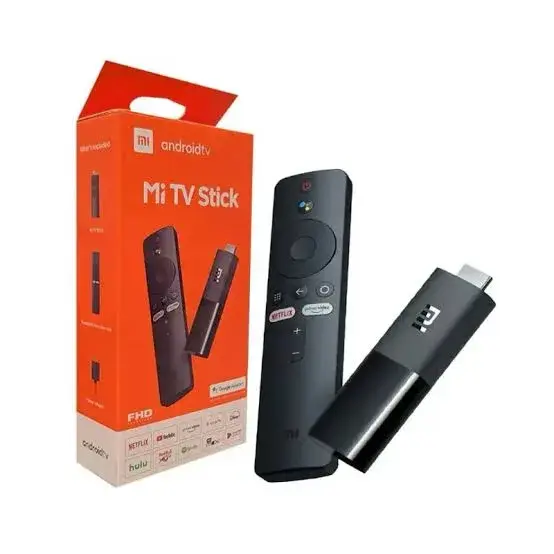
- Xiaomi Mi TV Stick HD (Ksh 6,600) — Android TV with Chromecast built in, for Full HD televisions.
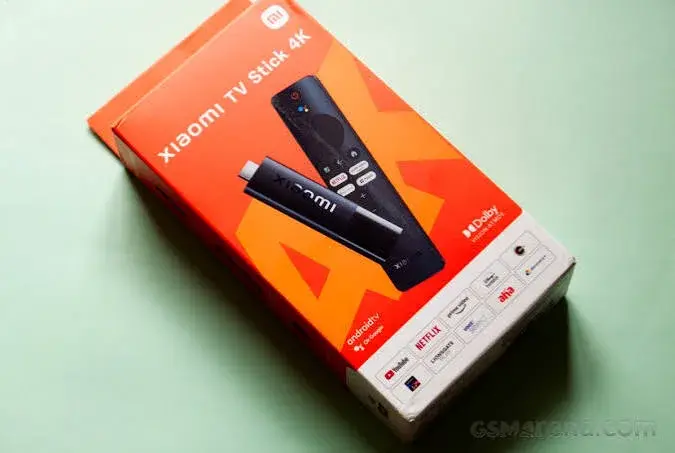
- Xiaomi Mi TV Stick 4K, 1st Gen (Ksh 6,720) — Android TV with Chromecast built in, genuine 4K Ultra HD with HDR10.
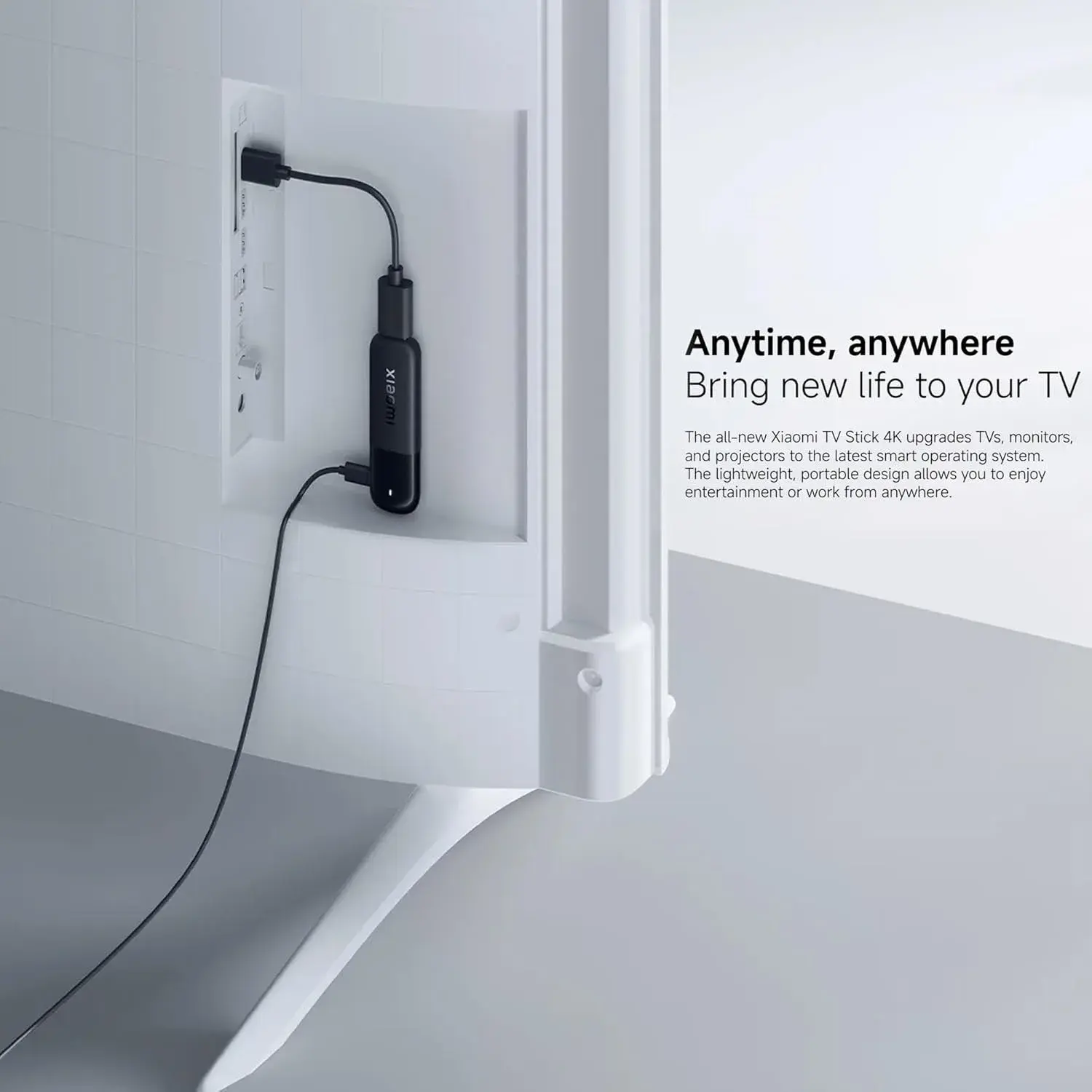
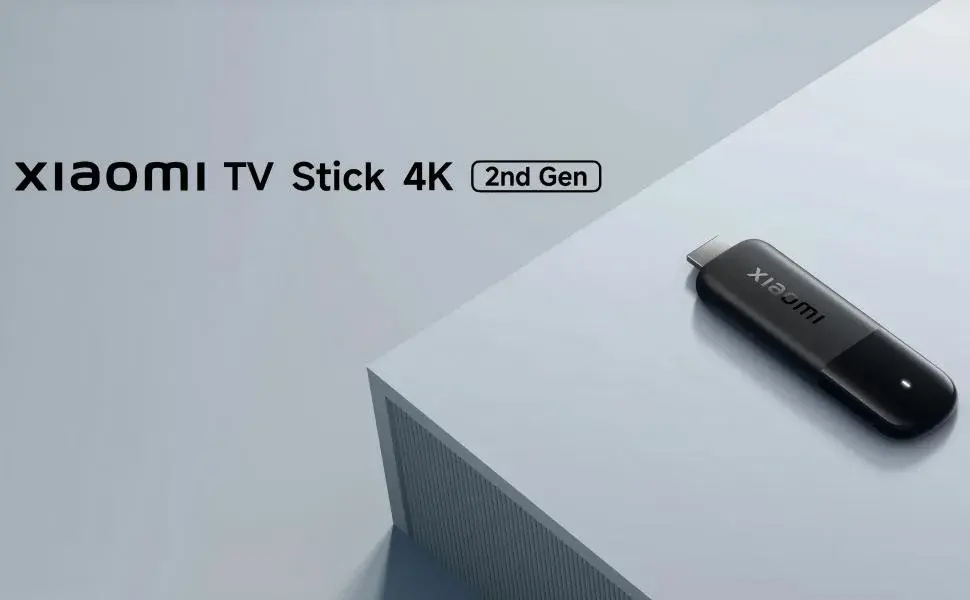
- Xiaomi Mi TV Stick 4K 2nd Gen (Ksh 8,500) — the newer Google TV 14 platform, a faster Cortex-A55 chip, Wi-Fi 6, and Dolby Atmos with DTS:X audio.
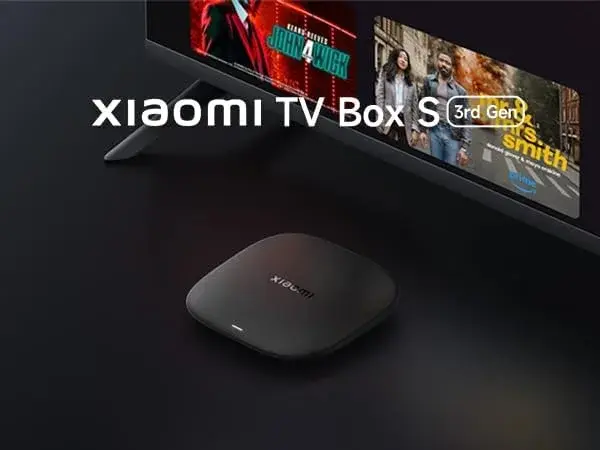
- Xiaomi Mi Box S 3rd Gen (Ksh 8,400) — the same Google TV 14 platform in a set-top box form factor, with 32GB of storage and HDMI 2.1a.
Any of these four should let you install DStv Stream directly from the Google Play Store and run it as intended. The choice between them comes down to your TV's resolution and how much you want to spend, not whether DStv will work — that part is settled across the whole range.
How to Set Up DStv Stream on Your Mi TV Stick
The process is genuinely simple, since this is exactly the kind of setup Xiaomi's Android TV and Google TV software is built to handle:
- Plug your Mi TV Stick into a free HDMI port and connect the power adapter, then complete the on-screen setup, connecting to your home Wi-Fi and signing in with a Google account.
- Open the Google Play Store on the home screen — this is the genuine, official app store, not a substitute.
- Search for "DStv Stream" and install it directly, the same way you'd install any other app.
- Open the app and sign in with your existing DStv account credentials — the same ones you use for DStv Stream on your phone, laptop, or smart TV.
- Start streaming your subscribed channels and on-demand content, using your Mi TV Stick's Bluetooth voice remote to search and navigate.
No developer settings, no sideloading, no third-party app files from unverified sources — because Xiaomi's device is already exactly what DStv's software expects to run on.
What You'll Actually Get: Does Your Subscription Carry Over?
It's worth being clear that a Mi TV Stick doesn't upgrade or expand your DStv subscription in any way — it's simply a genuinely supported way to access whatever you already pay for. If you're an existing DStv Stream subscriber, signing in on your Mi TV Stick gives you the same channels, the same on-demand library, and the same account limitations (like simultaneous stream limits) that already apply to your account on any other device. If you're not yet a DStv Stream subscriber, you'll need to sign up for a package through DStv directly before the app will show you live channels or on-demand content.
Should You Buy a Mi TV Stick Specifically for DStv, or Something Else?
If DStv Stream is genuinely the main reason you're buying a streaming device, the Mi TV Stick range is the sensible starting point rather than a fallback option. Within that range, here's how to think about which tier to pick:
If your TV is Full HD: The Mi TV Stick HD (Ksh 6,600) gives you everything your screen can display, at the lowest price in the range.
If your TV is 4K and you want the most affordable genuine 4K option: The Mi TV Stick 4K 1st Gen (Ksh 6,720) is barely more than the HD model and unlocks real 4K resolution and HDR10.
If you want the smoothest day-to-day experience, including snappier app switching during a live match or show: The Mi TV Stick 4K 2nd Gen (Ksh 8,500) is genuinely worth the extra cost — its faster processor and Wi-Fi 6 matter specifically for live streaming, where DStv Stream content includes plenty of live sport and news.
If you want maximum storage for installing DStv Stream alongside several other apps, or prefer a box over a stick: The Mi Box S 3rd Gen (Ksh 8,400) offers the same Google TV 14 platform with considerably more headroom.
For most households prioritizing DStv Stream specifically, the Mi TV Stick 4K 2nd Gen is the strongest all-round pick — genuine 4K picture, Wi-Fi 6 for stable live streaming during a match or news broadcast, and the newer, more polished Google TV 14 interface.
What About Everything Else You Watch?
A genuine Android TV device doesn't just solve the DStv question — it also comes with full access to the real Google Play Store, meaning Netflix, Prime Video, YouTube, Disney+, Showmax, and effectively every other major streaming app Kenyan households use are equally available and properly supported on the same device. You're not trading away general streaming capability to get DStv working; you're getting both in one genuinely certified package.
If You Already Own a Fire TV Stick
If you already have a Fire TV Stick for Netflix, Prime Video, and general streaming, there's no need to replace it — keep it exactly where it is for that content. Add a Mi TV Stick specifically for DStv Stream, and switch between the two using your TV's HDMI input selector. Most modern televisions make this a one-button switch, and both devices can stay plugged in simultaneously if your TV has more than one free HDMI port. This gives you a setup where every app runs on hardware it's actually built and certified for, rather than forcing one device to do a job it wasn't designed for.
Why Buy Your Mi TV Stick From City Gadgets Kenya
Given that this whole question comes down to genuine software certification, it's worth buying from a source that guarantees you're getting genuine, unmodified Xiaomi hardware rather than a device of uncertain origin that might not carry proper certification at all. City Gadgets Kenya stocks the complete Xiaomi streaming range — Mi TV Stick HD, Mi TV Stick 4K 1st Gen, Mi TV Stick 4K 2nd Gen, and Mi Box S 3rd Gen — each genuine, brand new, and sealed, with a 12-month official brand warranty, clear specification listings stating the exact chip, RAM, storage, and software platform for each model, and same-day delivery within Nairobi with countrywide shipping across Kenya. Payment is flexible too, with M-Pesa, card, or cash on delivery all available.
Reach out via WhatsApp to confirm current stock and pricing, or browse the individual listings directly: Mi TV Stick HD, Mi TV Stick 4K 1st Gen, Mi TV Stick 4K 2nd Gen, and Mi Box S 3rd Gen.
Frequently Asked Questions
Can I watch DStv on a Xiaomi Mi TV Stick? Yes — every Mi TV Stick model runs genuine, Google Play Protect certified Android TV or Google TV 14 software, which is exactly the device category DStv Stream officially supports. Install the app from the Google Play Store and sign in with your existing DStv account.
Which Mi TV Stick is best for DStv Stream? The Mi TV Stick 4K 2nd Gen (Ksh 8,500) offers the strongest overall experience, thanks to its faster processor and Wi-Fi 6 for stable live streaming, though any model in the range officially supports the app.
Do I need to sideload anything to get DStv working on a Mi TV Stick? No — this is the entire advantage over Fire TV Stick. DStv Stream installs directly from the genuine Google Play Store, with no developer settings or unofficial app files required.
Does a Mi TV Stick give me a better DStv package than I currently have? No — it doesn't change your subscription in any way. It simply gives you a properly supported way to access whatever DStv Stream package you're already subscribed to.
Can I use a Mi TV Stick for DStv and keep my Fire TV Stick for Netflix? Yes — this is a genuinely sensible setup. Keep your Fire TV Stick for Netflix, Prime Video, and general streaming, and use a separate Mi TV Stick specifically for DStv Stream, switching between them via your TV's HDMI input.
Where can I buy a genuine Xiaomi Mi TV Stick in Nairobi? City Gadgets Kenya stocks the full genuine range, with a 12-month official brand warranty and same-day Nairobi delivery. Reach out via WhatsApp to confirm current stock and pricing.
Final Word
If DStv Stream is something you want working reliably on a small streaming device, the Xiaomi Mi TV Stick is genuinely the right tool for the job — not a workaround, but the device category DStv itself officially certifies for. Pick the tier that matches your TV and budget, install the app straight from the Google Play Store, sign in, and you're watching exactly as intended.
Browse the complete genuine Xiaomi streaming range at City Gadgets Kenya, or reach out on WhatsApp to get set up.