Can I Watch DStv on My Fire TV Stick? The Honest Answer
Short version: not officially, no — and it's worth knowing exactly why before you buy anything, because the answer changes depending on which streaming device you actually pick. DStv, run by MultiChoice, publishes an official list of devices its DStv Stream app supports, and Amazon's Fire TV platform simply isn't on it. That doesn't mean your Fire TV Stick is useless for DStv-adjacent viewing, and it doesn't mean you're stuck — but it does mean this is one of the few genuine cases where the specific device you buy determines whether an app works at all, not just how well it performs. This guide walks through exactly what DStv officially supports, why Fire TV Stick misses that list, what your realistic options are, and which device to buy instead if watching DStv Stream properly matters to you.
What DStv Stream Officially Supports
According to DStv's own published device compatibility list, DStv Stream currently works officially on:
- DStv Streama and Explora Ultra (MultiChoice's own hardware)
- Play Protect certified Android TV devices (Android TV 8.0 and higher)
- Apple TV (Gen 4 onwards, tvOS 15+)
- LG Smart TVs (WebOS 4.0 and higher)
- Samsung Smart TVs (Tizen 4.0 and higher)
- Hisense Smart TVs (Vidaa U3 and higher)
- Android tablets and smartphones (Android 8.0+)
- iPad and iPhone (iOS 15+)
- Xbox consoles
- Laptops and PCs via the DStv Stream website
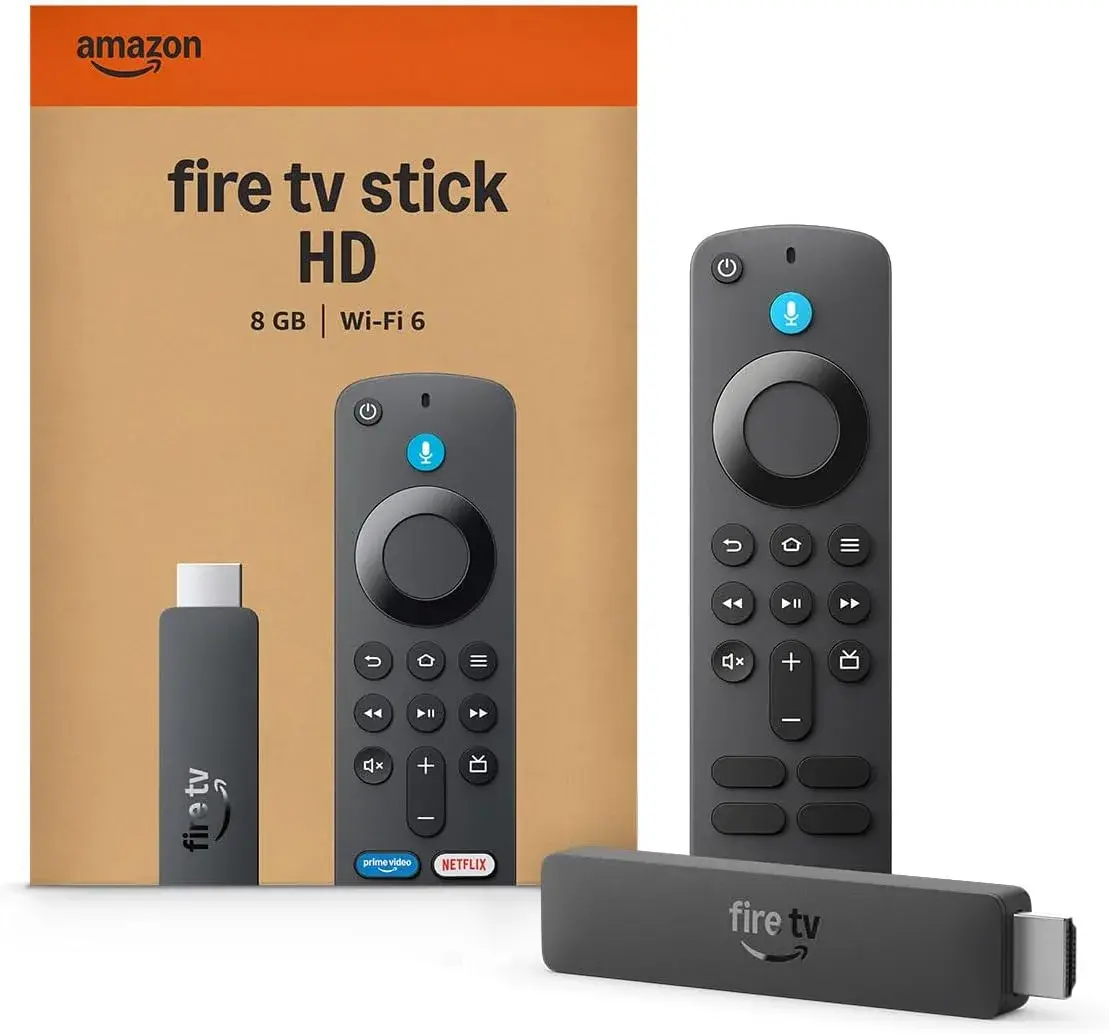
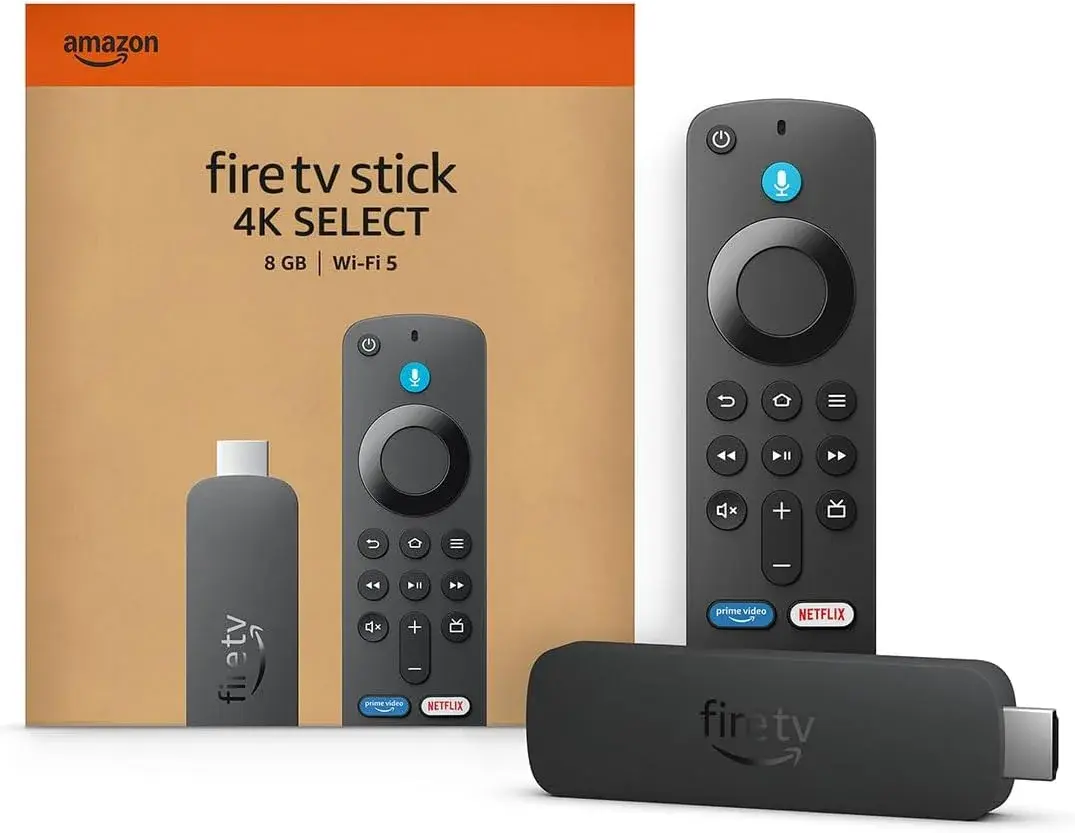
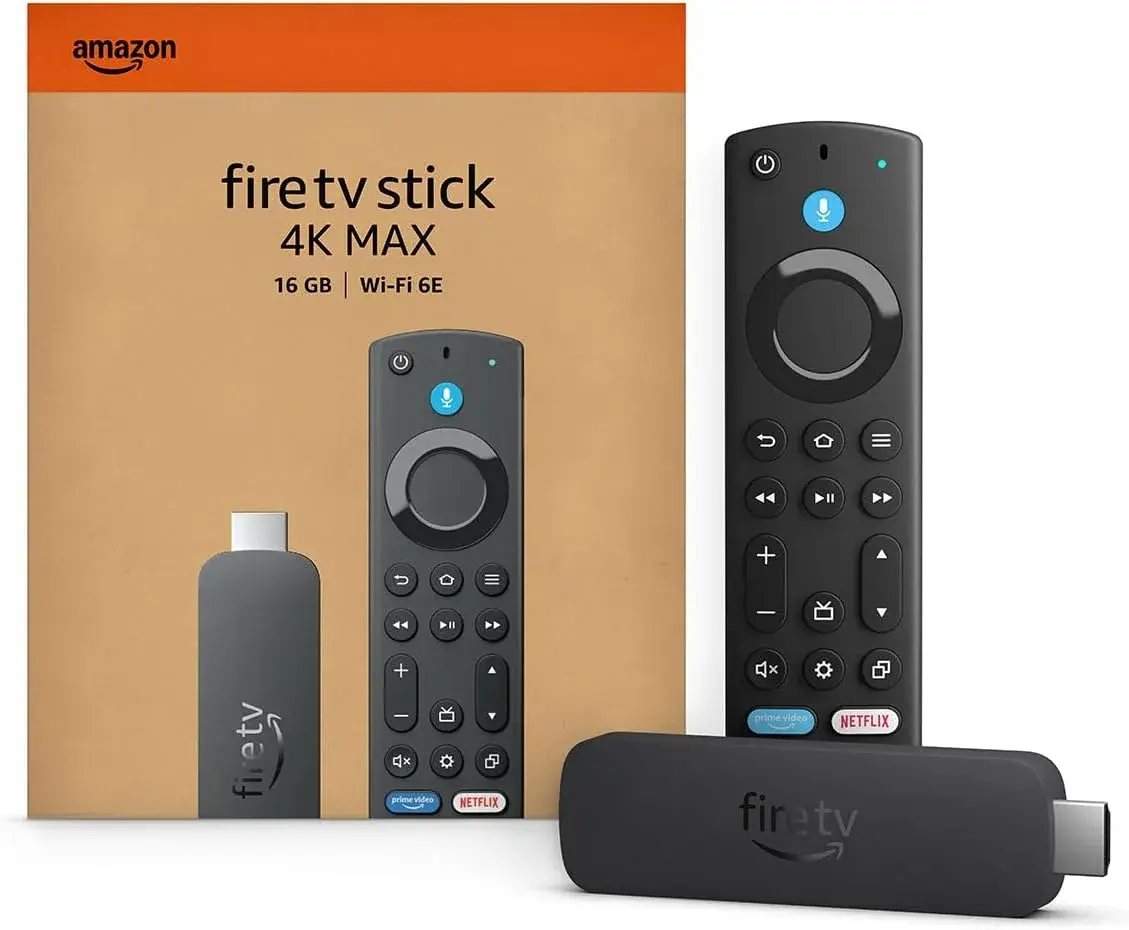
Notice what's missing from that list: Amazon Fire TV, in any form — Fire TV Stick HD, 4K, 4K 2nd Gen, or 4K Max. This isn't a Kenya-specific restriction or a temporary glitch; it's how DStv Stream has been built and certified from the start, and it applies to Fire TV devices generally, not just ones sold locally.
Why DStv Doesn't Officially Support Fire TV Stick
This comes down to how Amazon's Fire OS differs from genuine, Google-certified Android TV — something worth understanding clearly, since it explains a pattern you'll run into with more than just DStv. Fire OS is Amazon's own operating system, built on top of Android but restyled entirely as Amazon's experience, running its own Amazon Appstore rather than the Google Play Store, and lacking Google's official "Play Protect certified" status that DStv explicitly requires on its compatibility list.
DStv Stream, like a number of broadcaster apps, is built and certified specifically for Play Protect certified Android TV devices — genuine, Google-licensed Android TV hardware, which Fire TV Stick simply isn't, regardless of how similar the two platforms look on the surface. This is a business and engineering decision on DStv's part, not something Amazon or any device seller can fix from their side.
So Is There Any Way to Get DStv Working on a Fire TV Stick Anyway?
You'll find plenty of forum posts, blog tutorials, and videos online describing ways to sideload the DStv Now or DStv Stream Android app package directly onto a Fire TV Stick, bypassing the official Amazon Appstore. It's worth being straightforward about this rather than pretending it doesn't exist: it's technically possible in some cases, but it comes with genuine downsides worth knowing before you go down that path.
It's unsupported and unreliable. Because DStv doesn't build or test its app for Fire OS, sideloaded installations frequently break with app updates, throw errors about missing Google Play Services, or simply stop working without warning — exactly the pattern reflected across years of user reports trying this route.
It typically requires enabling developer settings and installing apps from outside Amazon's official store, which carries real security risks if you're downloading app files from unofficial third-party sources rather than a verified developer.
It isn't how DStv intends its service to be accessed, and reliability issues aren't something DStv support will meaningfully help you troubleshoot, since the combination simply isn't one they test or endorse.
Given all that, sideloading isn't something this guide is going to walk through step by step. If reliable, properly supported DStv Stream access matters to you, the better answer is picking a device DStv actually certifies for — which, conveniently, is a device category available right here in Kenya.
The Better Answer: A Genuine Android TV Device Instead
Here's the useful part of this whole situation: DStv Stream's official compatibility list explicitly includes Play Protect certified Android TV devices. Xiaomi's Mi TV Stick and Mi Box S lineup runs exactly that — genuine, Google-licensed Android TV or Google TV 14 software, with the real Google Play Store, the same certification standard DStv's own compatibility page requires. In other words, if watching DStv Stream properly on a small streaming device is genuinely important to you, a Xiaomi device is the more sensible buy from the outset, not a workaround.
City Gadgets Kenya stocks the full Xiaomi range that fits this need:
- Xiaomi Mi TV Stick HD (Ksh 6,600) — genuine Android TV with Chromecast built in, for Full HD televisions.
- Xiaomi Mi TV Stick 4K, 1st Gen (Ksh 6,720) — genuine Android TV with Chromecast built in, 4K Ultra HD with HDR10.
- Xiaomi Mi TV Stick 4K 2nd Gen (Ksh 8,500) — the newer Google TV 14 platform, a faster Cortex-A55 chip, Wi-Fi 6, and Dolby Atmos with DTS:X audio.
- Xiaomi Mi Box S 3rd Gen (Ksh 8,400) — the same Google TV 14 platform in a set-top box form factor, with 32GB of storage and HDMI 2.1a.
Any of these gives you a genuine, Google-certified Android TV environment where DStv Stream installs and runs the way MultiChoice actually built and tested it — no sideloading, no developer settings, no wondering whether the next app update will break your setup.
What Your Fire TV Stick Is Still Genuinely Great For
None of this means a Fire TV Stick was a bad purchase, or that you need to abandon it — it just means DStv Stream specifically isn't its job. Every Fire TV Stick, from the HD model up to the 4K Max, remains an excellent, genuine device for:
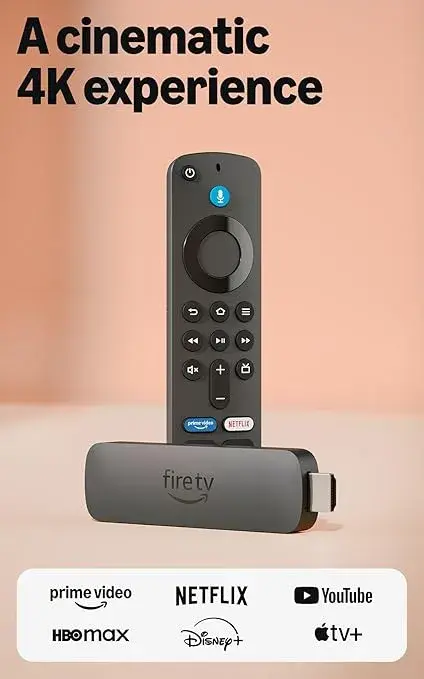
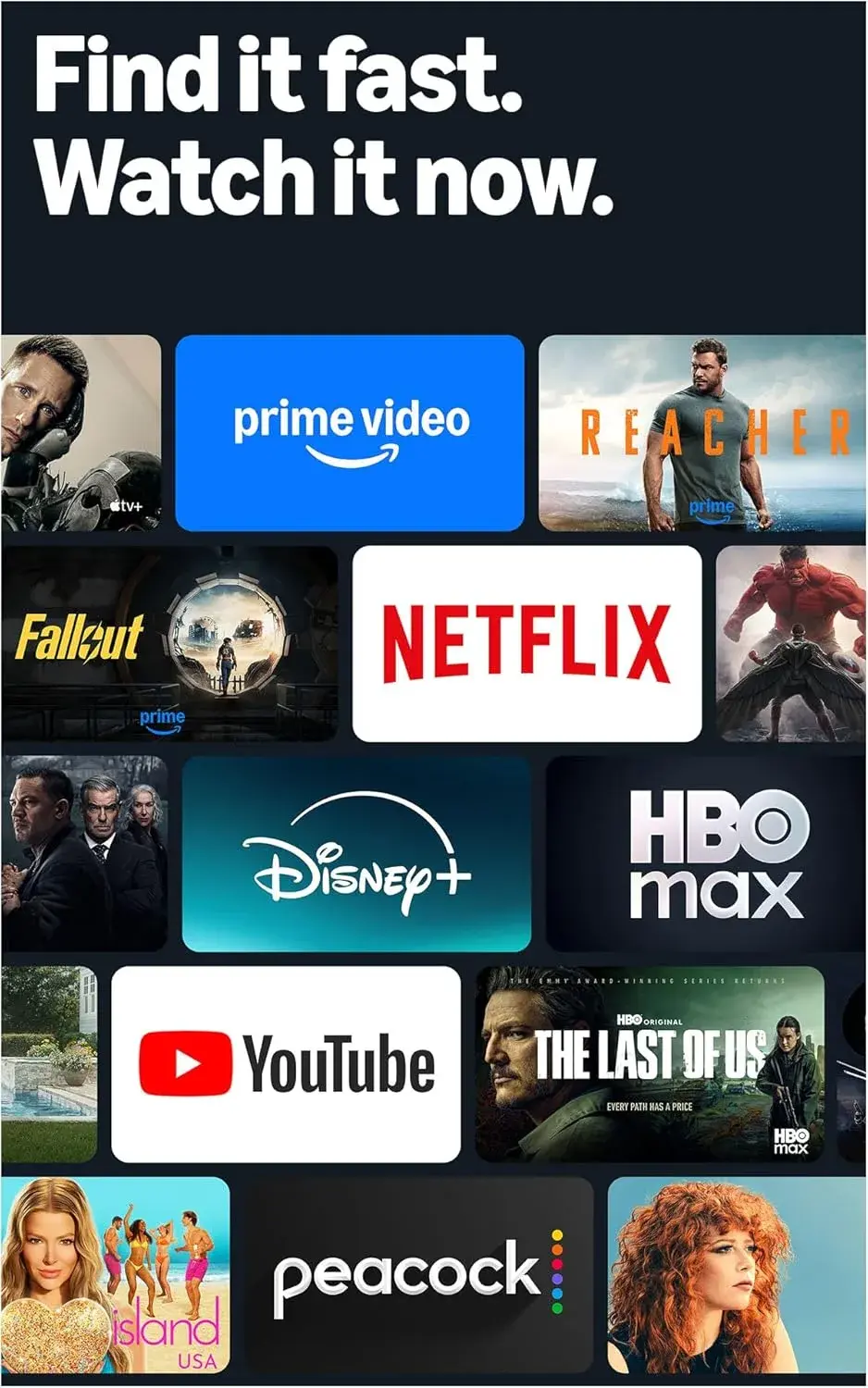
- Netflix, Prime Video, YouTube, and Disney+, all fully supported and optimized for Fire OS.
- Showmax, which is available on Fire TV and has increasingly expanded into live sport and local content, and is genuinely worth checking as a partial alternative for certain content DStv also carries.
- General 4K streaming, Dolby Atmos audio, and Alexa voice control, all of which have nothing to do with DStv's certification requirements and work exactly as intended.
If you already own a Fire TV Stick, keep it exactly where it is for everything above. The practical fix for DStv specifically is either sticking with your existing DStv decoder for that particular service, or adding a genuine Android TV device from City Gadgets Kenya alongside your Fire TV Stick — both plugged into different HDMI inputs, switched between with your TV's remote, each doing the job it's actually built for.
A Practical Two-Device Setup for Kenyan Households Who Want Both
Given the above, here's a genuinely sensible way to think about your setup if you want both a great general streaming experience and reliable DStv Stream access:
- Keep your Fire TV Stick (any tier) for Netflix, Prime Video, YouTube, Disney+, and general 4K streaming — it remains excellent at all of this.
- Add a Xiaomi Mi TV Stick 4K 2nd Gen or Mi Box S 3rd Gen specifically for DStv Stream, since these run the genuine Google-certified Android TV environment DStv officially supports.
- Use your TV's HDMI input switching to flip between the two — most modern TVs make this a one-button or one-remote-press action, and both devices can stay plugged in simultaneously if your TV has enough HDMI ports.
- Keep your existing DStv decoder as a fallback if you're a DStv subscriber already, since a physical decoder connected via your existing satellite dish remains the single most reliable way to access the full DStv bouquet regardless of any app or streaming device compatibility question.
This setup costs a bit more upfront than relying on one device alone, but it means you're never fighting an unsupported combination — every app runs on hardware it was actually built and certified for.
Why This Matters More Than It Might Seem
It's worth stepping back and noting that this exact situation — a specific broadcaster app not supporting Fire OS — isn't unique to DStv. Because Fire OS lacks Google's official Android TV certification, any app or service that specifically restricts itself to "Play Protect certified Android TV" devices will have the same gap on Fire TV Stick. This is precisely why, when a specific app or service is the whole reason you're buying a streaming device, it's worth checking that service's own official compatibility page before choosing between an Amazon Fire TV Stick and a genuine Android TV device like Xiaomi's — rather than assuming all streaming sticks are interchangeable.
Buying the Right Device From the Start
If you're shopping specifically because you want DStv Stream working reliably, save yourself the detour and buy a genuine Android TV device from the outset rather than a Fire TV Stick you'll later find doesn't support it. City Gadgets Kenya's Xiaomi lineup covers this need directly, with every unit genuine, brand new, and sealed, backed by a 12-month official brand warranty, and available with same-day delivery within Nairobi and countrywide shipping across Kenya.
If your priority is Netflix, Prime Video, YouTube, and general 4K streaming rather than DStv specifically, the Fire TV Stick range remains an excellent, genuinely well-priced choice, and nothing in this guide changes that recommendation for those use cases.
Either way, City Gadgets Kenya lists every device — Amazon and Xiaomi alike — with its exact operating system, chip, RAM, storage, and Wi-Fi standard stated clearly upfront, so you can make this exact "does it support the specific app I need" decision with full information rather than guessing from a generic listing title.
Where to Buy the Right Device in Nairobi
Reach out via WhatsApp to talk through exactly what you need — whether that's a genuine Android TV device for DStv Stream, a Fire TV Stick for everything else, or both — and confirm current stock and pricing. Browse the full ranges directly:
For DStv Stream (genuine Android TV / Google TV): Mi TV Stick HD, Mi TV Stick 4K 1st Gen, Mi TV Stick 4K 2nd Gen, Mi Box S 3rd Gen.
For Netflix, Prime Video, and general streaming: Fire TV Stick HD, Fire TV Stick 4K, Fire TV Stick 4K 2nd Gen, Fire TV Stick 4K Max.
Frequently Asked Questions
Can I watch DStv on a Fire TV Stick? Not officially — DStv Stream's published compatibility list doesn't include Amazon Fire TV devices, since they don't run Google's Play Protect certified Android TV software that DStv requires.
Why doesn't DStv work on Fire TV Stick? Fire TV Stick runs Amazon's own Fire OS rather than genuine, Google-certified Android TV. DStv Stream is built and certified specifically for Play Protect certified Android TV devices, Apple TV, certain smart TV platforms, and mobile devices — Fire OS isn't on that list.
Which streaming device does support DStv Stream in Kenya? Any genuine Play Protect certified Android TV device, including Xiaomi's Mi TV Stick 4K 2nd Gen and Mi Box S 3rd Gen, which run genuine Google TV 14 software.
Can I sideload the DStv app onto a Fire TV Stick? It's technically possible in some cases but unsupported by DStv, often unreliable after app updates, and requires enabling developer settings and installing apps outside Amazon's official store — not something recommended for a dependable setup.
Do I need to give up my Fire TV Stick if I want DStv? No — keep your Fire TV Stick for Netflix, Prime Video, YouTube, and general streaming, and add a genuine Xiaomi Android TV device specifically for DStv Stream, switching between them via your TV's HDMI input.
Does Showmax work on Fire TV Stick? Yes — Showmax is available and supported on Fire TV, unlike DStv Stream, and is worth considering if some of the content you want overlaps with what Showmax carries.
Where can I buy a genuine Xiaomi Android TV device or Fire TV Stick in Nairobi? City Gadgets Kenya stocks the full genuine range of both, clearly specified, with a 12-month official brand warranty and same-day Nairobi delivery. Reach out via WhatsApp to confirm current stock and pricing.
Final Word
If DStv Stream is the whole reason you're buying a streaming device, a Fire TV Stick isn't the right pick — not because it's a poor device, but because DStv simply doesn't build or certify its app for Amazon's Fire OS. A genuine Play Protect certified Android TV device, like Xiaomi's Mi TV Stick 4K 2nd Gen or Mi Box S 3rd Gen, is the properly supported route instead. If DStv isn't your priority and you mainly want Netflix, Prime Video, and smooth general streaming, your Fire TV Stick remains an excellent choice exactly as it is.
Talk through your setup with City Gadgets Kenya on WhatsApp, and walk away with the device that's actually built for what you want to watch.