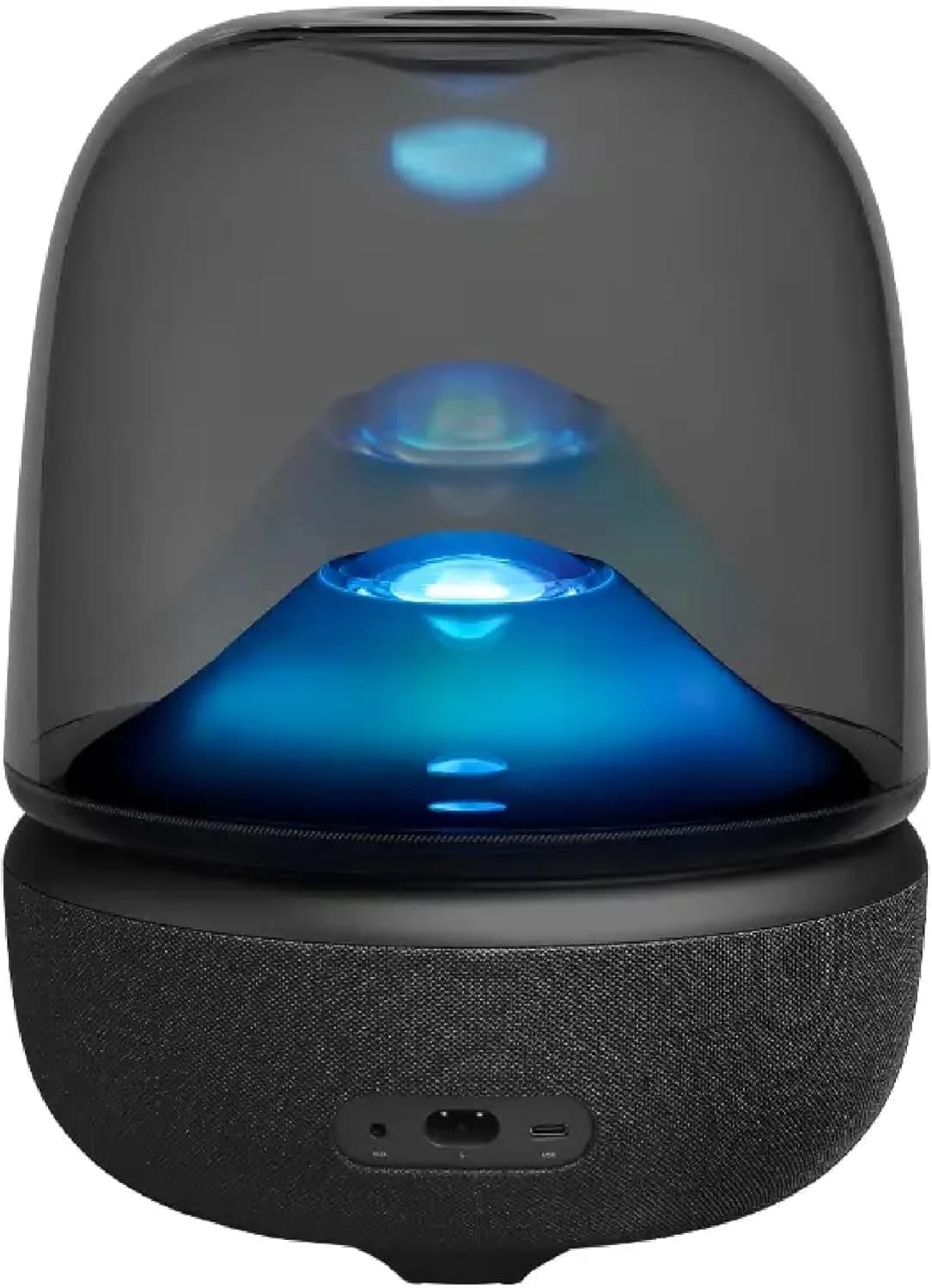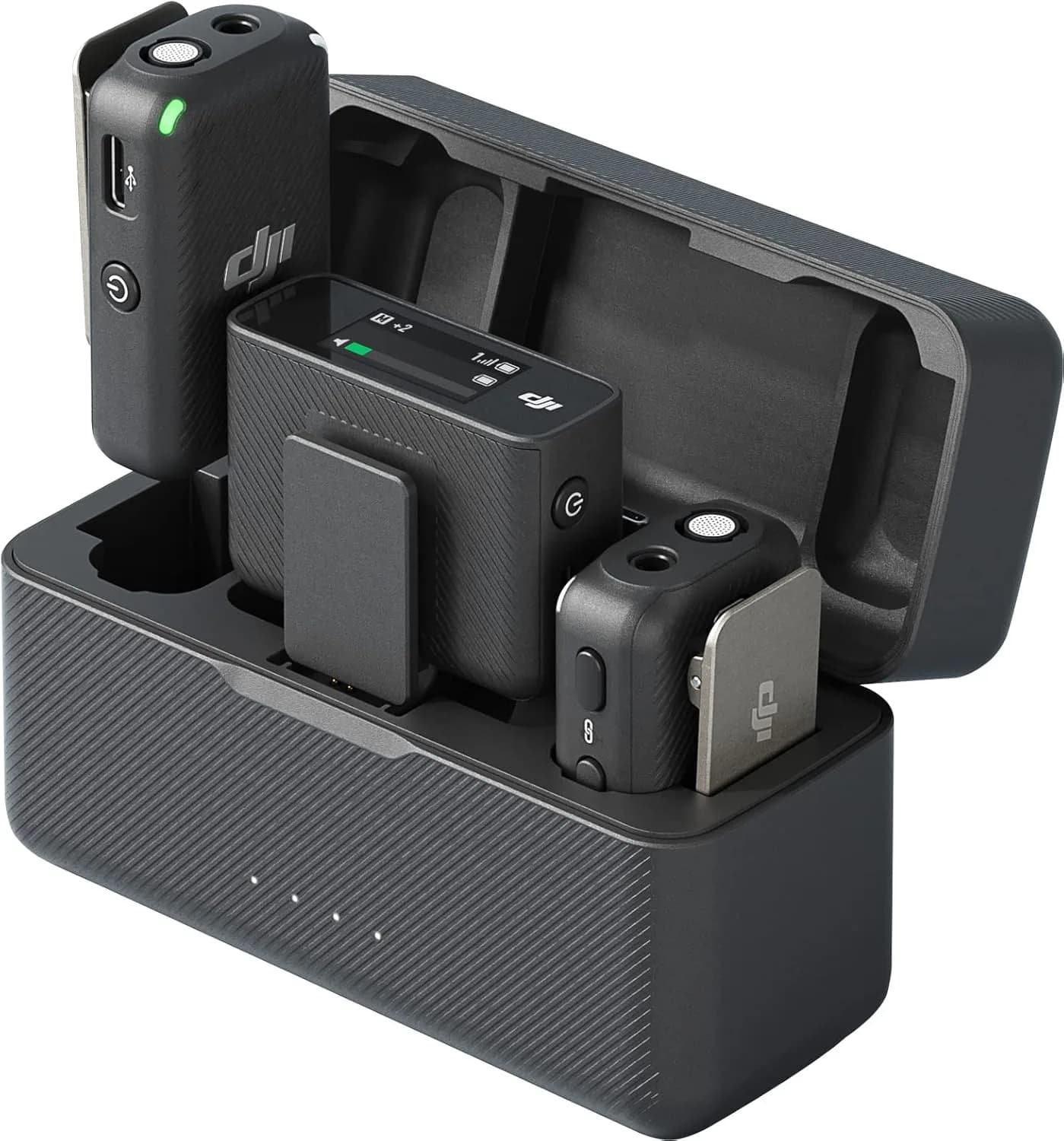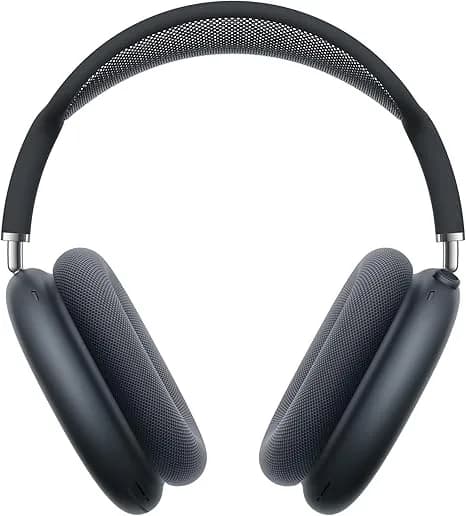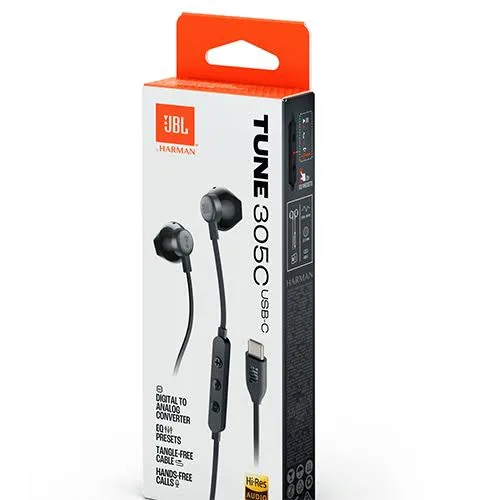
You open the box of a new pair of earbuds and the packaging says "LDAC Hi-Res Wireless". Another pair says "aptX Adaptive". Your iPhone speaks only of "AAC". Your cheap Android phone says nothing at all. What do these labels actually mean, do they change how music sounds, and are they worth paying for? This guide gives you Bluetooth codecs explained without jargon: what a codec is, how SBC, AAC, aptX, LDAC and LC3 differ, how your phone and earbuds choose between them, what really affects sound quality (spoiler: it is not only the codec), and which codec matters for gaming, video and calls. We use products from our range, including the Anker Soundcore Liberty 4 NC and Space Q45 (which support LDAC), Apple AirPods 4, Samsung Galaxy Buds3 Pro and Sony WH-1000XM6, as real-world examples, and we finish with how to spot fake "hi-res" audio products in Kenya.
What is a codec, and why does Bluetooth need one?
A codec (short for coder-decoder) is a method of shrinking audio so it can travel over a limited wireless connection and then rebuilding it at the other end.
CD-quality audio is about 1,411 kilobits per second (kbps). Classic Bluetooth cannot carry that reliably, especially in a crowded environment like a matatu stage or office floor, where dozens of devices share the same 2.4 GHz radio band. So the phone compresses the music before sending, and the earbuds decompress it. Most codecs are lossy, meaning they throw away some information that human ears are less likely to notice. A good codec throws away the right things; a poor one throws away audible detail.
Think of it like sending a photo over WhatsApp: it is compressed so it arrives quickly, and a good compression algorithm leaves you with a picture that looks fine. A bad one makes it blocky.
The big idea: both ends must agree
A codec only works if both the phone (or laptop) and the headphones support it. When you connect, they negotiate and pick the best codec they both support. This has two important consequences:
- A hi-res earbud on a basic phone does not deliver hi-res. If your earbuds support LDAC but your phone does not, they fall back to SBC or AAC.
- A hi-res phone with basic earbuds does not help either. The weakest link decides.
Apple iPhones support SBC and AAC only. Android phones vary: Android 8 and newer include LDAC support built in, but whether it is exposed depends on the phone's hardware and software; aptX support depends on the chipset (common on Qualcomm Snapdragon phones); and budget phones may offer only SBC and AAC.
The codecs, one by one
SBC: the universal baseline
SBC (Subband Codec) is the mandatory codec every Bluetooth audio device must support. That is why anything can connect to anything. Its bitrate is typically around 200-330 kbps depending on settings. It is not terrible, but it is not efficient: at lower bitrates it can sound a bit flat or lose detail, and its latency tends to be on the higher side (often 150-250 milliseconds, which can make video feel slightly out of sync on some devices unless the player compensates).
SBC is the fallback when nothing better is available, and a well-implemented SBC at a high bitrate sounds perfectly respectable. Many budget earbuds in Kenya use SBC only.
AAC: Apple's default, and decent on Android
AAC (Advanced Audio Coding) is more efficient than SBC, meaning it can produce better sound at similar bitrates (commonly about 256 kbps). It is the main codec for iPhones and AirPods, and Apple's implementation is well tuned. Many Android phones also support AAC, but implementation quality varies. On some Android devices AAC is less efficient or more power-hungry than on iOS, so results differ.
If you use an iPhone with AirPods, AAC is what you are getting, and it sounds good. You do not need to chase anything higher, because iPhones cannot use LDAC or aptX anyway.
aptX family: Qualcomm's codecs
Qualcomm's aptX codecs come in several flavours, and the names confuse many buyers.
| Codec | Typical bitrate | Resolution | Main idea |
|---|---|---|---|
| aptX | About 352 kbps | 16-bit | Better quality than SBC, lower latency |
| aptX HD | About 576 kbps | 24-bit | Higher resolution sound |
| aptX Low Latency | Variable | 16-bit | Very low delay for video and games (about 40 ms) |
| aptX Adaptive | Variable, roughly 280-420 kbps (and higher in some modes) | Up to 24-bit | Adjusts bitrate to the connection, balancing quality and latency |
| aptX Lossless | Up to around 1 Mbps in ideal conditions | 16-bit CD-quality | Lossless streaming when the connection allows |
Both the phone and the headphones need to support the specific variant. Many Android phones with Qualcomm Snapdragon chips support aptX and aptX Adaptive, while some phones from other manufacturers do not. If your earbuds list aptX, check your phone's specs.
LDAC: Sony's high-bitrate codec
LDAC was developed by Sony and is built into Android from version 8 onwards, so many Android phones can use it. It can run at three bitrates, roughly 330, 660 and 990 kbps, and supports up to 24-bit/96 kHz audio. At the highest bitrate, LDAC transmits far more data than SBC or AAC, which can preserve more detail. The trade-off is that a high bitrate needs a clean, strong connection, and it uses more power. In crowded radio environments, LDAC may drop to a lower bitrate automatically, and at its lowest setting its advantage over AAC is smaller.
The Anker Soundcore Liberty 4 NC and the Soundcore Space Q45 both list LDAC support, which is why they are popular with Android users who care about sound quality. Sony's own flagship headphones also support LDAC.
Important: LDAC gives you better transmission. It cannot improve a poor source. A low-quality MP3 or a compressed stream remains low quality. LDAC shines with high-quality files or lossless streaming.
LC3 and LE Audio: the new generation
LC3 (Low Complexity Communication Codec) is the codec for Bluetooth LE Audio, the newer audio architecture introduced with Bluetooth 5.2. LC3 is designed to deliver similar or better quality than SBC at much lower bitrates, saving battery and enabling features such as Auracast broadcast audio (one source sending to many headphones, used in airports, gyms and venues). LE Audio is becoming more common in newer earbuds and phones, and as it spreads, it will reduce the dependence on proprietary codecs. As of today, support is still uneven, so check both your phone and your earbuds. See our blog on Bluetooth 5.3, 6 and LE Audio.
Samsung's own codecs
Samsung Galaxy phones and Galaxy Buds also use Samsung's own proprietary codecs, such as the Samsung Seamless Codec, which are designed for Samsung's own phone-and-earbud combinations and can deliver higher-quality audio when you pair a Galaxy phone with Galaxy Buds. That is part of why Samsung earbuds work best with Samsung phones. On a non-Samsung phone, the Buds3 Pro fall back to standard codecs such as AAC or SBC.
Side-by-side summary
| Codec | Who supports it | Typical bitrate | Strength | Weakness |
|---|---|---|---|---|
| SBC | Everything | About 200-330 kbps | Universal | Less efficient, higher latency |
| AAC | iPhone, AirPods, many Android | About 256 kbps | Efficient, good on Apple | Variable on Android |
| aptX / HD / Adaptive | Many Snapdragon Android phones and compatible earbuds | 352-576 kbps and up | Better quality, lower latency | Needs both ends; not on iPhone |
| LDAC | Most Android phones (8+) and Sony, Soundcore etc. | 330 / 660 / 990 kbps | Highest bitrate, hi-res capable | Needs strong connection, more power |
| LC3 (LE Audio) | Newer phones and earbuds | Efficient at low rates | Battery and Auracast | Adoption still growing |
| Samsung codecs | Galaxy phone and Galaxy Buds | Varies | Optimised pair | Samsung ecosystem only |
Does the codec really change how music sounds? An honest answer
This is the question most guides avoid. Here is the truth.
Yes, sometimes. But much less than the box suggests. In controlled blind tests, many listeners struggle to tell a good AAC or aptX stream from LDAC at its highest bitrate, especially with ordinary music, ordinary earbuds and everyday listening. The differences are real in measurements and can be audible to trained listeners on high-quality equipment in a quiet room with high-quality source files. On a noisy Nairobi street or inside a matatu, they are largely masked by background noise.
What affects the sound of earbuds more than the codec:
- The earbud's drivers and tuning. A well-tuned earbud with SBC can sound better than a poorly tuned one with LDAC.
- The fit and seal. A bad seal loses bass and detail whatever the codec.
- The source quality. A low-bitrate music file or a compressed stream limits quality before Bluetooth touches it.
- The streaming service and settings. Many popular services stream lossy audio by default (commonly around 128-320 kbps), so the Bluetooth link is not the bottleneck.
- The volume level and environment. Noise and loud volume hide fine detail.
- The ANC and equaliser processing, which shape the sound heavily.
So who does benefit from LDAC or aptX? Listeners who use high-quality sources (lossless files or lossless streaming), sit in quiet places, use good earbuds or headphones and care about detail. For them, it is a nice, noticeable improvement. For the average commuter listening to a streaming playlist, it is a small one, and fine tuning of fit and EQ is a better use of attention.
If someone tells you a particular codec will "transform" your music, be a little sceptical. If someone tells you it is irrelevant, they are also exaggerating. It is a refinement, not a revolution.
What "Hi-Res Audio Wireless" really means
Many products carry a "Hi-Res" or "Hi-Res Audio Wireless" logo. The Hi-Res Audio standard, defined by industry bodies, refers to audio beyond CD quality, with higher sampling rates and bit depth, such as 24-bit/96 kHz. "Hi-Res Audio Wireless" is a certification that a device can transmit at those specifications over a wireless codec such as LDAC.
The caveats: the label tells you what the product can carry, not what you are hearing. To benefit, you need a hi-res source (not a standard streaming playlist), a phone that supports the codec, the codec set to its highest-quality mode, a stable connection, and headphones whose drivers can reproduce the extra detail. If any of these is missing, the label has little practical effect.
We explain the wider topic in our blog on hi-res and lossless audio.
Latency: why codec matters for video and gaming
Latency is the delay between the phone producing sound and your ear hearing it. In music, a delay of 200 milliseconds does not matter, because you cannot tell. In video and gaming it does, because lips may appear out of step with voices, or a gunshot may arrive after the flash.
Typical approximate latencies:
| Codec | Typical latency |
|---|---|
| SBC | About 150-250 ms |
| AAC | About 120-200 ms (varies by device) |
| aptX | About 70-120 ms |
| aptX Low Latency / Adaptive low-latency mode | About 40-80 ms |
| LDAC | About 200+ ms |
| LC3 (LE Audio) | Can be lower, depending on settings |
Many video players and streaming apps measure and compensate for Bluetooth delay, so you may not notice any difference in YouTube or Netflix. For mobile gaming, some earbuds offer a dedicated low-latency or gaming mode that switches to a faster codec or processing path. If you play competitive mobile games, look for it, or use a wired connection or a 2.4 GHz wireless dongle headset instead. See our guide to the best gaming headsets.
Calls are different: a separate codec
When you are on a phone or video call, Bluetooth switches from the music profile to a hands-free profile with its own codec. Classic hands-free audio uses a narrowband codec (CVSD) with poor quality, and a newer wideband codec called mSBC improves things. Newer devices with LE Audio can use LC3 for better call quality as well. This is why music sounds good and then suddenly turns tinny when a call starts.
For this reason, premium earbuds and headsets invest in microphone arrays and noise reduction software, not just codecs. Call quality is judged largely by the microphones and processing, as explained in our blog on headset microphone types. If you take many calls, look at reviews of call quality rather than the codec list.
Battery cost: higher bitrate, more power
Higher-bitrate codecs transmit more data and use more power in both phone and earbuds. LDAC at its top setting can reduce battery life noticeably compared with SBC or AAC. Some earbuds therefore default to a mid-level setting and let you choose "connection quality" or "sound quality" priority in the app. The Soundcore Liberty 4 NC, for example, supports LDAC but lists its battery figures (about 8-10 hours in the earbuds depending on ANC) before you push the codec to maximum. If battery life matters more than the last bit of detail, use AAC or a lower LDAC setting.
Connection stability: quality versus reliability
LDAC at 990 kbps needs a strong, uncluttered connection. In crowded places such as Nairobi bus stages, malls and offices, the 2.4 GHz band is busy, and a high-bitrate stream is more likely to stutter or drop. Most phones offer an option for the connection mode: "Optimised for audio quality", "Balanced", or "Optimised for connection stability". If you hear crackles on your commute, switch to the stability mode or a lower bitrate codec. Reliability matters more than theoretical quality when you are in motion.
How to check which codec you are using
On an Android phone
- Enable Developer options (tap the build number in Settings > About phone seven times).
- Open Developer options and find the Bluetooth audio codec setting.
- With your earbuds connected, you can see which codec is in use, and on many phones choose between available options and sample rates.
Some phone manufacturers hide or rename these options, and some show codec details in the Bluetooth device settings or a dedicated audio app.
On an iPhone
iPhones use SBC or AAC and do not show a selection. For all practical purposes, if you use AirPods or other earbuds with an iPhone, you are getting AAC.
On Windows and Mac
Windows decides automatically. It supports SBC and AAC in many cases, and codec support for others depends on the Bluetooth adapter and drivers. Macs support AAC and SBC and handle quality automatically. If you want high-quality wireless audio on a PC, a Bluetooth adapter with aptX or LDAC support, or a wired connection, is the usual solution.
In the earbuds' app
Many earbuds have a companion app (Soundcore, Galaxy Wearable, Nothing X, Sony Sound Connect). The app shows the active codec and lets you choose between "sound quality" and "connection stability" or toggle LDAC. This is the simplest way to check.
Which codec should you care about? A guide by user type
| You are... | What to look for |
|---|---|
| An iPhone user | AAC is what you get. Choose earbuds on fit, sound tuning, ANC and battery; ignore LDAC and aptX |
| A Samsung Galaxy user | Galaxy Buds for the optimised pairing, or any good earbuds with AAC or aptX support where your phone offers it |
| An Android user with a mid-range phone | Check the phone's supported codecs first; many support AAC and SBC, some LDAC. LDAC earbuds such as the Soundcore range make sense if your phone supports it |
| A Snapdragon phone user who likes detail | aptX Adaptive or LDAC earbuds |
| A heavy video and mobile gaming user | Low-latency mode, or aptX Low Latency or a gaming dongle |
| A commuter in noisy places | ANC quality, fit, and battery matter more than codec |
| A call-heavy remote worker | Microphone quality and multipoint, not the music codec |
| A music lover with lossless files | LDAC or aptX Adaptive on a compatible phone, in a quiet place, with good earbuds |
A practical example: three Kenyan buyers
Wanjiru uses an iPhone and wants earbuds for her commute and calls. Codec talk is irrelevant to her, because the iPhone uses AAC. She should focus on fit, ANC and microphone quality. AirPods 4 with ANC suit her if she likes open-fit comfort, or sealed earbuds with good ANC if she wants more isolation.
Kevin has a Samsung Galaxy A-series phone and listens to Spotify. His phone supports SBC and AAC, and the streaming quality is lossy. LDAC earbuds would give him little. A sensible mid-range earbud with good battery life and fit is the right buy.
Amina has a recent Snapdragon-powered Android flagship and stores FLAC files on her phone. She listens at home with good headphones. LDAC makes sense for her, and a pair like the Soundcore Space Q45 or Liberty 4 NC lets her use it.
Wireless versus wired: the honest comparison
For pure sound quality at a given price, a wired connection still wins. A wired headphone carries the full signal with no compression, no latency and no battery. A USB-C or 3.5 mm adapter costs little. Bluetooth wins on convenience. Many serious listeners use wireless for travel and wired at their desks. The more important question is not which codec but which tool fits the moment. If you want to compare, our PC speaker guide and headset guide cover wired options as well.
A little maths: how much data are we talking about?
Numbers make the codec story concrete. Uncompressed CD-quality stereo audio runs at 44,100 samples per second, 16 bits per sample, two channels: about 1,411 kbps. A 24-bit/96 kHz hi-res stereo stream is about 4,608 kbps. Compare that with what Bluetooth codecs send:
| Format | Approximate data rate | Share of CD quality |
|---|---|---|
| CD quality (uncompressed) | 1,411 kbps | 100% |
| SBC (high quality) | About 328 kbps | About 23% |
| AAC | About 256 kbps | About 18% |
| aptX | 352 kbps | 25% |
| aptX HD | 576 kbps | 41% |
| LDAC (top mode) | 990 kbps | 70% |
| 24-bit/96 kHz hi-res (uncompressed) | 4,608 kbps | 327% |
Two things stand out. First, even LDAC's top mode does not transmit a full uncompressed hi-res signal; it compresses it, so "hi-res wireless" never means the same as a wired hi-res connection. Second, a streaming service already compresses its music to roughly 128-320 kbps in most standard tiers, so the Bluetooth codec is often sending more data than the source contains. Smart codecs make good use of the bits they have, which is why a modern efficient codec at a modest bitrate can sound very close to a hungrier one.
Five codec myths worth retiring
Myth 1: "More kbps always means better sound." Efficiency matters more than raw bitrate. AAC at 256 kbps can sound as good as a less efficient codec at a much higher bitrate.
Myth 2: "LDAC will make my earbuds sound like studio headphones." The earbuds' drivers, tuning and fit set the ceiling. LDAC just stops the wireless link from lowering it further.
Myth 3: "I can hear the difference instantly." If you are told you will, expectation bias helps. In blind tests, differences are subtle and depend on music, volume and equipment.
Myth 4: "My earbuds are LDAC, so every phone will use LDAC." Only phones that support it, and only if the setting is enabled and the connection is stable.
Myth 5: "Codecs are a gimmick." Not entirely. They matter for latency, battery and stability, and they matter for people with quality sources and quiet listening environments. They are simply not the first thing to look at when you buy earbuds.
Troubleshooting common Bluetooth audio problems
Audio stutters or drops. Move closer to the phone, avoid pockets that block the signal, reduce interference by turning off unused Bluetooth devices, and switch to a connection-stability mode or lower-bitrate codec.
Video and sound are out of sync. Try a different video app (some compensate better), use the earbuds' low-latency or gaming mode if available, or restart the Bluetooth connection.
Only one earbud works. Put both in the case, close the lid, reset them following the manufacturer's instructions and pair again. Update the firmware in the companion app.
The earbuds will not use LDAC. Check that the phone supports it, that the setting is enabled in Developer options or the app, and that the earbuds are fully charged. Some phones restrict codec choices.
Volume is very low or very loud. Disable "absolute volume" in Developer options if your phone has the option, or adjust volume in both the phone and the app.
Calls sound poor. Check microphone coverage, clean the microphone openings, and try a different app. Calls use a separate low-quality profile by default.
Earbuds disconnect when you walk. Crowded 2.4 GHz environments cause this. Try a different position for the phone (the same side as the primary earbud, or in a front pocket rather than a back pocket) and update firmware.
If none of these help, message us on WhatsApp with your phone model and earbuds, and we will help diagnose whether the issue is settings, firmware or hardware.
What to ask before you buy any wireless audio product
A short list of questions will protect you from marketing language, whoever the seller is.
- Which codecs does it support, and does my phone support them too? Send us your phone model.
- Which Bluetooth version does it use, and does it support multipoint? Multipoint lets the earbuds hold two connections at once, handy for a phone and a laptop.
- What is the battery life with ANC on and off? Ask for both numbers.
- Is there a low-latency or gaming mode? Important if you watch a lot of video or play mobile games.
- Does it have a proper companion app with firmware updates? This is also the easiest authenticity check.
- What is the water and dust resistance rating? See our blog on IP ratings.
- What warranty applies and who honours it? Keep the receipt.
If a seller cannot answer these clearly, find another seller.
How to spot fake "hi-res" and codec claims
The audio market is full of products that borrow the language of quality without the substance.
- A logo is not proof. Fake products frequently print "Hi-Res", "LDAC", "aptX" or "ANC" on the box and the earbuds with nothing behind them. Check by connecting the product to a phone and looking at the codec in Developer options or the product's app. If the product claims LDAC and your Android phone never shows LDAC as an option, or the app shows nothing, be suspicious.
- Check for a real companion app. Genuine premium earbuds come with a real app, firmware updates and a model name that matches the box. Counterfeits often cannot complete setup or show the wrong model.
- Verify serial numbers. Apple serial numbers can be checked with Apple, and Samsung, Sony and Anker devices register in their own apps.
- Price. A pair "with LDAC and ANC" at an impossibly low price from an unverifiable seller is almost always fake.
- Check Bluetooth version claims. Many fakes claim "Bluetooth 5.3" but run old chips. A genuine product lists its Bluetooth version consistently across the box, app and manufacturer page.
- Beware renamed or "AirPods clone" listings. Fake AirPods can pop up a pairing animation on an iPhone but lack features, ANC or sound quality. Verify with Apple's coverage check, and buy from a seller who will let you test.
- Listen critically. Fakes often sound thin, with weak bass, hiss, or distortion at higher volume.
Our own policy is simple: we sell genuine products, and we tell you what each one can and cannot do.
Why buy your audio gear from City Gadgets Kenya
- Genuine stock from Sony, Samsung, Apple, Anker Soundcore, CMF and more, with the exact version and specifications confirmed.
- Plain advice on codecs and compatibility. Tell us your phone model and we will say whether LDAC, aptX or AAC applies to you, so you do not pay for features your phone cannot use.
- A real shop in Nairobi CBD, New Alnoor Exhibition, Second Floor, Shop C7, Accra Road, where you can test the fit and sound.
- Same-day Nairobi delivery and next-day delivery outside Nairobi by reputable couriers, with M-Pesa payment.
- Support afterwards for pairing, app setup and firmware.
Browse our accessories category and our guide to the best wireless earbuds in Kenya.
Frequently asked questions
What is the best Bluetooth codec? It depends on your devices. LDAC offers the highest bitrate for compatible Android phones, aptX Adaptive balances quality and latency, and AAC is excellent on iPhone. The best codec is the best one both your phone and earbuds support.
Does my iPhone support LDAC? No. iPhones support SBC and AAC only.
Is LDAC better than aptX? LDAC carries more data at its top setting, aptX variants offer lower latency and efficient quality. Which is "better" depends on your priorities and devices.
Do I need LDAC for Spotify or YouTube Music? Probably not. Standard streams are lossy and limited in quality, so the Bluetooth link is rarely the bottleneck.
Why do my earbuds sound worse on calls? Calls use a different, lower-quality profile. Microphone quality and processing matter more than the music codec.
Why does LDAC stutter on my commute? High bitrates need a stable link. Switch to a lower bitrate or connection-stability mode in your phone or app.
What is LE Audio and LC3? The newer Bluetooth audio standard and its codec, designed for efficient quality, lower power and broadcast audio such as Auracast.
Will my old phone support new codecs? Only if it has the hardware and software. Check the phone's specifications or ask us.
Can I use hi-res earbuds with a laptop? Yes, but laptop support depends on the Bluetooth adapter and drivers; many laptops only use SBC or AAC.
Can you tell me which codec my earbuds will use with my phone? Yes. Send us your phone model and the earbuds you are considering and we will confirm.
Ready to choose?
Tell us your phone, how you listen and where, and we will recommend earbuds or headphones that fit you without paying for features you cannot use.
WhatsApp: wa.me/254745575931 Visit: New Alnoor Exhibition, Second Floor, Shop C7, Accra Road, Nairobi CBD. Same-day delivery in Nairobi; next-day outside Nairobi.
Related reading: how active noise cancelling works, Bluetooth 5.3, 6 and LE Audio, best wireless earbuds in Kenya.