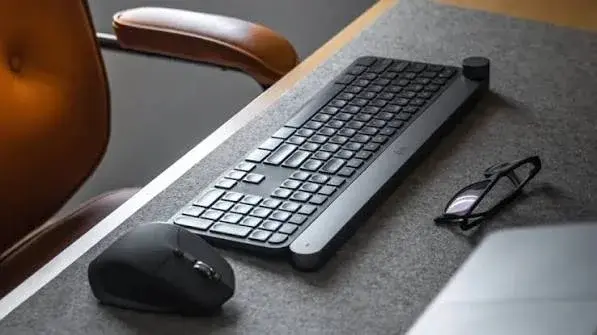
A laptop is portable, but a laptop keyboard and trackpad are not always pleasant to use for long. If you work in cafés, hot-desk in a co-working space, commute between sites, teach, present or study on the move, a small mouse and a slim keyboard make a big difference. The trick is choosing ones that fit in a bag, connect without fuss, run for weeks on a battery and do not annoy the people next to you. This guide to the best travel mouse and keyboard in Kenya compares the compact Logitech options we stock, explains Bluetooth versus receiver connections, and shows you how to avoid fakes.
We are City Gadgets Kenya, at New Alnoor Exhibition, Second Floor, Shop C7, Accra Road, Nairobi CBD, with same-day delivery in Nairobi and next-day delivery outside Nairobi. Specifications are described "per the maker", and we confirm details per unit. Prices change, so message us on WhatsApp for today's price.
The short version
- Best travel mouse overall: Logitech M196 Bluetooth mouse. Compact, no receiver to lose, works with USB-C-only laptops and many tablets.
- Best quiet travel mouse: Logitech M240 Silent, for libraries, open-plan offices and shared homes.
- Best budget travel mouse with a receiver: Logitech M171 (and the similar M185), for laptops with a USB-A port.
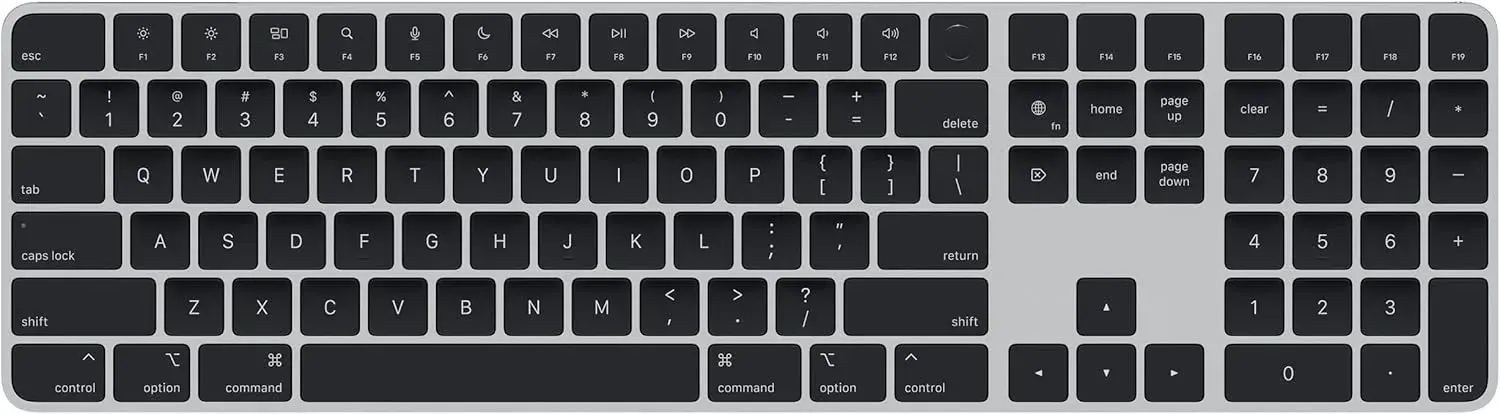
- Best slim travel keyboard: Logitech Pebble Keys 2 K380s, a slim Bluetooth keyboard that works with laptops, tablets and phones.
- Best travel set: Logitech Pebble 2 Combo, the Pebble keyboard with a matching Pebble mouse.
- Remember a hub: if your laptop has only USB-C ports, a receiver mouse needs an adapter or hub.
| Product | Connection | Strength | Weak point |
|---|---|---|---|
| Logitech M196 | Bluetooth | No receiver, tablet friendly | Battery needs replacing |
| Logitech M240 Silent | Bluetooth | Quiet clicks | Slightly dearer than M196 |
| Logitech M171 / M185 | USB receiver | Simple and affordable | Needs a USB-A port, receiver can be lost |
| Pebble Keys 2 K380s | Bluetooth | Slim, multi-device | Smaller keys than a full keyboard |
| Pebble 2 Combo | Bluetooth | Matching keyboard and mouse | Not for heavy typists |
What makes a good travel mouse
A travel mouse is a compromise between size and comfort. A tiny mouse fits a pocket but can cramp your hand. A full-size mouse is comfortable but bulky. What to look for:
1. Size and weight. Small enough to slip into a laptop bag side pocket, but big enough that your hand is not clawed. Most people find a compact mouse fine for hours of casual work and tiring for a full day.
2. Connection type. This is the biggest decision, so we cover it in detail below.
3. Battery life. Replaceable batteries are convenient in the field. Carry a spare.
4. Quiet clicks. Useful in shared spaces and on calls.
5. Surface compatibility. Optical mice work on most desks. Glass and very glossy surfaces can confuse them. A small mouse mat or a notebook cover helps in cafés.
6. Durability. A mouse in a bag gets knocked about. Choose a solid build from a brand with a warranty.
Bluetooth or USB receiver?
Bluetooth mice (such as the Logitech M196 and M240 Silent) connect directly to your device without a receiver. This matters because:
- Many modern laptops have only USB-C ports, so a USB-A receiver needs an adapter.
- Tablets and phones usually have no USB-A port.
- There is no tiny receiver to lose in a bag.
Pairing is done once in your device's Bluetooth settings, and the mouse reconnects afterwards. Compatibility depends on your device, so if you plan to use it with a tablet or phone, ask us to confirm.
Receiver mice (such as the Logitech M171 and M185) use a small USB receiver. The advantages are simplicity and low cost. You plug the receiver in and the mouse works, with no pairing. The disadvantage is that the receiver can be lost, and it needs a USB-A port. Keep it in the port while travelling if the laptop's design allows, or store it in a small case.
A simple rule: if your laptop or tablet has no USB-A port, choose Bluetooth. If it does and you want the lowest price, a receiver mouse is fine.
Logitech M196 Bluetooth mouse
The M196 is a compact Bluetooth mouse that needs no receiver. It is small, light and easy to pack, which is why it suits students, remote workers and travellers.
Good for:
- Laptops with only USB-C ports.
- Tablets and other Bluetooth devices that support mice.
- People who dislike carrying a receiver.
Things to know:
- It uses a replaceable battery, so carry a spare.
- Being compact, it may feel small for large hands over a long day.
- Check device compatibility for phones and tablets.
Logitech M240 Silent Bluetooth mouse
The M240 Silent is also compact and Bluetooth, and it is designed to click quietly. If you have ever been glared at in a library or office for clicking, you will understand its appeal.
Good for:
- Open-plan offices, libraries and shared homes.
- People on frequent video calls.
- Students who study late near others.
Things to know:
- It costs a little more than the M196.
- Silent clicks have a softer feel, which most people adjust to in a day or two.
- It also uses a replaceable battery.
Logitech M171 and M185 wireless mice
These are affordable, dependable wireless mice that use a USB receiver. The M171 is compact, and the M185 is a very similar design that has been a staple for offices.
Good for:
- Laptops with a USB-A port.
- Budget buyers.
- Offices equipping staff.
Things to know:
- They need a USB-A port, so a USB-C-only laptop needs an adapter or hub.
- The receiver is easy to lose.
- They use replaceable batteries.
For a wider comparison, read our best wireless mouse guide.
Logitech Pebble Keys 2 K380s
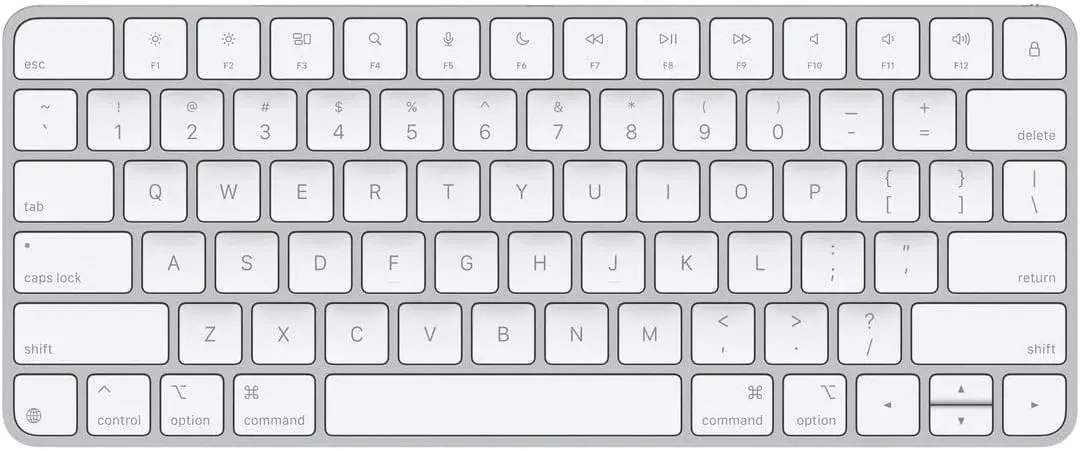
The Pebble Keys 2 K380s is a slim, quiet Bluetooth keyboard made for mobile use. It pairs with laptops, tablets and phones, and, per Logitech, lets you switch between paired devices. We confirm the exact features per unit.
Good for:
- Pairing with a tablet to make it a mini laptop.
- Working from cafés with a laptop whose own keyboard you dislike.
- Carrying in a bag without adding much weight.
- People who prefer low-profile, quiet keys.
Things to know:
- Keys are compact, and some people with large hands find them cramped.
- It is not a full-size keyboard for heavy daily typing.
- Check the battery and charging details on the unit you order.
See our Logitech MX and Pebble guide.
Logitech Pebble 2 Combo
The Pebble 2 Combo pairs the slim keyboard with a matching compact mouse. It suits people who want a complete, light travel set in one purchase.
Good for:
- Hot-deskers and students.
- A tablet or laptop on the go.
- Anyone who wants matching, quiet accessories.
Things to know:
- It is a compact set, not an ergonomic desk setup.
- Confirm Bluetooth compatibility with your devices.
Which travel set should you buy?
You have a USB-C-only laptop and want the simplest option. Logitech M196, with a Pebble Keys 2 if you also want a keyboard.
You work near other people. Logitech M240 Silent.
You want the lowest price and have a USB-A port. Logitech M171 or M185.
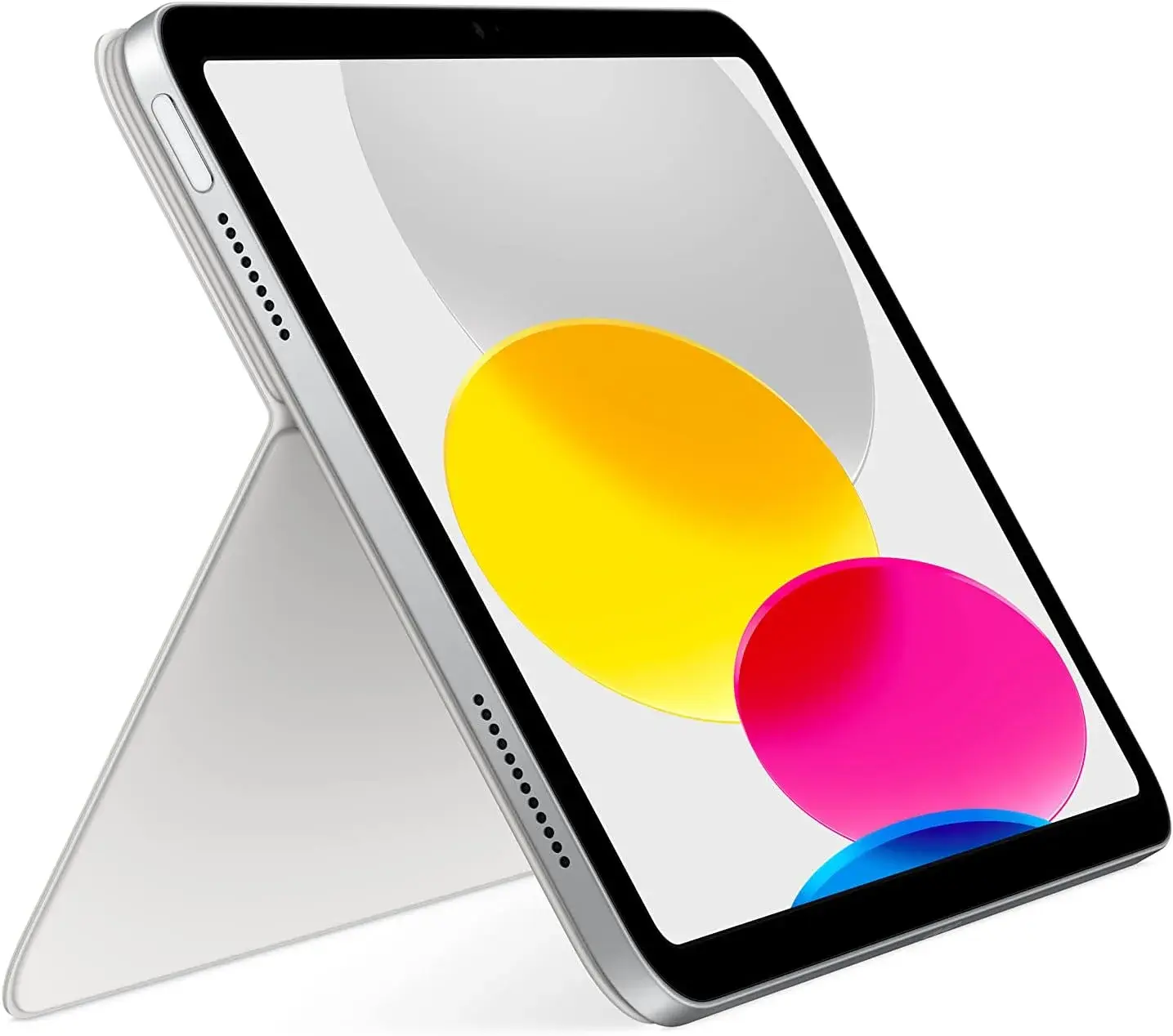
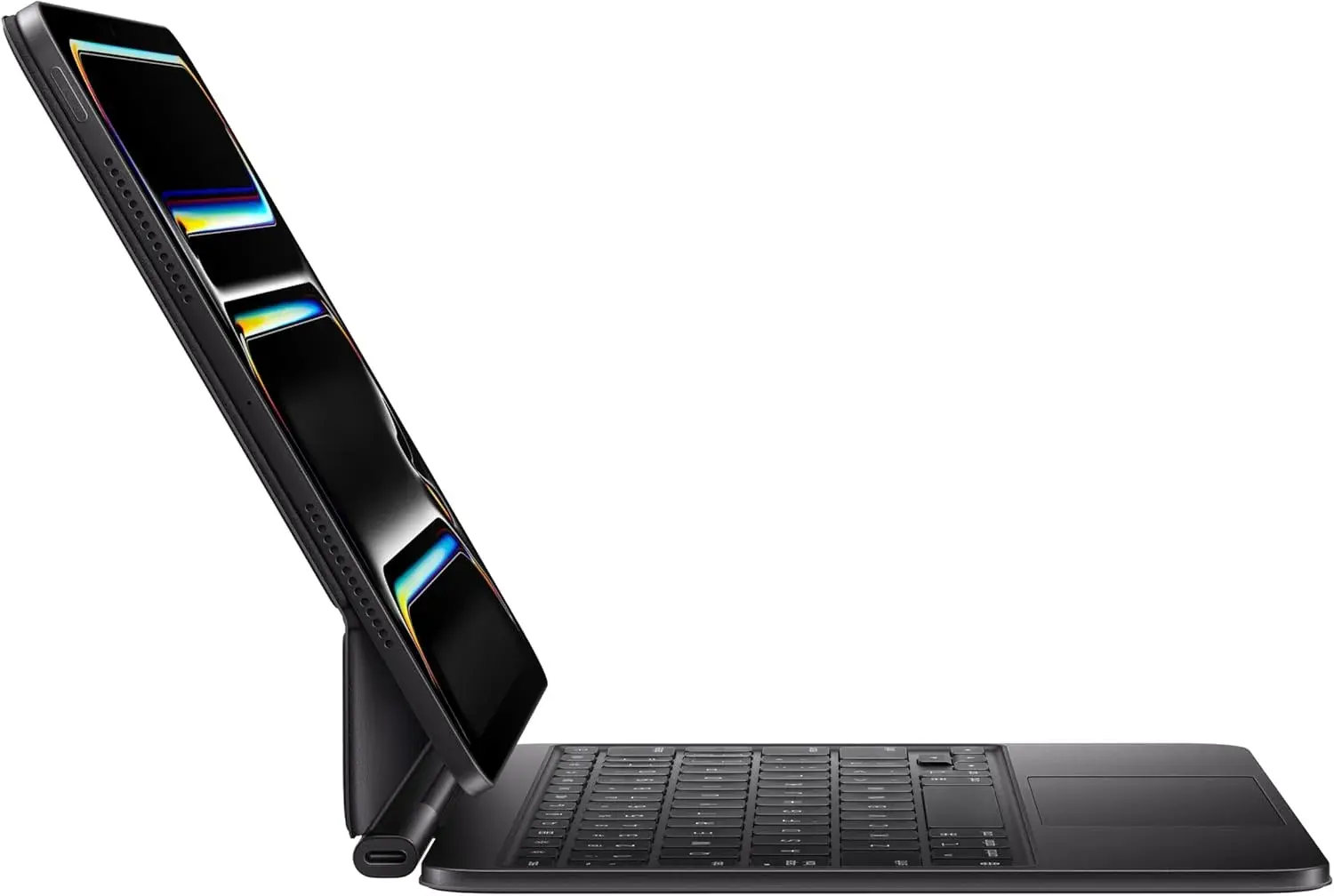
You use a tablet. Pebble Keys 2 K380s with the M196 or the Pebble 2 Combo. See our tablet keyboard guide.
You type all day. A travel keyboard is not designed for that. Keep a full-size keyboard such as the Logitech MX Keys S at your main desk, and use the Pebble for travel.
You have wrist discomfort. A compact mouse may not help. Consider the Logitech Lift at your desk. See our ergonomic mouse guide.
What to pack with your travel set
A mouse and keyboard are only part of a good mobile kit. Consider:
- Spare batteries for the mouse and, if needed, the keyboard.
- A small pouch or case to protect the mouse and keep the receiver safe.
- A USB-C hub such as the Anker 5-in-1 for HDMI and USB-A ports. See our best USB-C hub guide.
- A charger and cable for your laptop and a spare USB-C cable.
- A power bank for phones and, where suitable, other devices. See our best power bank guide.
- A mouse mat or notebook for glossy or glass tables.
- A laptop stand, if you have space, for better posture at a café.
Pairing, switching and troubleshooting
Pairing a Bluetooth mouse or keyboard
- Turn the device on and put it in pairing mode as the instructions describe.
- Open Bluetooth settings on your laptop, tablet or phone.
- Select the device from the list.
- Wait until it says connected. It should reconnect automatically next time.
Using a receiver mouse
- Plug the receiver into a USB-A port.
- Switch on the mouse. It connects automatically.
- If it does not, check the battery and try another port.
Common problems
The cursor lags or jumps. Replace the battery, move closer to the receiver or device, and avoid glossy surfaces. Keep the receiver away from metal or other wireless devices.
The mouse disconnects. Check the battery and that Bluetooth is on. Remove and re-pair the device.
Bluetooth will not connect to a tablet or phone. Confirm the device supports mice. Some do, some do not, and the exact behaviour depends on the operating system.
Keyboard types wrong characters. Check the keyboard layout in the device settings and choose the layout that matches the keyboard.
Battery drains quickly. Switch the device off when travelling, and use good-quality batteries.
A receiver is lost. Some Logitech receivers can be paired using Logitech software, but this depends on the product. Ask us before buying a replacement.
Travel etiquette and quiet working
If you work in cafés, libraries or trains, think of the people around you. A silent mouse, a quiet keyboard, headphones for calls and a lowered brightness all help. Keep your belongings close, and do not leave your laptop unattended. Use a privacy screen or angle your screen away from others if you handle sensitive information. Avoid public Wi-Fi for banking, and use your phone hotspot where practical.
Care and battery tips
- Switch devices off when packing them. A mouse jiggled in a bag drains its battery.
- Use good-quality batteries, and remove them if you will not use the device for weeks.
- Keep devices clean with a soft dry cloth. A little isopropyl alcohol on a cloth can clean grime, but keep liquid away from openings.
- Avoid heat. Do not leave devices in a hot car.
- Do not squeeze a mouse into a pocket that bends it.
- Store the receiver safely.
Example scenarios
These are illustrative scenarios, not customer records.
The student. A student uses a laptop with only USB-C ports in lectures and the library. A Bluetooth M196 means no adapter, and a Pebble Keys 2 helps when typing long assignments on a tablet.
The consultant. A consultant moves between client offices and hot-desks. A Pebble 2 Combo and a hub make a light kit that works anywhere.
The teacher. A teacher presents from a laptop and marks on a tablet. A receiver mouse is fine if the laptop has USB-A, and a Bluetooth keyboard helps with marking.
The call-centre worker with a shared space. They work next to colleagues. The M240 Silent keeps clicks down.
Comfort: making a small mouse work for your hand
Compact mice are made for portability, so comfort needs a little thought.
Grip style. If you rest your whole palm on the mouse, a small one may feel cramped. If you hold it with your fingertips (a claw grip) or move it with your fingers, small mice are fine. Try the mouse in the shop if you can.
Wrist position. Keep your wrist straight and your forearm supported. Do not float your hand in the air, and avoid resting the wrist on a sharp table edge.
Take breaks. Compact mice are best for sessions of a few hours, not a full day of precise work. Switch to a full-size or ergonomic mouse at your desk.
Cursor speed. Adjust the pointer speed in your operating system so you do not have to move your whole arm. A comfortable speed reduces strain.
Use keyboard shortcuts. Cut, copy, paste, switch windows and save with the keyboard, and your mouse hand rests more. Our Logitech MX and Pebble guide lists shortcuts that make any keyboard faster.
Typing on a slim keyboard: getting used to it
A low-profile keyboard feels different from a full-size one. Keys have shorter travel, and layouts can be slightly compressed. Most people adapt in a few days.
- Give it a week. Your accuracy will improve as your fingers learn the spacing.
- Check special keys. Some slim keyboards move or combine keys such as Home, End and Page Up. Learn the function-key combinations.
- Use the right layout. Make sure your device is set to the layout that matches the keyboard, or characters like @ and " may swap.
- Mac and Windows keys. Many Logitech keyboards support both and map the Command and Windows keys accordingly, per Logitech. We confirm per unit.
- Angle and stability. A flat keyboard on a soft surface wobbles. Use a hard surface where possible.
- Position. Keep the keyboard directly in front of you and your shoulders relaxed.
Using a travel mouse and keyboard with a tablet or phone
Tablets become far more useful with a mouse and keyboard, but compatibility depends on the device and its software.
Keyboards. Bluetooth keyboards generally work with tablets and phones. Some tablet operating systems add keyboard shortcuts and special key behaviour, which can improve typing speed.
Mice. Many tablets and phones now support Bluetooth mice, showing a small pointer on screen. Support, settings and the feel of the pointer vary by device. Ask us to confirm before you buy.
Stands. A tablet needs a stand or case to sit upright next to the keyboard. Cases with kickstands are common. A small foldable stand is another option.
Multiple devices. If you pair a keyboard with both a laptop and a tablet, learn how to switch between them. The Pebble Keys 2 offers this feature, per Logitech.
For iPad-specific advice, including honest limits, read our tablet keyboard guide.
Mac and Windows compatibility
Most Logitech Bluetooth mice and keyboards work with both Windows and Mac. A Mac may treat some buttons differently, and extra buttons need software to customise. A basic mouse needs no software. Logitech offers software for certain models, such as Logi Options+ for supported products, per Logitech. Our Logitech MX and Pebble guide explains this in more detail. If you use a Mac and want the Apple mouse, read our Apple Magic Mouse guide.
Security and safety when you work in public
- Do not leave your bag unattended, even for a minute.
- Lock your screen when you step away.
- Use a privacy screen or angle your laptop when working with sensitive data.
- Avoid public Wi-Fi for banking and sensitive logins. Use your phone hotspot.
- Keep Bluetooth discoverable only when pairing. Pair in a quiet place and turn off discoverability afterwards.
- Back up your work before you travel. See our cloud vs external drive backup article.
- Carry a charger and a small power bank so you do not depend on café sockets.
Commuting and flying with accessories
Small input devices travel well, but a few points help.
- Batteries. Carry spare batteries according to the airline's rules, and keep them in your hand luggage. Check current regulations before you fly.
- Receivers. Keep receivers in a small pouch, not loose in a pocket.
- Bags. Use a padded sleeve or pouch so the keyboard does not bend.
- Matatu and bus rides. Avoid using devices on a bumpy ride, because shaking damages ports. Keep the laptop in a padded bag on your lap or at your feet.
- Weather. Avoid leaving electronics in rain or heat.
Travel mouse versus trackpad: do you need one at all?
Modern laptop trackpads are good, and for short sessions you may not need a mouse. But a mouse helps in several situations: long editing sessions, spreadsheets where precise selection matters, design work, gaming, and anyone with discomfort from using a trackpad for hours. A mouse also lets you keep your hand in a neutral position and often speeds up everyday work. If you find yourself reaching for a mouse in every café, it is worth owning a good compact one. If you rarely do, learn the trackpad gestures and skip the extra item.
Rechargeable or replaceable batteries?
The travel mice in this guide use replaceable batteries, per the makers, and we confirm per unit. Replaceable batteries have a practical advantage on the road: if the battery dies, you swap it and carry on, with no cable or socket needed. They do mean buying batteries occasionally and disposing of old ones responsibly. A rechargeable device is convenient if you always have a cable and a socket, but it cannot be used until it charges. If you travel often, either carry spares or choose a device that matches your habits. The Pebble Keys 2, like other slim keyboards, may be rechargeable or battery-powered depending on the version, so we confirm the details of the unit you order.
Colour, finish and looks
Travel accessories are personal items, and many people care how they look in a café. Logitech offers some models in several colours, but stock varies, so ask us what is available. Matte finishes hide fingerprints better than glossy ones. Light colours show dirt more quickly. A neutral colour suits most bags and laptops. Choose a finish you like, but put function first.
When to choose a bigger set instead
A travel set is a compromise. If you mostly work at one desk and only occasionally travel, buy a comfortable desk setup and a small light backup rather than making a compact set your main one. Our keyboard and mouse combo guide and home office setup guide cover full-size options.
Buying for a team or a school
Organisations often buy travel peripherals in numbers for sales teams, field staff, teachers and students. A few points help avoid regret.
- Standardise on one or two models. It makes support easier and spares are interchangeable.
- Choose Bluetooth if your staff use USB-C laptops, and a receiver model if they use older laptops with USB-A ports.
- Include spare batteries in the order, and a small pouch for each set.
- Pilot first. Buy one or two sets, let people use them for a week, then order the rest.
- Label the devices with the staff member's name or an asset tag so they come back when someone leaves.
- Keep receipts and warranty terms together for claims.
- Ask about bulk arrangements. Message us on WhatsApp with your quantities, and we will discuss availability and delivery, including same-day delivery in Nairobi and next-day delivery outside Nairobi.
A short buying path
- List the devices you will connect: laptop, tablet, phone.
- Check their ports: USB-A, USB-C, Bluetooth only.
- Decide on a mouse: Bluetooth or receiver, quiet or standard.
- Decide on a keyboard: do you need one on the road at all?
- Add a hub, spare batteries and a pouch.
- Check the products are genuine, and keep the receipt.
Common mistakes when buying travel accessories
- Buying a receiver mouse for a USB-C-only laptop and forgetting the adapter.
- Assuming every Bluetooth mouse works with every tablet. Compatibility depends on the tablet.
- Choosing the smallest mouse without considering hand size.
- Forgetting spare batteries, then finding the mouse dead before a meeting.
- Losing the receiver by storing it loose in a bag.
- Expecting a slim keyboard to feel like a full-size one.
- Buying an unbranded copy that disconnects, lags or fails in weeks.
- Skipping the receipt and warranty.
- Ignoring a hub, then discovering the laptop has no port for the receiver or the projector.
- Not testing before an important trip or presentation. Pair and try every device at home before you leave, and keep a backup plan, such as the laptop trackpad, in case something fails.
Looking after your accessories for the long term
A good mouse or keyboard can last for years if you treat it well. Wipe it regularly with a slightly damp, soft cloth, dry it afterwards and avoid harsh chemicals. Turn it off when not in use. Remove batteries from devices you will store for weeks. Keep receivers in a labelled pouch. If a mouse starts to double-click or skip, clean around the buttons and the sensor window first, since dust is a frequent cause, and bring it to us if the fault persists. Keep the receipt in your phone so you can claim warranty if needed. Replace worn mouse feet or use a mouse mat if the mouse starts to drag.
Frequently asked comparisons
M196 vs M240 Silent. Both are compact Bluetooth mice. The M240 adds quiet clicks. If you work around others, the extra cost is worth it. If you work alone, the M196 is enough.
M171 vs M185. Very similar receiver mice. Choose by availability and colour.
M196 vs M171. The M196 uses Bluetooth, so it suits USB-C laptops and tablets. The M171 uses a receiver and suits laptops with USB-A ports, usually at a lower cost.
Pebble Keys 2 vs a full-size keyboard. The Pebble is lighter and more portable. A full-size keyboard is more comfortable for long typing.
Pebble 2 Combo vs buying separately. The combo gives you a matching set and may be simpler. Buying separately lets you mix, such as a Pebble keyboard with a silent M240.
Questions to ask any seller before you pay
- Is this a genuine Logitech product, and is the box sealed?
- Is it Bluetooth or a receiver model?
- Is it compatible with my laptop or tablet?
- What battery does it use, and is one included?
- What warranty applies?
- Can I test it before I pay?
- Will I get a receipt?
How to spot a fake Logitech mouse or keyboard
Logitech is a trusted brand, which makes it a target for copies. Use these ten checks together.
- Check the packaging. Genuine boxes have sharp printing, accurate model names and clean seals. Misspellings and blurry logos are red flags.
- Check the model number. The number on the product, such as M196 or M240, should match the box and Logitech's website.
- Check the logo. It should be crisp, evenly applied and correctly positioned.
- Check the weight and build. A genuine mouse feels solid, with smooth seams. A very light, rattly unit is suspect.
- Check the buttons and wheel. Clicks should be consistent. Wobble or sticking suggests poor quality.
- Check the receiver and label. On receiver models, the receiver should fit snugly and carry proper markings. Labels should be tidy.
- Test connectivity. A genuine Bluetooth model pairs readily and stays connected.
- Check the battery compartment. It should be clean and well made.
- Check the seller and warranty. A genuine seller states the warranty period and has a shop address and receipt.
- Check the price. A price far below normal is a red flag.
If you are unsure, bring the device to New Alnoor Exhibition, Second Floor, Shop C7, Accra Road, and we will help you check it.
Why buy your travel mouse and keyboard from City Gadgets Kenya
- Genuine Logitech products, checked before they reach you.
- A real shop at New Alnoor Exhibition, Second Floor, Shop C7, Accra Road, Nairobi CBD, opening from 9:00 AM.
- Same-day delivery in Nairobi and next-day delivery outside Nairobi.
- M-Pesa payment and clear receipts.
- Honest advice, including telling you when a cheaper mouse is enough.
- Compatibility checks. Tell us your device and we will confirm what works.
- Hubs, cables and accessories in our accessories category.
- Support and repairs through our repair service.
- Trade-ins through our sell page.
- WhatsApp help on +254745575931.
Your travel mouse and keyboard checklist
- I know whether my laptop has a USB-A port or only USB-C.
- I chose Bluetooth or a receiver to match.
- I decided whether I need quiet clicks.
- I considered a slim keyboard for my tablet or laptop.
- I will carry spare batteries and a pouch.
- I checked the box, label and model number.
- I have a receipt and know the warranty terms.
Frequently asked questions
What is the best travel mouse in Kenya? The Logitech M196 for most people, the M240 Silent for quiet spaces, and the M171 or M185 for a low-cost receiver mouse.
Do I need a receiver? Not with Bluetooth models. Receiver models need a USB-A port.
Will a Bluetooth mouse work with my tablet? Many do, but it depends on the tablet. Ask us.
Is the Pebble Keys 2 good for typing all day? It is designed for portability. Heavy typists should use a full-size keyboard at their desk.
Can I connect one keyboard to several devices? The Pebble Keys 2 lets you switch between paired devices, per Logitech. We confirm per unit.
What batteries do they use? It varies by model, and we confirm per unit. Carry a spare.
Is a silent mouse worth it? In shared spaces, yes.
Can I pay by M-Pesa? Yes.
How do I know it is genuine? Use the ten checks above.
Where can I buy a travel mouse in Nairobi? At City Gadgets Kenya, Shop C7, Second Floor, New Alnoor Exhibition, Accra Road.
Ready to choose?
Message us on WhatsApp with your device and how you travel, and we will recommend the right set.
Related reading: Best wireless mouse in Kenya · Logitech MX and Pebble guide · Best keyboard for tablet and iPad · Best USB-C hub in Kenya