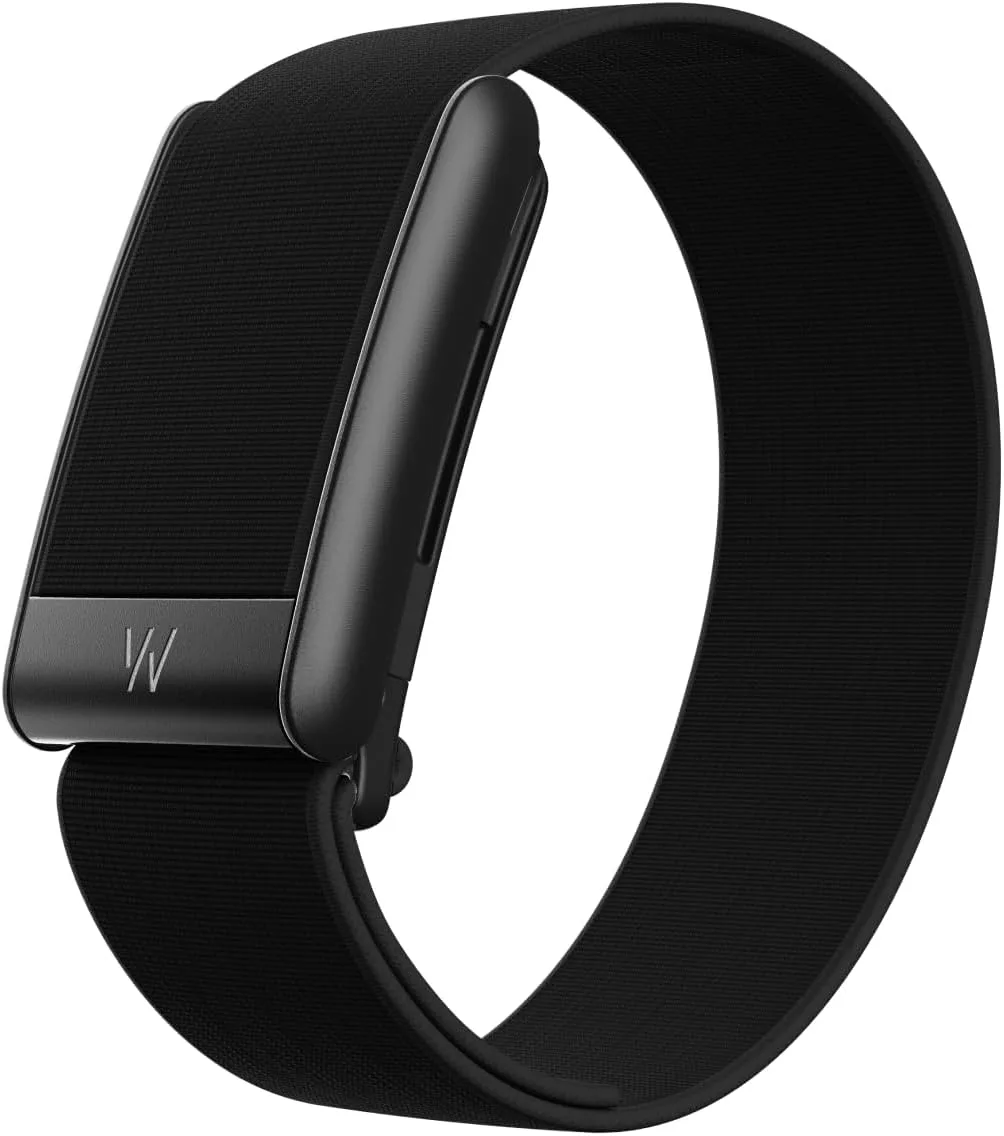
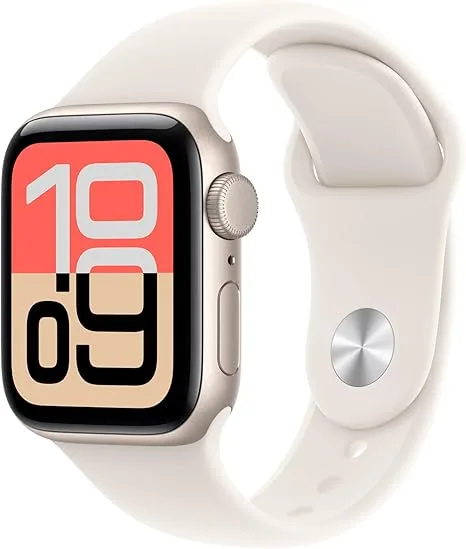
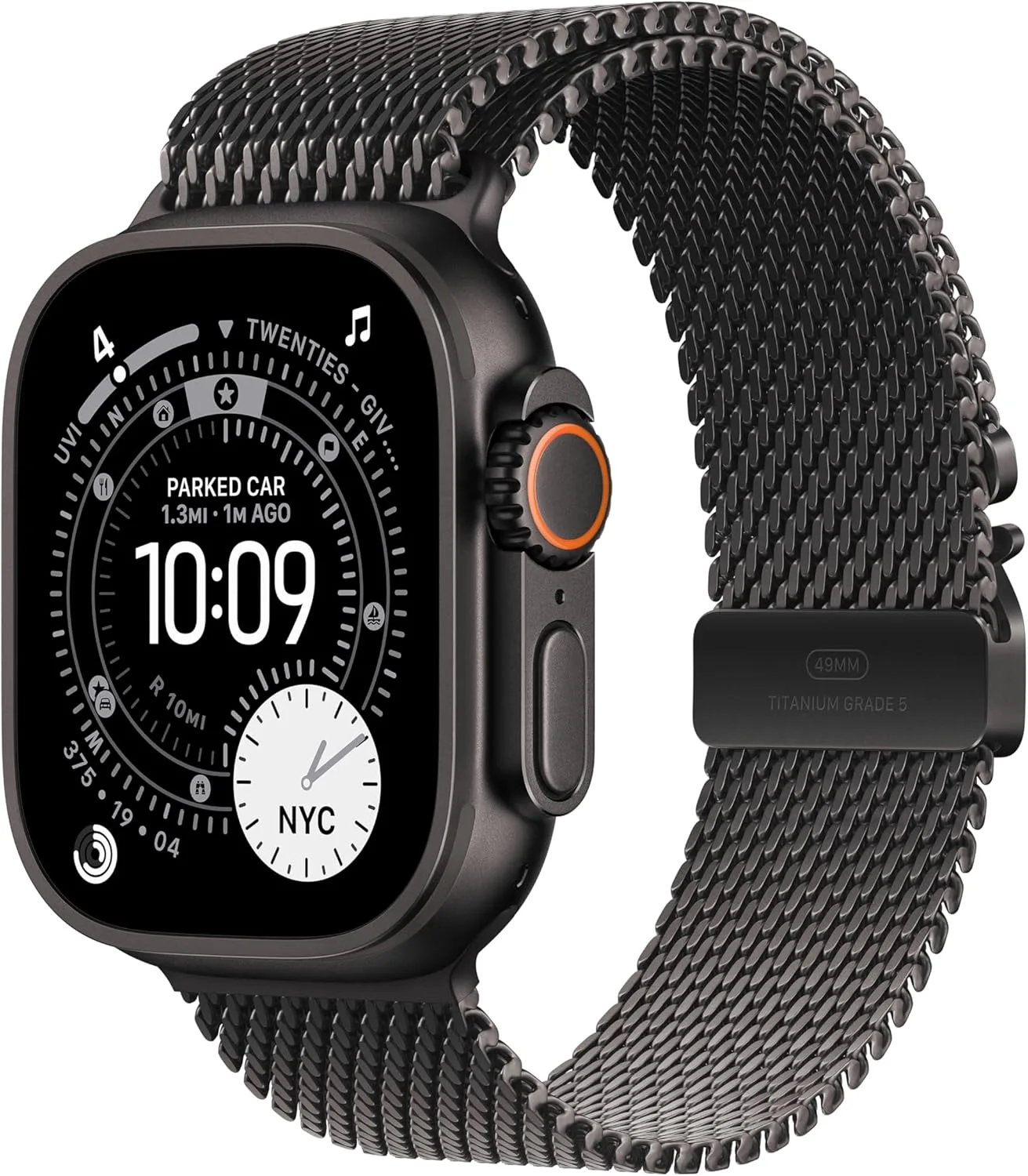
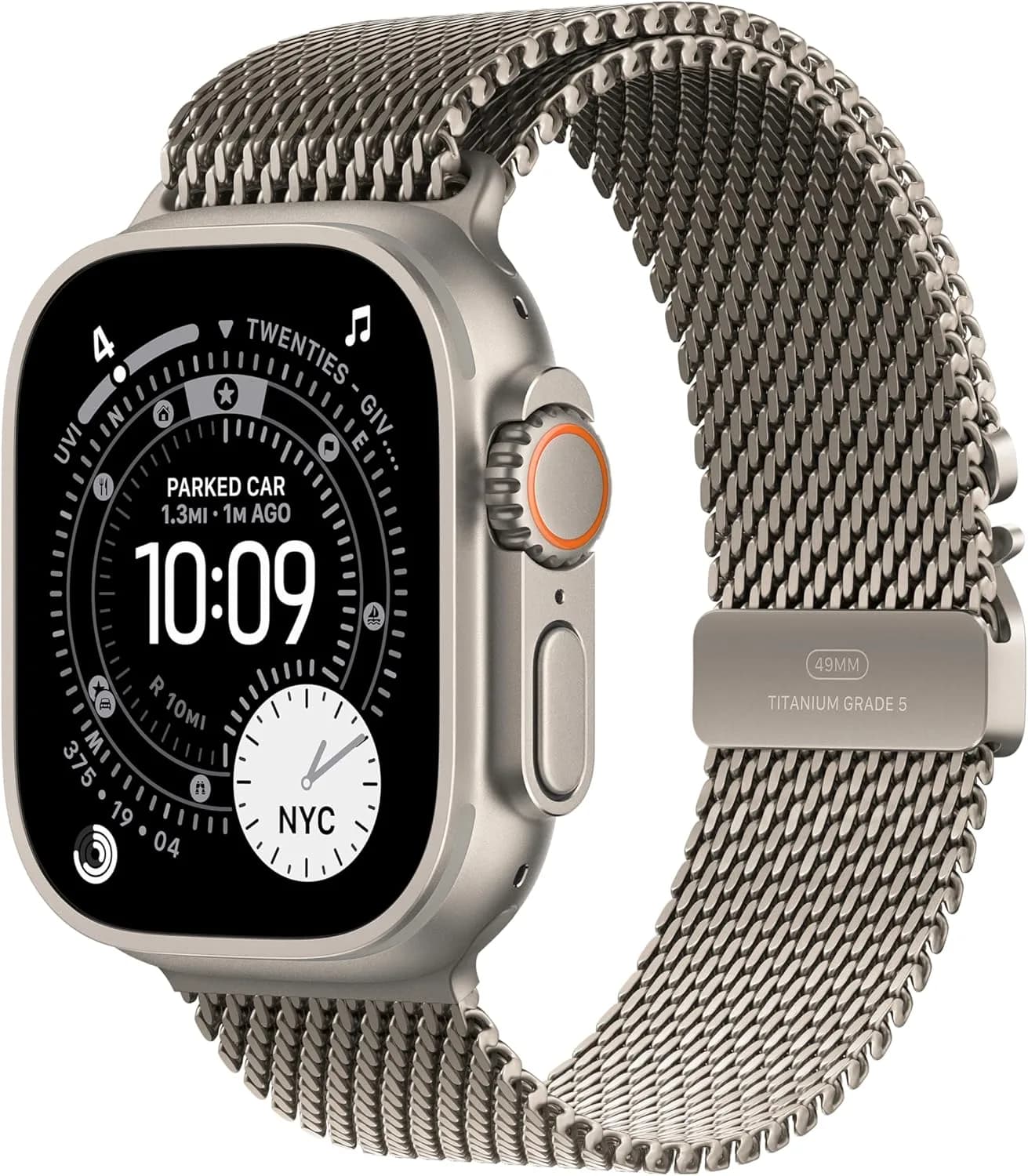
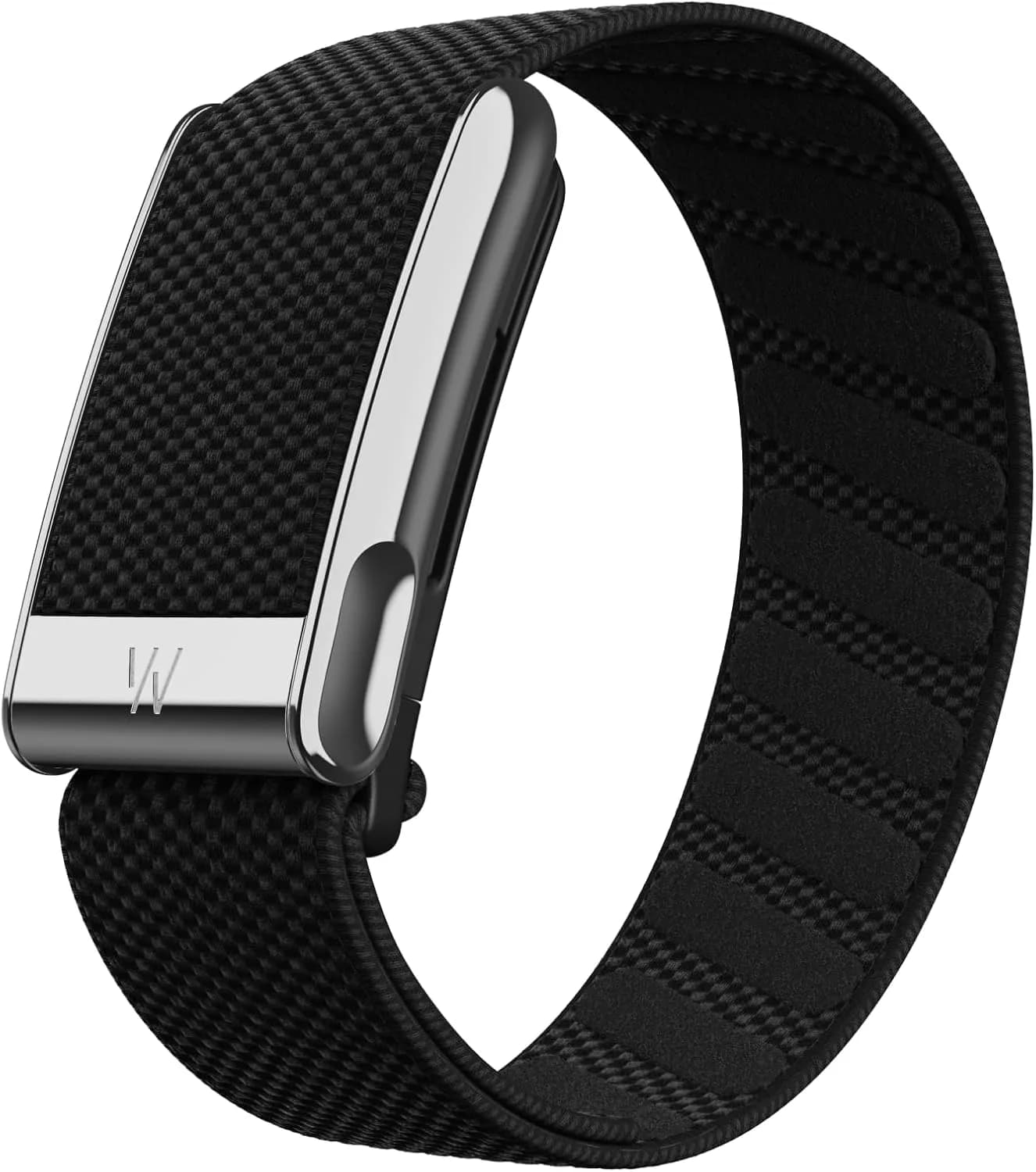
Students and runners look like different buyers, but they want surprisingly similar things from a watch. They want it to be affordable, to survive a week without a charger, to be tough enough for a rucksack, a track and a rainy matatu stage, and to do useful things without a learning curve. A student wants timetable alerts, quiet reminders, and a way to stop checking the phone in lectures. A runner wants accurate pace, built-in GPS, heart-rate zones and recovery advice. Many people are both, such as the university athlete, the cross-country school team member, or the office worker who started running to clear their head. This guide to the best smartwatch for students and runners Kenya has to offer compares the watches we stock, explains what each feature really does, and helps you spend sensibly.
We hedge where specifications vary and say "we confirm per unit" for figures that should be checked on the actual device. Prices change, so message us on WhatsApp for today's price.
City Gadgets Kenya is at New Alnoor Exhibition, Second Floor, Shop C7, Accra Road, Nairobi CBD, with same-day Nairobi delivery and next-day delivery outside Nairobi.
The short version
- Best value GPS watch: Amazfit Bip 6 or Amazfit Active 2. Built-in GPS, bright screens and battery measured in days to weeks per the maker.
- Best for serious runners on a budget: Huawei Watch Fit 5, with a large display, dual-band GPS and training tools.
- Best simple start for students: Huawei Band 10, Galaxy Fit3 or Amazfit Pop 3R and 3S.
- Best for iPhone users: Apple Watch SE 3 for value, Series 10 or 11 for more.
- Best for Samsung users: Galaxy Watch7 or Watch8.
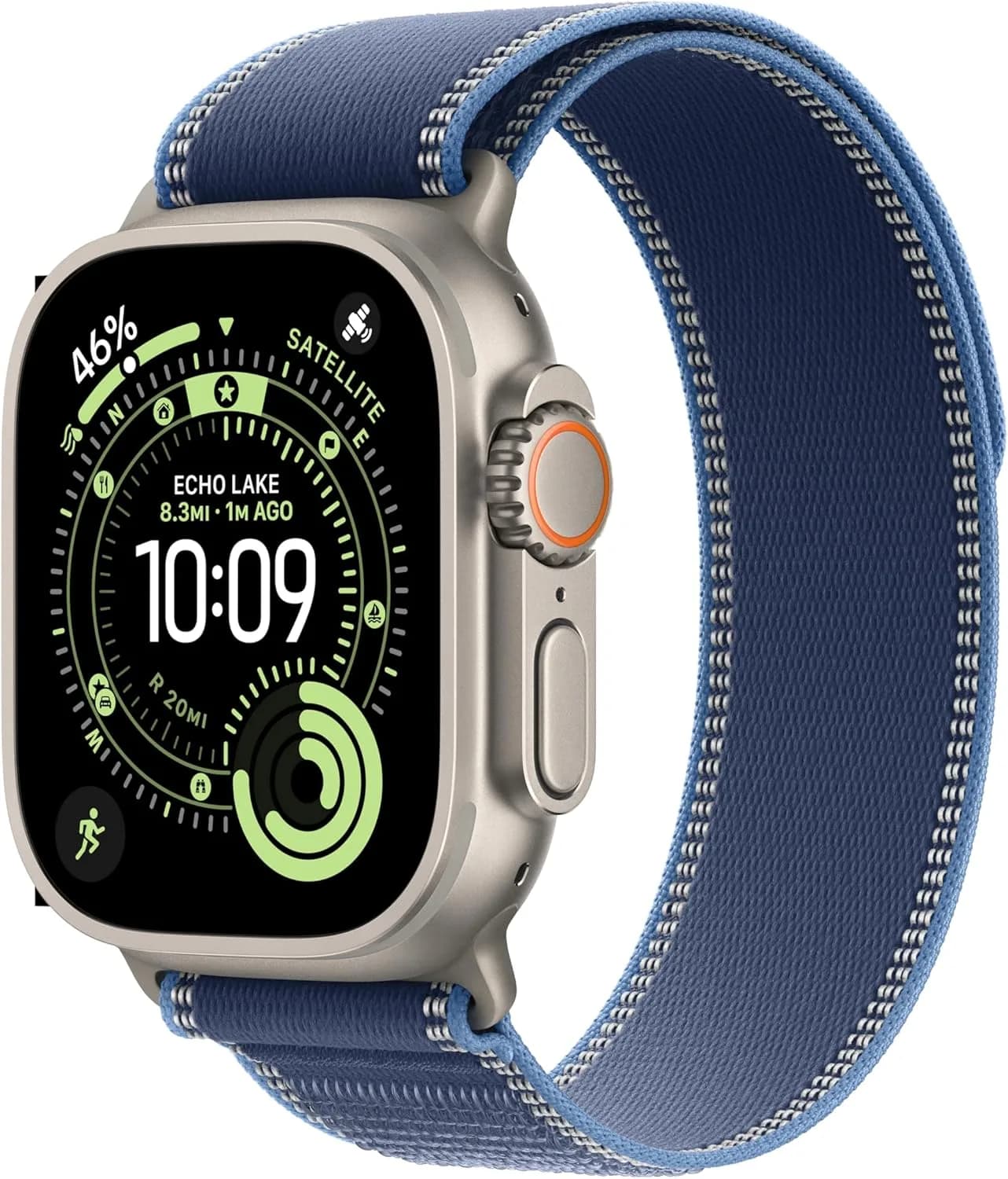
- Tough enough for trails: Amazfit T-Rex 3 or Galaxy Watch Ultra.
| Watch | Best for | Built-in GPS | Battery feel | Phone |
|---|---|---|---|---|
| Amazfit Bip 6 | Budget GPS, students | Yes | About two weeks per maker | Android, iPhone |
| Amazfit Active 2 | Everyday runs, style | Yes | One to two weeks on lighter use | Android, iPhone |
| Huawei Watch Fit 5 | Gym and running, big screen | Dual-band | Several days per maker | Android, iPhone |
| Huawei Band 10 | Simplest tracking | Via phone | About two weeks per maker | Android, iPhone |
| Galaxy Fit3 | Samsung users, light band | Via phone | Long, we confirm per unit | Android |
| Galaxy Watch7 / Watch8 | Android all-rounder | Yes | One to two days | Android |
| Apple Watch SE 3 | iPhone value | Yes | About a day | iPhone |
| Amazfit T-Rex 3 | Rugged trails | Yes | Long, per maker | Android, iPhone |
Read our related guides on the best fitness tracker, best smartwatch for health tracking and best outdoor sports watch if you want to go deeper.
Why students benefit from a smartwatch
A watch can improve student life in practical ways.
It quiets the phone. In lectures and libraries, a glance at your wrist tells you if a message is urgent without taking out the phone and falling into social media. You can silence everything except calls and a few apps.
It manages time. Alarms, timers, calendar alerts and vibration reminders keep you on schedule for classes, assignments and group meetings.
It protects your sleep. Sleep tracking can show late-night study patterns. Seeing that you slept five hours before an exam is more persuasive than any lecture.
It encourages movement. Long hours at a desk are not healthy. Reminders to stand and a daily step goal help.
It is easier to carry. Walking around campus, a watch is safer in a crowded stage than a phone held in your hand.
It saves battery on the phone. If your phone dies at 3 pm, a watch still shows the time and your notifications are waiting.
Why runners benefit from a smartwatch
Pace and distance without the phone. Built-in GPS lets you leave the phone at home and still log the run. That matters on a crowded estate road or a quiet early morning.
Heart-rate zones. Training at the right intensity prevents burnout. Easy runs should feel easy, and a watch keeps you honest.
Structure. Interval timers, lap alerts and training plans give your sessions shape.
Recovery. Resting heart rate trends, sleep and training load estimates show when you are overreaching.
Motivation. Streaks, personal bests and shared routes keep you coming back.
What to look for in a student-and-runner smartwatch
Built-in GPS
If you run, this is the main feature. A watch with built-in GPS records your route without your phone. A watch that relies on your phone's GPS needs the phone in your hand, pocket or armband. Dual-band GPS (on the Huawei Watch Fit 5 per the maker) can improve accuracy in built-up areas with tall buildings and trees, where signals bounce.
Battery life
A student cannot be charging a watch every night in a shared hostel with few sockets. Look for watches that last at least several days. Amazfit and Huawei watches often manage a week or more per the maker with moderate use, while Apple and Samsung watches usually need charging every one to two days. GPS workouts and always-on displays use more power.
Durability
Students carry watches in bags and on rough days. Runners sweat, get rained on and sometimes fall. Look for water resistance (often 5 ATM per the maker for swimming), a scratch-resistant screen and a strap that handles sweat.
Comfort
A watch that is too heavy or too big will bother you in lectures and on runs. Slim, light watches such as the Huawei Watch Fit 5 or Amazfit Bip 6 are comfortable all day.
Display
A bright AMOLED display is easy to read in strong Nairobi sun. A flat, large display helps check pace mid-run.
App and phone compatibility
Check the watch pairs with your phone. Apple Watch needs an iPhone. Galaxy Watch is designed for Android. Huawei and Amazfit work with both Android and iPhone for core features.
Price
A student budget is limited. Do not overspend on features you will not use. A simple Amazfit or Huawei band covers 90 percent of needs.
The watches compared in detail
Amazfit Bip 6
The Bip 6 is a large, light watch with a bright display, built-in GPS and long battery per the maker. It is the classic "do everything reasonably well" budget choice. Students like its price and run-ready basics, and runners get GPS, heart-rate zones and training modes. It lacks the build of a premium watch, but for the money it is hard to beat. We confirm exact features per unit.
Amazfit Active 2
The Active 2 has a round, more stylish face with a sporty feel, built-in GPS, workout modes and a Zepp app that records data cleanly. Battery is measured in days to over a week depending on use per the maker. It suits students who want something that looks good with casual clothes and works for a weekend 10K.
Amazfit Pop 3R and Pop 3S
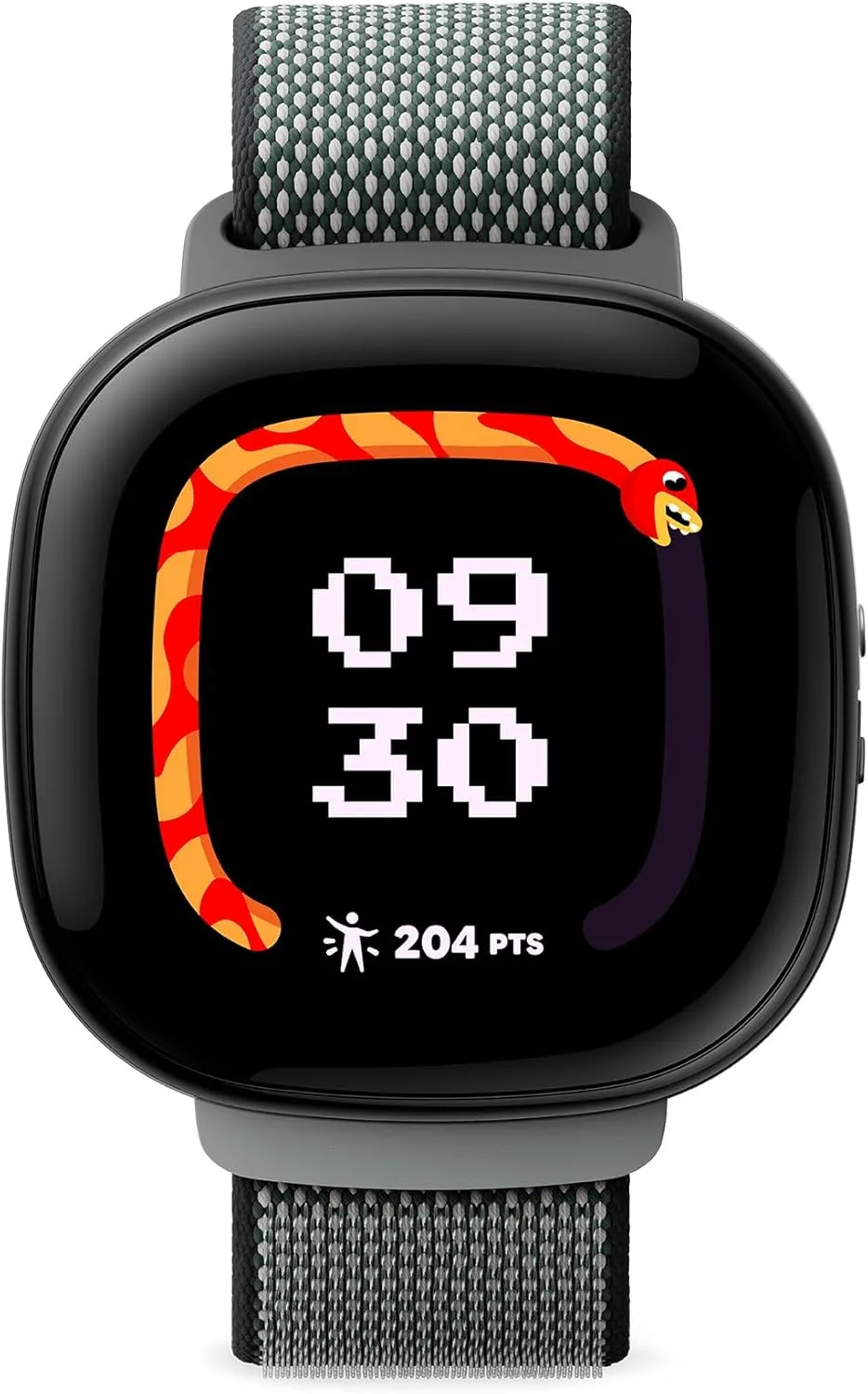
The cheapest bright-screen way into smartwatches. Pop 3R and 3S offer a clear display, call and notification features, and basic tracking. GPS support varies by model, so we confirm per unit. They suit first-time wearers and young students.
Amazfit T-Rex 3
A rugged watch for trail runners and outdoor lovers. Per the maker, it has a tough build, long battery, offline-oriented features on some models and a large display. We confirm per unit which maps and features apply.
Huawei Watch Fit 5
A slim rectangular watch with a large display, dual-band GPS per the maker, training tools and a comfortable strap. It suits serious runners and gym students. See our Huawei watch and band guide.
Huawei Band 10
A very light band with up to about two weeks of battery per the maker. It lacks built-in GPS, so it uses your phone, but it is excellent for steps, sleep and general fitness. It is a great first tracker for a student.
Samsung Galaxy Fit3
A slim band with a bright screen designed for Android. It is simple, light and good for steps and sleep.
Samsung Galaxy Watch7 and Watch8
A full smartwatch for Android users with built-in GPS, a broad sensor suite, apps and good displays. See the Galaxy Watch comparison. Battery is one to two days.
Apple Watch SE 3, Series 10 and Series 11
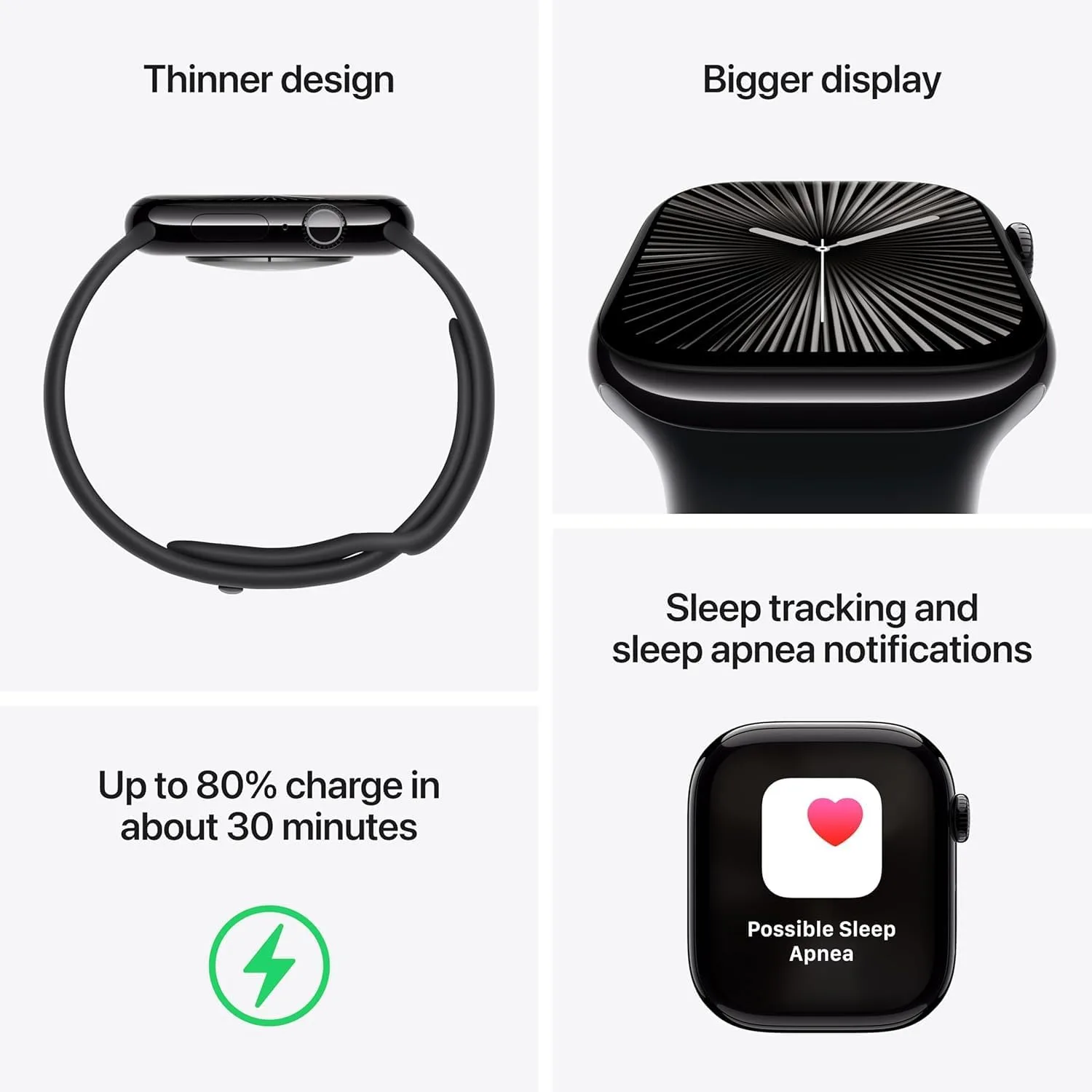
For iPhone users, the SE 3 offers core tracking at a lower cost. Series 10 and 11 add more sensors, larger displays and extra features. Battery is about a day. See the Apple Watch comparison.
Budget guide: how much should you spend?
You do not need to spend much to get a good watch. Think in tiers and message us for current prices.
Entry tier. Fitness bands such as the Huawei Band 10, Galaxy Fit3 and Amazfit Pop 3R and 3S. Best for steps, sleep and notifications.
Mid tier. Amazfit Bip 6, Active 2 and Huawei Watch Fit 5. Built-in GPS, longer battery and workout modes. This is where most students and runners should look.
Premium tier. Galaxy Watch8, Apple Watch Series 10 and 11. More sensors, apps and polish. Worth it if you want a full smartwatch.
Rugged tier. Amazfit T-Rex 3 and Galaxy Watch Ultra for trail and outdoor use.
A good rule is to buy the cheapest watch that has the one feature you truly need. For a runner that feature is built-in GPS. For a student it is battery and comfort.
Running with a smartwatch: a practical guide
Before your first run
Update the watch and app. Set your profile (age, height, weight), because heart-rate zones depend on it. Choose the right workout mode. Let GPS lock on before you start, by standing outside for ten to thirty seconds.
Reading your data
Pace. Minutes per kilometre. Early on, ignore it and run by feel.
Distance. GPS is accurate in open areas. Expect small errors under tree cover or between tall buildings.
Heart rate. Use zones. Most easy runs should stay in the lower zones. If your heart rate climbs quickly on an easy pace, you may be tired, dehydrated, unwell or running in heat.
Cadence. Steps per minute. A natural cadence matters more than hitting a number.
Recovery. If your watch shows a long recovery time, take it seriously.
Beginner plan: 8 weeks to a 5K
Run three days a week with rest days between. Week 1 to 2: alternate one minute running and two minutes walking for twenty minutes. Week 3 to 4: alternate two minutes running and one minute walking. Week 5 to 6: run five to ten minutes at a time with short walks. Week 7 to 8: run for twenty to thirty minutes without stopping. Use the watch's interval timer so you do not need to watch the clock.
Staying safe
Run with others when you can. Tell someone your route. Avoid headphones that block traffic noise. Use safety features on your watch where available. Carry a little cash or an M-Pesa-ready phone. Avoid isolated routes at dark hours. Hydrate and pace yourself in heat.
Running in Kenyan conditions
Nairobi's altitude means the air is thinner, so your pace may feel slower than at sea level. That is normal, and your watch's heart rate will show it. Midday heat can push your heart rate up, so run early or late. Rain and mud are common, so rinse your watch and strap afterwards. Dust can clog buttons, so wipe them.
Studying with a smartwatch
Set focus modes. Silence everything except calls and key apps during lectures and study blocks.
Use timers. The Pomodoro method of twenty-five minutes of focus and five minutes of rest works well with a wrist timer.
Track sleep honestly. If your data shows consistent late nights, adjust before exams.
Use reminders. Create alarms for class times, deadlines and breaks.
Move during study breaks. A short walk resets your attention.
Mind exam rules. Many exam rooms ban smartwatches. Check your institution's rules and leave the watch outside or use a basic watch.
Student and runner scenarios
These are illustrative, not customer records.
Scenario 1: First-year student on a tight budget. He wants something to track sleep and steps and stop him checking his phone in class. A Huawei Band 10 gives two weeks of battery in a hostel with few sockets, and costs a fraction of a premium watch.
Scenario 2: University athlete. She runs three times a week and wants GPS and heart-rate zones. An Amazfit Active 2 or Huawei Watch Fit 5 logs her runs without her phone and shows recovery trends.
Scenario 3: iPhone-using student. He wants a watch that works with his iPhone and syncs with the Health app. An Apple Watch SE 3 covers it.
Scenario 4: Weekend trail runner. She runs on rough ground and wants a tough watch. An Amazfit T-Rex 3 or Galaxy Watch Ultra gives a durable build and strong battery.
Scenario 5: Office worker who started running. He wants a stylish watch he can wear to work. An Amazfit Active 2 or Galaxy Watch8 works in both settings.
Battery and charging habits that save money
A watch that is always dead is a waste. Build a charging routine.
- Charge while you shower or eat, not overnight if you want sleep tracking.
- Use a short cable and a surge-protected socket in a shared room.
- Turn off the always-on display to gain days of battery.
- Limit GPS workouts to when you need them.
- Reduce notifications to those you need. Each one wakes the screen.
- Keep the original charger and buy a genuine spare from our accessories category.
- Stop using a charger that gets hot.
Straps, comfort and skin
Wear the strap snug above the wrist bone for good heart-rate readings. Choose silicone or fabric for sweat. Clean the strap weekly and dry the watch after runs. Rotate wrists if your skin is irritated. Buy a spare strap in a neutral colour for classes and a bright one for training.
Water resistance: what it really means
Many watches are rated 5 ATM per the maker, which covers swimming and showers. It does not cover hot water, steam or high-pressure water, and seals can wear over time. Rinse after salt or chlorine water. Avoid pressing buttons underwater. We confirm per unit.
Phone compatibility in plain words
iPhone owners: Apple Watch is the most integrated. Huawei and Amazfit also work for core features, but some functions such as replying to messages are limited on iPhone.
Android owners: Galaxy Watch is best with Samsung phones. Huawei and Amazfit work with most Android phones. Make sure notification access and background permissions are allowed, or the watch will miss alerts.
Common mistakes when buying
- Paying for features you will not use. An LTE or premium model is unnecessary for most students.
- Ignoring GPS. If you run, check for built-in GPS.
- Ignoring battery. A watch you must charge daily is a hassle in a hostel.
- Buying the wrong phone match. Check compatibility.
- Buying fakes. Fake popular models are common. Buy from a trusted shop.
- Skipping a screen protector or case on a rugged lifestyle.
- Expecting laboratory accuracy. Wrist sensors are good, not perfect.
Smartwatch or fitness band for a student?
A band such as the Huawei Band 10 is lighter, cheaper and lasts longer. A smartwatch has a bigger screen, more apps and often built-in GPS. If you run, choose a watch with GPS. If you only want steps, sleep and notifications, a band is perfect. Compare more in our fitness tracker guide.
Smartwatch or just using your phone?
A phone tracks steps and can record runs with GPS, but you must carry it. A watch is on your wrist all day, tracks sleep, measures heart rate, gives discreet alerts and records runs without a phone. If you run with a phone armband already and are happy, a watch is an upgrade rather than a necessity.
Safety and privacy
Your watch holds location and health data. Use a passcode, share data only with trusted apps and be careful posting running routes that reveal your home. Many fitness apps let you hide the start and end of a route. Sign out and reset the watch before selling it.
Questions to ask any seller before you pay
- Is the watch new and sealed?
- Which exact model is it?
- Does it have built-in GPS?
- Does it pair with my phone and the official app?
- What is the exchange policy?
- Will I receive a receipt?
- Where is your shop if something goes wrong?
Are student discounts available?
Prices change often, so message us on WhatsApp and ask what is available. We will tell you the current price honestly, without inventing offers.
Tips for getting the most from a budget watch
Set only the notifications you need. Update the app. Turn on automatic workout detection. Share your goals with a friend for accountability. Check your weekly summary on Sunday. Do not chase every badge. Keep the watch clean and charged.
Heart-rate zones explained simply
Most watches split your heart rate into five zones based on your estimated maximum. You do not need to memorise numbers, but understanding the idea makes training smarter.
Zone 1 (very easy). Walking and warm-ups. Good for recovery days.
Zone 2 (easy, conversational). You can talk in full sentences. This is where most of your weekly running should sit. It builds endurance without wearing you down.
Zone 3 (moderate). Comfortably hard. Useful in small doses, but many beginners spend too long here and tire themselves out.
Zone 4 (hard). Tempo and threshold efforts. You can say only a few words. Use sparingly, once or twice a week at most for beginners.
Zone 5 (maximum). Short sprints and intervals. Brief and rare.
Your watch estimates your zones from your age or a test, and the estimate can be off. If a zone feels wrong, trust your breathing and adjust the maximum heart rate in the app. A runner who keeps most runs easy and a few runs hard usually improves faster than one who runs every session at moderate effort.
A glossary of running-watch terms
Pace: time per kilometre. Cadence: steps per minute. Lap: a split segment of a run, often automatic every kilometre. VO2 max estimate: a fitness estimate based on pace and heart rate, useful as a trend, not a lab result. Training load: how hard recent sessions have been in total. Recovery time: the watch's suggestion for rest before a hard effort. Auto-pause: stops recording when you stop moving, handy at traffic crossings. Breadcrumb or route: the line of your run on a map. Interval timer: alternating work and rest periods. Stride length: distance per step. Treat these as guides. Consistency across weeks matters more than any single number.
Choosing the right size and case
Watches come in different case sizes, and the right one depends on your wrist. A watch that is too large can slide, hurting heart-rate accuracy, and feel heavy on a run. A watch that is too small may have a cramped display. Measure your wrist, and if you can, try sizes at our shop. Slimmer watches such as the Huawei Watch Fit 5 and Amazfit Bip 6 suit smaller wrists, while rugged watches like the T-Rex 3 and Galaxy Watch Ultra suit larger wrists. For sleep tracking, lighter is better.
A sample week for a student runner
Monday: easy twenty-minute run in Zone 2. Tuesday: rest or gentle walk. Wednesday: intervals, such as five rounds of one minute fast and two minutes easy. Thursday: rest. Friday: easy run with a friend. Saturday: longer run, slowly, thirty to forty-five minutes. Sunday: rest, stretch and review your weekly summary. Adjust the plan around classes and exams, and skip a session when you are ill or exhausted. A watch's recovery advice can guide you, but listen to your body above all.
Looking after your knees and feet
Runners in Nairobi often run on hard tarmac. Replace running shoes when they are worn, usually after several hundred kilometres. Increase weekly distance gradually, by no more than about ten percent. Warm up with a brisk walk, cool down and stretch. If you feel sharp pain, stop and see a health professional. A watch can tell you how far you ran, but only your body can tell you when to stop.
Group runs, clubs and safety in numbers
Joining a running club or university athletics group keeps you motivated and safer. Most watches let you share workouts with friends through their apps. Compare routes, set group challenges and celebrate progress. Share your routes only with people you trust, and hide your home address if the app offers privacy zones. Running in a group also makes dawn runs safer.
Can a watch help with exam stress?
Many watches offer breathing exercises and stress estimates. A two-minute guided breathing session before an exam can help you settle. Use the stress score as a hint about when you need a break, not as a judgement. Combine the watch with sleep, food and movement. If anxiety feels overwhelming, talk to a trusted person or a professional.
Notifications: help or distraction?
A watch should reduce screen time, not add to it. Start with only calls, messages from family and your calendar. Add apps slowly. Turn off social media alerts during study blocks, and use do-not-disturb at night. If you find yourself checking the watch constantly, reduce notifications further. The best setting is the one that lets you ignore your phone without missing anything important.
Updating, resetting and looking after the software
Install official updates for the watch and its app when they appear, because updates often improve battery and accuracy. If the watch freezes or loses connection, restart it first. If problems continue, unpair and re-pair it. Back up before resetting. Keep your phone's Bluetooth on and give the app permission to run in the background, otherwise notifications may lag. If something stays wrong, bring it to our repair service and we will take a look.
When to upgrade later
Start modestly. If you outgrow the watch, you can trade it in through our sell page and move up. Signs it is time to upgrade include battery that no longer lasts, GPS that is slow, a cracked screen, or a wish for features you now actually use. Buying a sensible watch first and upgrading later is a better path than overspending on day one.
How to spot a fake smartwatch (student and runner models)
Fake watches imitate popular brands, and some unbranded watches use brand-like names. A fake may overheat, report false data or stop working within weeks. Use these ten checks together.
- Pair it with the official app. Genuine Amazfit watches use Zepp, Huawei uses Huawei Health, Samsung uses Galaxy Wearable and Samsung Health, and Apple uses the Apple Watch app. A fake needs an unknown app.
- Check the model name and serial. They should appear in settings and on the box and match.
- Test the interface. A genuine watch is smooth with consistent watch faces. A fake looks glitchy.
- Test GPS. Take it outside and start a run. A fake with "GPS" may never get a lock or show a wrong route.
- Test heart rate. A reading that never changes, or one that stays the same when you jog, is a red flag.
- Inspect the packaging. Genuine boxes are clean and accurate. Spelling mistakes are warnings.
- Inspect the back and sensors. Neat sensor windows and engravings suggest a genuine watch.
- Check the display. A genuine AMOLED screen is bright and sharp.
- Check the charger. A genuine charger fits snugly and stays cool.
- Check the seller. An unrealistically low price, no shop address and no receipt are red flags.
If you are unsure, bring the watch to New Alnoor Exhibition, Second Floor, Shop C7, Accra Road, and we will help you check it.
Why buy your smartwatch from City Gadgets Kenya
- Genuine products, checked before they reach you.
- A real shop at New Alnoor Exhibition, Second Floor, Shop C7, Accra Road, Nairobi CBD.
- Same-day delivery in Nairobi and next-day delivery outside Nairobi.
- M-Pesa payment and clear receipts.
- Honest advice, including telling you when a cheaper band is enough.
- Straps and chargers in our accessories category.
- Support and repairs through our repair service.
- Trade-ins through our sell page.
- WhatsApp help on +254745575931.
Quick checklist
- I know my main use: lectures, running, gym or all three.
- I decided whether I need built-in GPS.
- I checked phone compatibility.
- I chose a comfortable size and strap.
- I checked realistic battery expectations.
- I checked the model, serial and packaging.
- I have a receipt and know where to get support.
Frequently asked questions
What is the best smartwatch for students in Kenya? A budget watch with long battery, such as the Huawei Band 10, Amazfit Bip 6 or Active 2.
What is the best smartwatch for runners in Kenya? One with built-in GPS, such as the Huawei Watch Fit 5, Amazfit Active 2 or an Apple Watch or Galaxy Watch.
Do I need built-in GPS? Only if you want to run without your phone.
Which watch has the longest battery? Amazfit and Huawei models, from several days to about two weeks per the maker.
Can I swim with it? Many are rated for swimming. Follow the maker's guidance.
Does it work with iPhone? Huawei and Amazfit do for core features. Apple Watch needs an iPhone. Galaxy Watch is designed for Android.
Can I use a smartwatch in an exam? Usually not. Check your institution's rules.
Is heart-rate tracking accurate? Good at rest and steady exercise, weaker during intervals.
How do I know it is genuine? Use the ten checks above.
Where can I buy a smartwatch in Nairobi? At City Gadgets Kenya, Shop C7, Second Floor, New Alnoor Exhibition, Accra Road.
Ready to choose?
Message us on WhatsApp with your phone, your main activity and your budget, and we will recommend the right watch.
Related reading: Best fitness tracker · Amazfit smartwatch guide · Best outdoor sports watch · Best smartwatch for health tracking