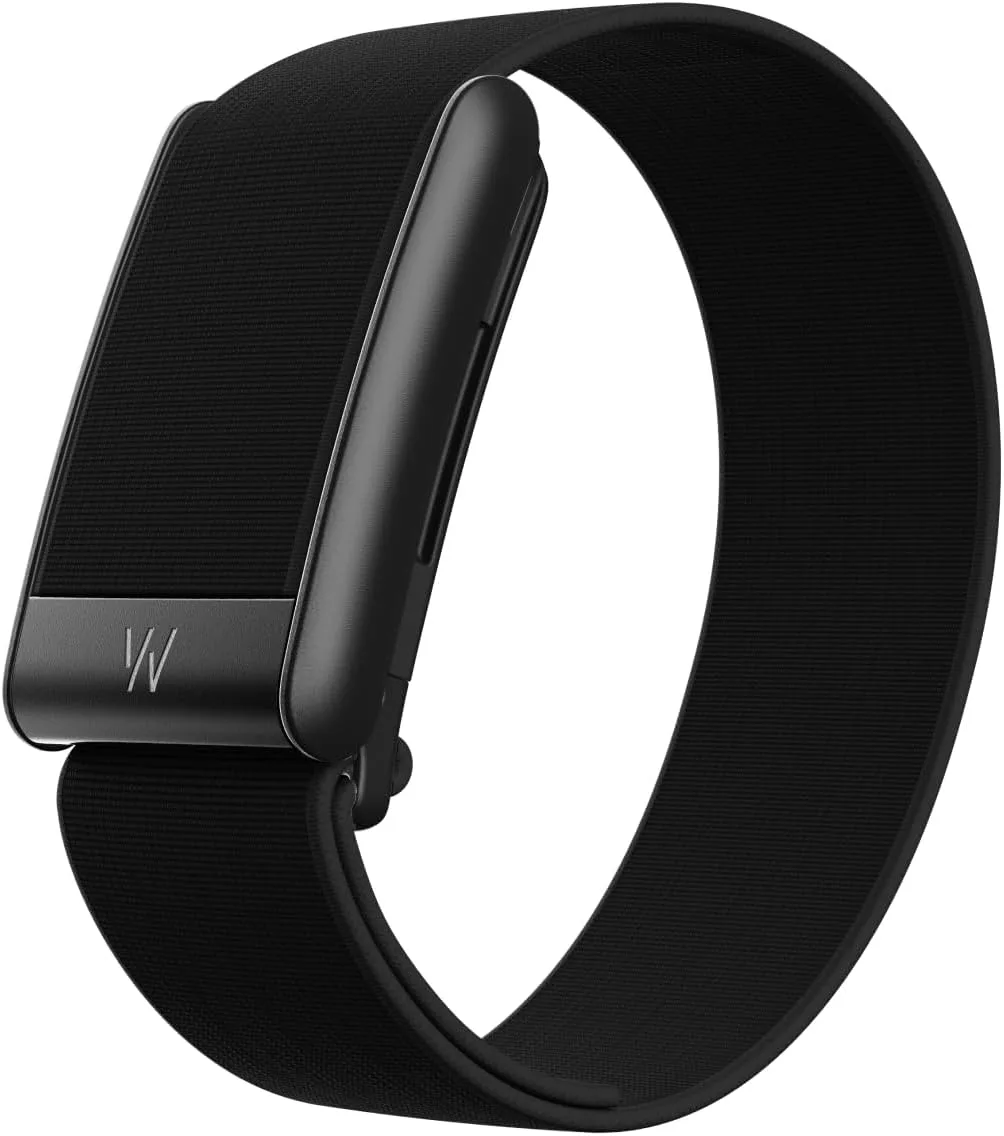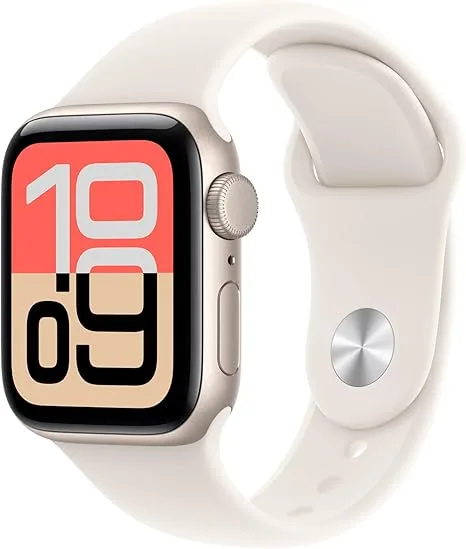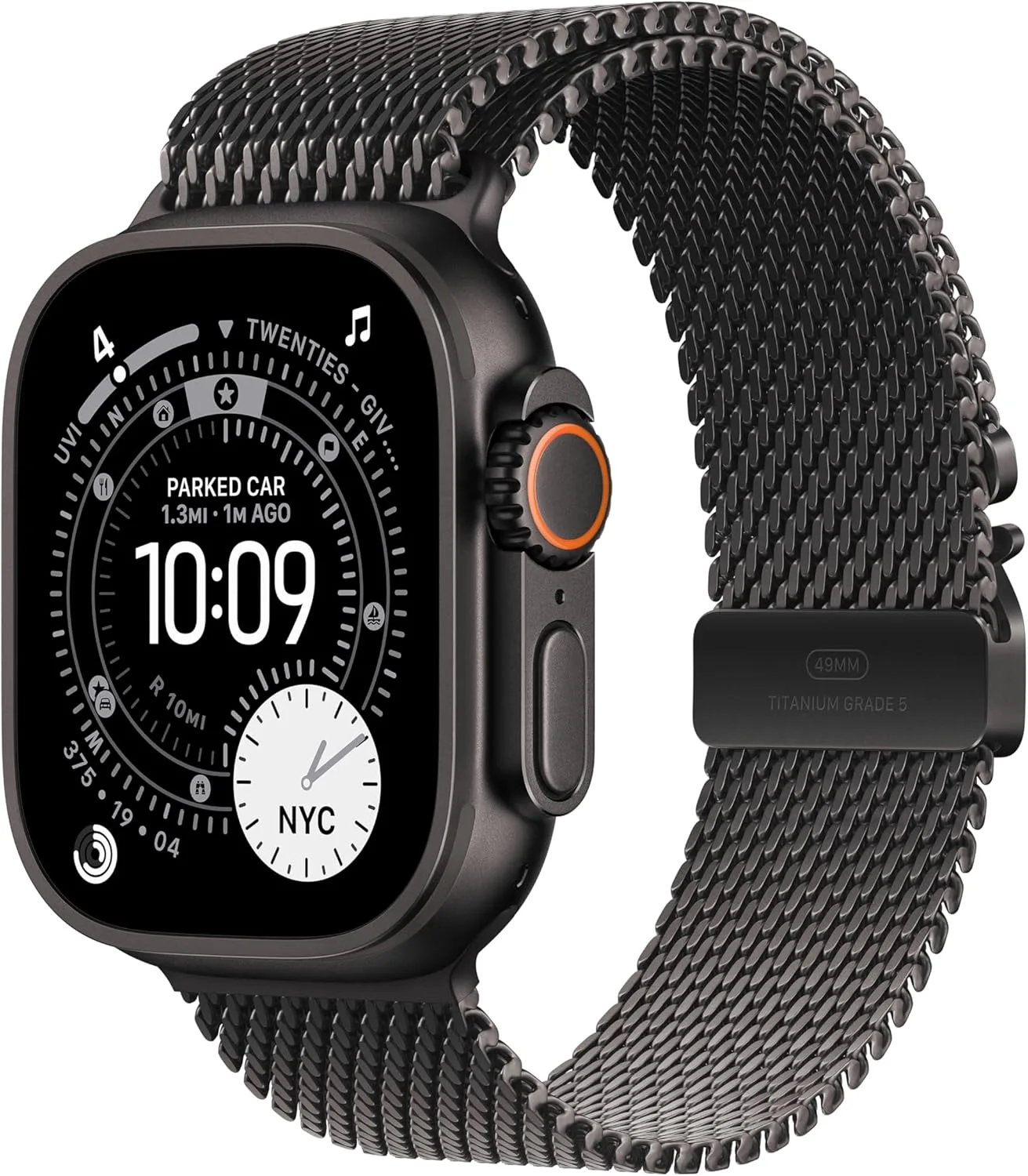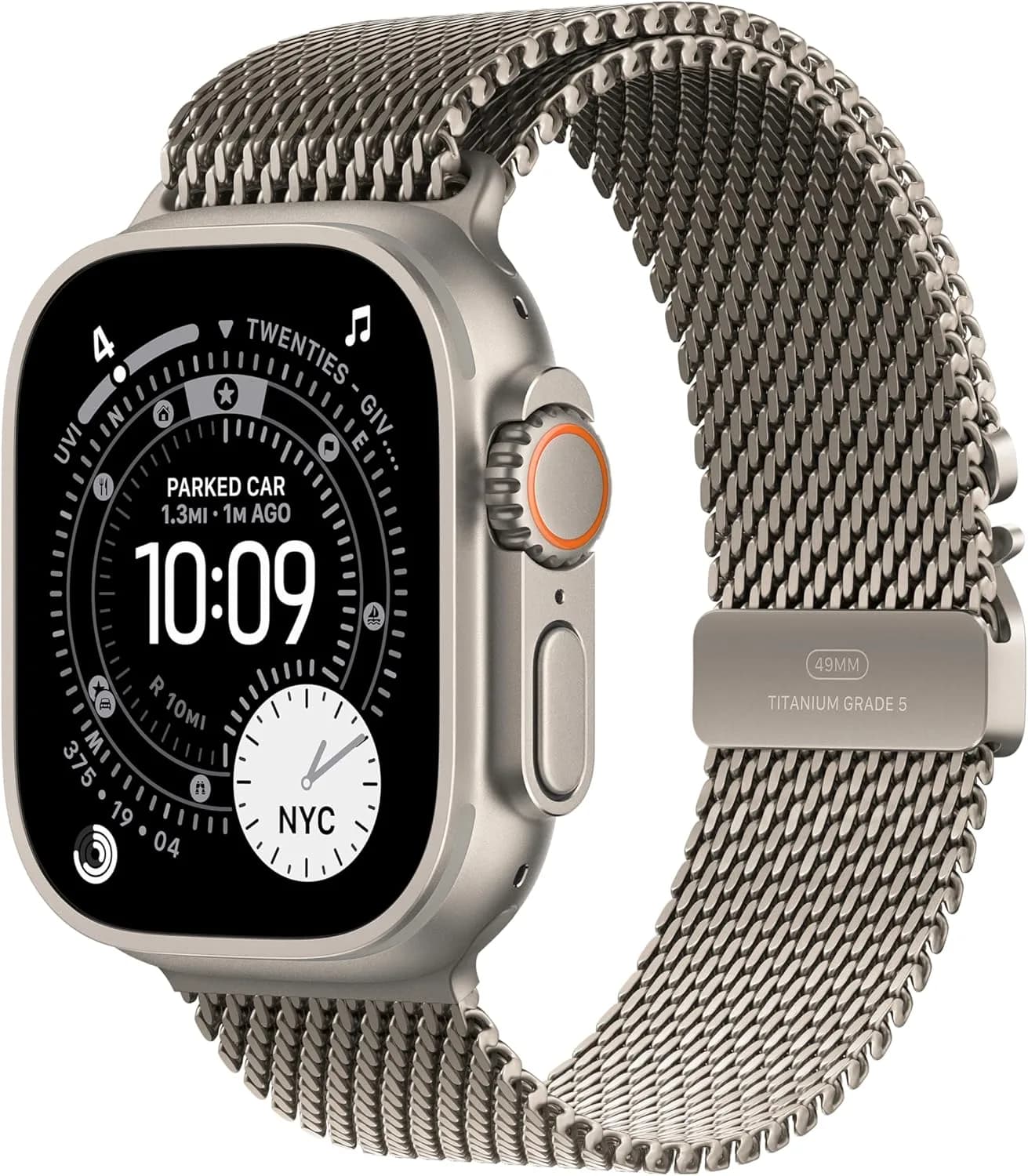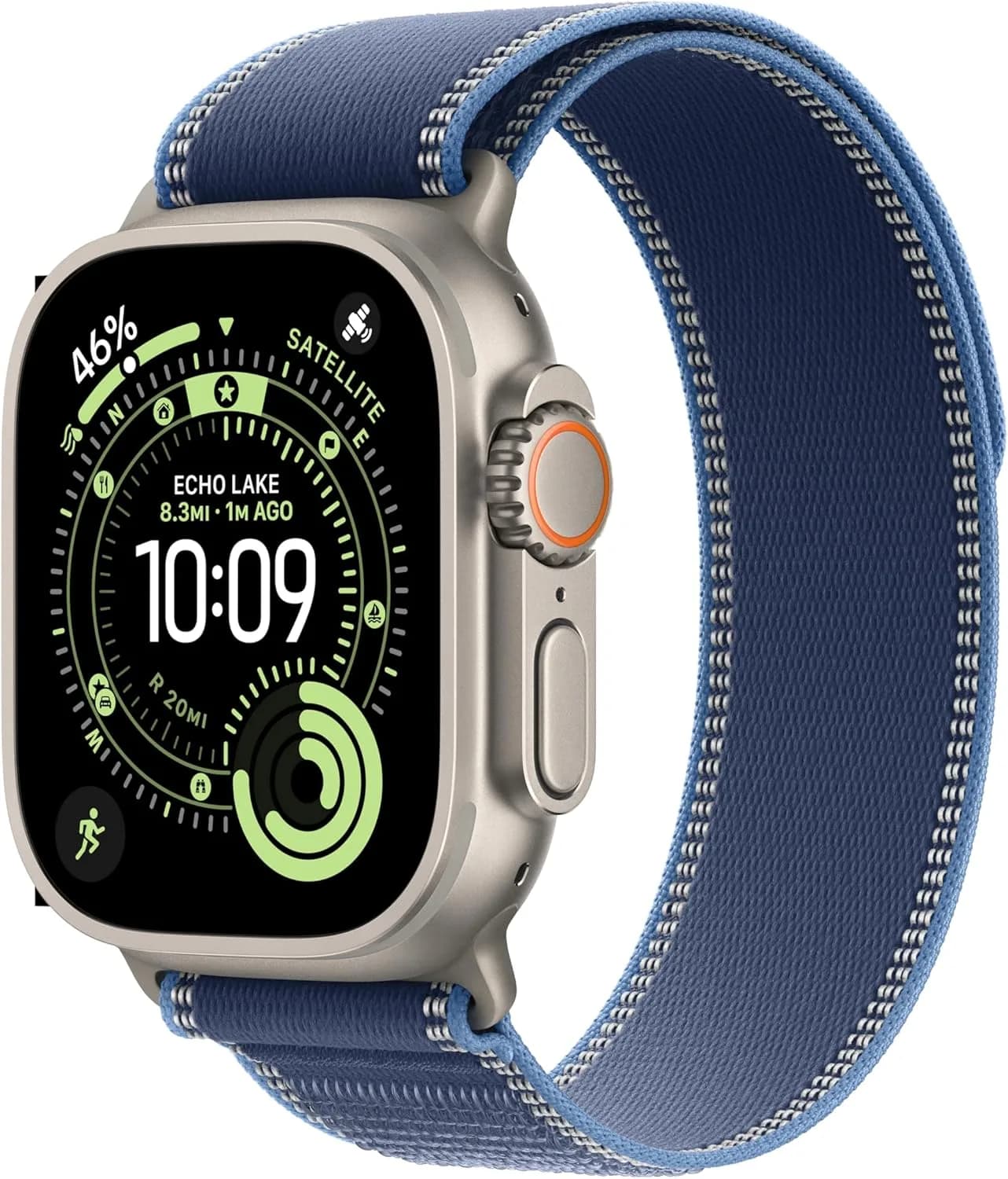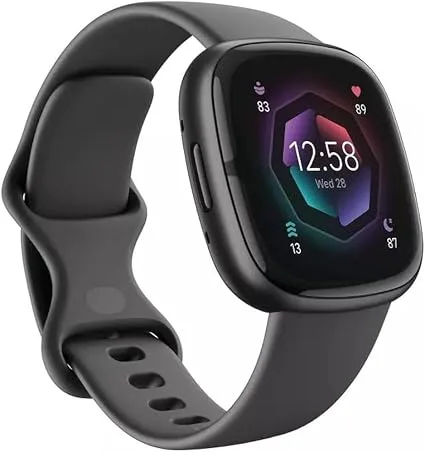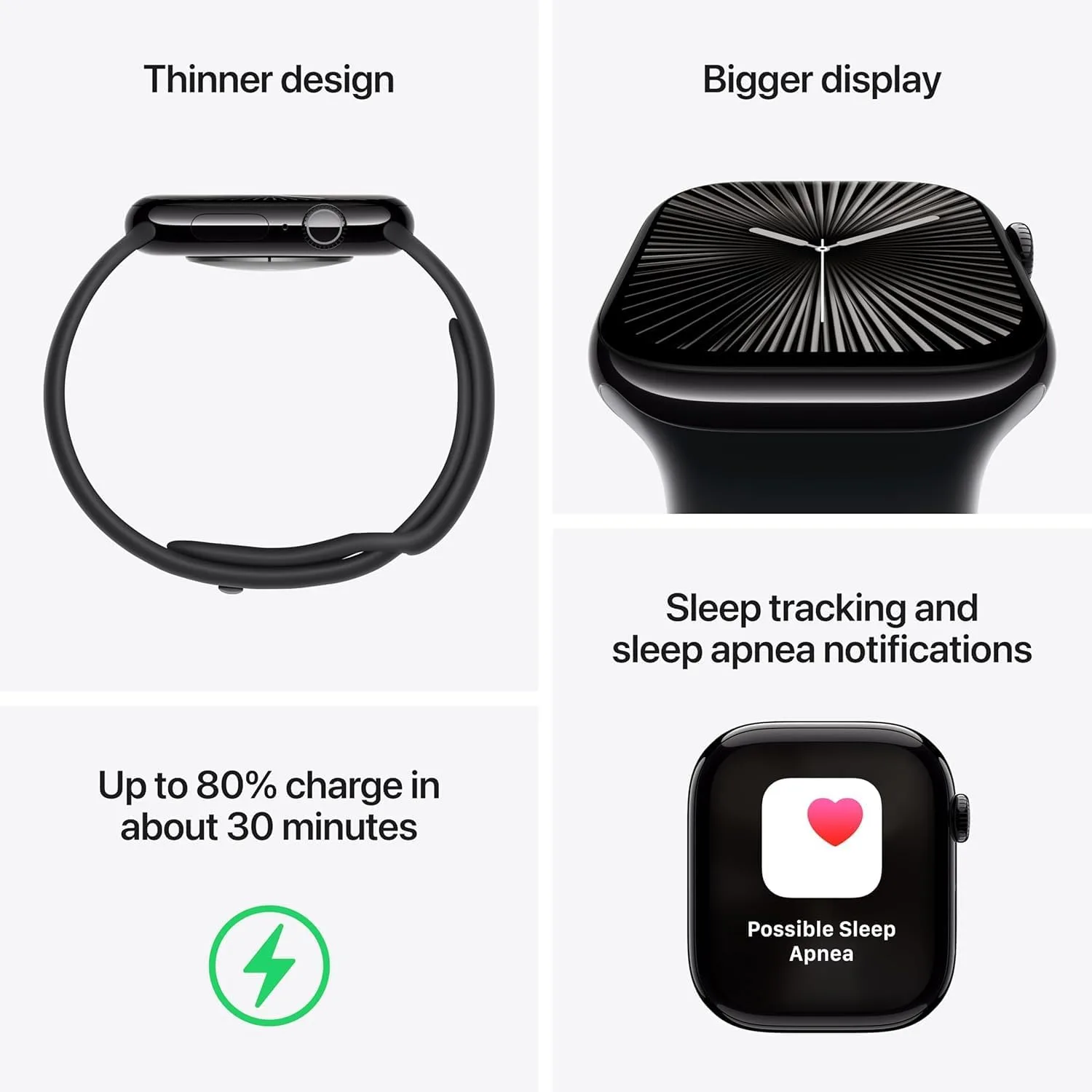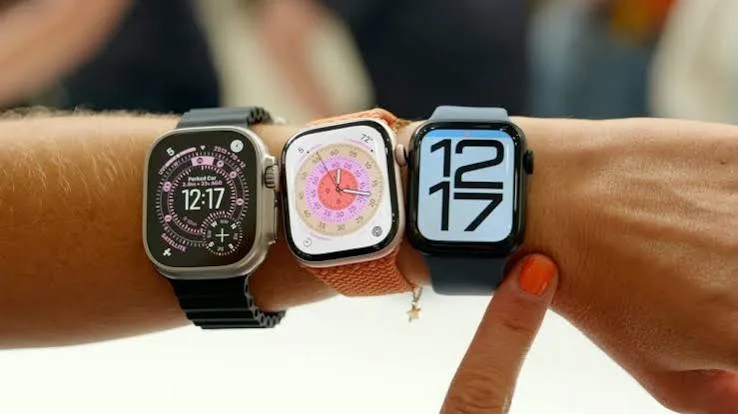
If you are comparing Apple Watch Series 10 vs Series 11 vs SE 3, you are probably staring at three watches that look almost identical and wondering what the difference is. This guide explains where the three models overlap, where they differ, and who should buy which in Kenya. We keep the language plain, we hedge where specifications can vary, and we say "we confirm per unit" wherever a detail is best checked on the actual watch in your hand.
City Gadgets Kenya sells Apple Watch models from our shop at New Alnoor Exhibition, Second Floor, Shop C7, Accra Road, Nairobi CBD, with same-day delivery in Nairobi and next-day delivery outside Nairobi. Message us on WhatsApp for today's price.
The short version
- Series 11 is the current mainstream flagship in our range. Choose it if you want the newest features and the longest software support runway.
- Series 10 is the previous-generation Series watch. It can be excellent value where available, especially if you do not need the newest features.
- SE 3 is the value model. It covers the essentials of Apple Watch at a lower cost, with fewer premium features.
- All three need a compatible iPhone. None of them work with Android.
- Exact battery hours, sensors and display details differ by model and software version. We confirm per unit.
| Series 11 | Series 10 | SE 3 | |
|---|---|---|---|
| Position | Current flagship | Previous flagship | Value model |
| Best for | Newest features, long-term use | Value-minded Series buyers | First watch, budget |
| Display | Premium, bright (we confirm per unit) | Premium, bright (we confirm per unit) | Simpler (we confirm per unit) |
| Health sensors | Fullest set (we confirm per unit) | Strong set (we confirm per unit) | Core set (we confirm per unit) |
| Battery | Daily use (we confirm per unit) | Daily use (we confirm per unit) | Daily use (we confirm per unit) |
| Price | Message us for today's price | Message us for today's price | Message us for today's price |
If you are still deciding whether an Apple Watch is right for you at all, read our best smartwatch for iPhone guide first, then come back here to pick the model.
How Apple Watch generations are organised
Apple sells its watches in tiers. The Series line is the main watch, with the best display, the most sensors and the newest chip. The SE line is the cheaper alternative that keeps the core experience: notifications, calls, fitness tracking, activity rings and the App Store. The Ultra line is the rugged one with a bigger case, a bright display and more battery. This guide focuses on Series 11, Series 10 and SE 3, and mentions the Ultra where it helps.
Newer models are not always dramatically different from the previous year's watch. Apple often makes steady, incremental improvements to the chip, display, sensors and battery. That is good news for buyers. It means last year's Series watch is usually still a very good device, and it can be better value. The right question is not "what is newest?" but "what do I actually need?"
Series 11 in everyday life
The Series 11 is the watch to look at if you want the newest Series experience. Typical strengths of a current-generation Series watch include a bright always-on display, a fast chip, a full set of health sensors, and the longest runway of software updates. In day-to-day use you notice it in small ways: faster app launches, smoother animations, and features that older watches may not receive.
Who it suits:
- People who plan to keep the watch for several years.
- People who use health and fitness features heavily.
- People who want the best display and the latest sensor set.
- People upgrading from a much older Apple Watch.
Who might not need it:
- People who mostly want notifications and step counts.
- People on a tight budget.
- People upgrading from a Series 10, where the difference may be small.
We confirm per unit which exact features and battery hours apply to the Series 11 you are buying.
Series 10 in everyday life
The Series 10 remains a strong watch. If it is available, it can be an attractive choice for people who want a premium Series experience without paying for the newest model. It has the same overall design language as the Series 11, a bright display, a capable chip and a broad set of health and fitness features.
Who it suits:
- Value-minded buyers who still want a Series watch.
- People upgrading from Series 6, 7 or older.
- People who care more about price than the latest features.
Who might not need it:
- People who want the longest software support, since newer models are normally supported for longer.
- People who specifically want a feature that arrived with the Series 11.
Stock of previous-generation models changes. Message us for today's price and availability.
SE 3 in everyday life
The SE 3 is the sensible entry point. It gives you the Apple Watch experience at a lower cost: notifications, calls, messages, activity rings, workout tracking, the App Store and much of the core software. The trade-off is that it normally has a simpler display and fewer premium sensors than the Series watches. We confirm per unit what features the SE 3 includes.
Who it suits:
- First-time smartwatch buyers.
- Students and young people.
- Parents buying a first watch for a teenager.
- Anyone who wants the iPhone-watch connection without paying for premium features.
Who might not need it:
- People who want an always-on display and the best screen.
- People who track health metrics in detail.
- People who want the longest possible future-proofing.
Side-by-side: what really matters
Display
The Series watches normally have a brighter, larger-feeling display and may include an always-on mode. The SE line has historically had a simpler display. Outdoors in Nairobi sunlight, the brighter Series display is easier to read. Indoors, the difference is smaller. We confirm per unit what display the model you are buying has.
Performance
All three models run smoothly for everyday tasks. The Series 11 has the newest chip, the Series 10 is close behind, and the SE 3 is fast enough for normal use. The difference shows most when you open many apps, use maps, or keep the watch for several years.
Health and fitness
The Series watches usually carry the fuller set of health sensors, while the SE offers the core set. If you want detailed metrics, check what each model supports on the Apple Watch software you plan to use. Health features are not a replacement for medical advice. We confirm per unit.
Battery life
Apple Watch is generally a daily-charge device. All three models usually need charging every day or every other day depending on use. Exact hours differ by model and software version. If battery life is critical, read our lithium-ion battery care guide and consider a watch from another brand with a longer battery. We confirm per unit.
Sizes and materials
Apple Watch Series and SE watches come in different case sizes. The right size depends on your wrist. A larger case gives a larger screen but can feel bulky. A smaller case is lighter and more discreet. Try both on if you can. Case materials and finishes vary by model, and we confirm per unit what is available.
Software support
Newer models normally receive software updates for longer. If you plan to keep your watch for four or five years, the Series 11 is the safest choice. If you replace your devices every two or three years, any of the three can be fine.
Cellular options
Cellular models allow calls and data without your iPhone nearby, if your carrier supports it. In Kenya, carrier support for Apple Watch cellular varies, so we confirm per unit and per network before you spend extra. For many users, a GPS model is perfectly adequate.
Which one should you buy? Decision guide
Work through these questions in order.
- Do you have an iPhone? If not, none of these watches will work. Look at our Android smartwatch guide.
- Is this your first smartwatch? If yes and budget matters, start with the SE 3.
- Do you want the best display and the fullest sensors? Choose Series 11, or Series 10 if you want to save.
- Do you plan to keep it more than four years? Lean towards Series 11.
- Are you upgrading from a recent Series watch? Think carefully. The difference may be small and keeping your current watch can be sensible.
- Do you need calls without your phone? Consider a cellular model, but only after we confirm carrier support.
- Is your wrist small or large? Choose the case size to match, regardless of the model.
| If you are... | Consider |
|---|---|
| A first-time smartwatch buyer | SE 3 |
| A heavy fitness user | Series 11 (or Series 10) |
| A value-minded Series buyer | Series 10 |
| A long-term keeper | Series 11 |
| Buying for a teenager | SE 3 |
| A rugged outdoor user | Look at the Apple Watch Ultra 3 instead |
Series 11 vs Series 10: is the upgrade worth it?
This is the question we hear most. The honest answer depends on where you are coming from.
- From Series 10 to Series 11: For most people, not necessarily. If your Series 10 works well, you may not feel a big difference in daily life. Upgrade only if a specific new feature matters to you.
- From Series 8 or older to Series 11: Often yes. Battery health, speed and software support are the usual reasons.
- From Series 6 or older to Series 10: A sensible compromise if you want a big improvement at a lower cost.
- From SE 2 to SE 3: A modest step. Worth it mainly if your SE 2 battery is weak or you want newer software support.
If you are unsure, bring your current watch to the shop. We can check its battery health and tell you honestly whether upgrading is worth it. If you decide to upgrade, our sell page can help with your old device.
SE 3 vs Series 10: the budget question
The SE 3 and the Series 10 sit close enough that some buyers hesitate. A useful way to decide:
- If you mostly want notifications, calls, step counts and basic workout tracking, the SE 3 does the job.
- If you care about the display, the sensor set or the feel of a premium watch, the Series 10 is a better fit.
- If the price gap is small on the day you ask, go for the Series. If it is large, the SE 3 is excellent value.
Message us for today's price on each, and we will tell you plainly which one we would choose for your situation.
Other Apple Watch models you might see
- Apple Watch Ultra 3: the rugged one, with a large case and bigger battery. See our best smartwatch for iPhone guide for details.
- SE 2: an earlier value model. It can still be a good buy if available at a good price, but it has less software runway.
- Older Series models (Series 8, 9): sometimes available second-hand. If you buy used, check the battery health, the activation lock and the serial number.
Apple Watch vs Samsung, Huawei and Amazfit
If you use an iPhone, your best match is nearly always an Apple Watch because of the integration. Samsung Galaxy Watch does not pair with iPhone. Huawei, CMF and Amazfit watches can pair with iPhone for notifications and fitness tracking, but they offer limited apps and replies.
| Apple Watch | Huawei / CMF / Amazfit | |
|---|---|---|
| Replies and apps | Full | Limited |
| Battery | Short | Often long |
| Cost | Higher | Lower |
| Ecosystem | Deep with iPhone | Basic |
For the Android side, read our Galaxy Watch7 vs Watch8 vs Ultra comparison and Amazfit guide.
Choosing between GPS and cellular
| Feature | GPS | GPS + Cellular |
|---|---|---|
| Needs iPhone nearby | Yes, for most functions | No, if plan supported |
| Cost | Lower | Higher |
| Extra plan | No | Possibly |
| Best for | Most users | People who want phone-free use |
Carrier support for Apple Watch cellular is not the same on every Kenyan network, and plans change. We confirm per unit and per carrier before you pay extra. If you always carry your iPhone, GPS is enough.
Sizes: how to pick the right case
Apple Watch Series and SE models come in two main case sizes. The smaller size is lighter and suits slimmer wrists. The larger size has a bigger screen that is easier to read. Measure your wrist, try both on if you can, and consider how you will wear it: during sleep tracking, a smaller, lighter case is more comfortable. For readability while running, a larger screen helps. We confirm per unit the exact sizes available.
Accessories worth buying
- A second band so you can switch between sport and dressy looks.
- A screen protector if you work with your hands or climb a lot.
- A good USB-C adapter and cable for the magnetic charger. See our accessories category.
- A charging stand for your bedside or desk.
For the right power adapter, our USB Power Delivery explained guide helps.
Living with your Apple Watch day to day
A typical day looks like this. You pick up the watch from its charger in the morning, check notifications during your commute, reply to a message with dictation or a quick reply, track a workout in the evening, and put it back on the charger at night or while you shower. Sleep tracking requires you to charge at another time, such as when you get ready in the morning.
A few habits make ownership smoother:
- Charge in the same place every day so it becomes automatic.
- Turn off notifications you do not need to reduce distractions and save battery.
- Use Focus modes to silence the watch in meetings.
- Keep software updated for security and features.
- Clean the back sensor and the band regularly.
Common questions about the three models
Is the SE 3 a "cheap" Apple Watch? It is the value model, not a poor one. It handles the main tasks very well.
Does the Series 11 make the Series 10 obsolete? No. The Series 10 remains a capable watch, but it will generally receive software updates for a shorter period than newer models.
Are the bands interchangeable? Bands are normally compatible within the same case-size family, but check the size before buying. We confirm per unit.
Can I use my old charger? Apple Watch uses its own magnetic charger. Check compatibility before reusing an old one.
Example scenarios: choosing under real conditions
These scenarios are illustrative, not customer records.
A university student with a limited budget. The student wants notifications in lectures, fitness tracking and a watch that survives a backpack. The SE 3 fits. A sport band and a screen protector are sensible extras. A cellular model is unnecessary because the iPhone is in the pocket.
A manager who wants to look sharp. The manager wants a bright display, a refined look and long-term use. The Series 11 fits, with a dressy band for work and a sport band for the gym.
A runner moving from a basic fitness band. The runner wants better tracking and a bigger screen. A Series 10 gives a premium experience without the newest-model premium, and the Series 11 is the choice if the price gap is small on the day.
A parent buying for a teenager. The SE 3 is simple, capable and easier on the budget. Check whether the family wants cellular, and confirm carrier support before paying for it.
A person upgrading from an old Series watch. If battery life has become the main problem, a newer model fixes it. If the old watch still works well, compare carefully before spending.
Battery health and charging habits
Apple Watch batteries wear with charge cycles, like any lithium-ion battery. Over time, the watch holds less charge. Habits that help:
- Avoid leaving the watch in a hot car or in direct sun.
- Use the built-in optimised charging feature if your model has it.
- Do not use damaged cables or cheap, unbranded chargers.
- Keep the watch software current.
For deeper reading, our lithium-ion battery care guide and fast charging and battery health myths guide explain what actually matters.
Setting up and getting the most from your new watch
Once you have chosen between the Series 11, Series 10 and SE 3, a good setup makes any of them more useful. Update your iPhone first, charge the watch, then follow the pairing steps on the iPhone. Restore from a backup if you are upgrading, because your watch faces, settings and many app preferences come across. Set a passcode, enable wrist detection and switch on Find My so a lost watch can be located.
Next, tidy your notifications. Many new owners leave every app switched on and then find the watch buzzing constantly. Keep calls, messages, calendar alerts and the two or three apps you genuinely need. Turn off the rest. This also helps battery life, which matters on every model in this comparison.
Then set your activity goals and pick a watch face that shows the information you check most often: time, activity rings, weather or a workout shortcut. Spend ten minutes exploring the Control Centre and the side button shortcuts. A little time invested in the first week makes the watch feel natural.
How long will each model stay useful?
No one can promise the exact number of years, but there are sensible guidelines. A newer model generally receives software updates for longer, which keeps it secure and compatible with new iPhone features. Battery wear is the other limit: after a few years of daily charging, any Apple Watch battery holds less charge than when it was new.
- Series 11: the longest runway of the three, which suits people who keep devices for four to five years.
- Series 10: still has a good runway and is a sensible choice for three to four years of use.
- SE 3: a fine choice for most people, though its simpler hardware means you should expect to upgrade sooner if you want the newest features.
These are general expectations, not guarantees. We confirm per unit and are glad to discuss your plans.
Buying tips specific to Kenya
- Check the warranty and the receipt. Ask what support covers if something goes wrong, and keep your receipt.
- Beware of grey-market confusion. Some imported watches may have regional differences, such as in cellular bands. We confirm per unit that the watch suits Kenyan networks.
- Do not pay a deposit to an unknown seller. Pay on delivery or in the shop where you can inspect the watch.
- Use M-Pesa carefully. Pay only to verified business accounts, and keep the confirmation message.
- Ask for the serial number before you commit, and check it matches on the box and the watch.
- Bring your iPhone to the shop so we can pair the watch with you and confirm it works before you leave.
Features that matter less than the marketing suggests
Smartwatch launches are full of headline features, and it is easy to pay for things you will never use. Before you pay extra for a higher model, ask yourself how often you would use each of these.
Advanced health sensors. They are impressive, but if you only glance at your heart rate occasionally, the core sensor set on the SE 3 covers you. If you track sleep, workouts and recovery every day, the fuller sensor sets on the Series models make more sense. We confirm per unit what each model includes.
A slightly brighter display. Useful outdoors, barely noticeable indoors. If you run or cycle in midday sun, it matters. If you mostly use the watch in an office, it matters much less.
A faster chip. Every model here is fast enough for notifications, calls and fitness. Extra speed helps most over time, because a faster chip tends to stay smooth through more software updates.
Thinner or lighter cases. Comfort matters, especially for sleep tracking. Try the watch on before you decide. A watch that is comfortable is a watch you wear.
Cellular. Valuable for a specific group of people and unnecessary for most. Do not pay for it unless you will use it.
Questions to ask any seller before you pay
- Is the watch new, sealed and genuine?
- Can you show me the serial number?
- Is there a receipt and any warranty?
- Will it work with my iPhone and my carrier if it is a cellular model?
- Can I inspect it and pair it before I leave?
- Where do I go if something goes wrong?
If a seller cannot answer these clearly, walk away. At City Gadgets Kenya, we answer them in the shop or on WhatsApp before you spend anything.
A final word on choosing
The three watches are closer than their names suggest. Series 11 is for people who want the newest and plan to keep it. Series 10 is for people who want a premium Series watch and care about value. SE 3 is for people who want the Apple Watch essentials without paying for extras. If you are still torn, think about how you will use the watch on an ordinary Tuesday, not on the best day of your year. The watch that suits that Tuesday is the right one.
How to spot a fake Apple Watch
Counterfeit and clone Apple Watches exist, and they can look convincing in photos. Use these ten checks together.
- Pair it with an iPhone. A genuine watch pairs through the Watch app with the standard animation and setup flow. A clone usually asks for a third-party app.
- Check the software. A genuine watch runs watchOS with the familiar interface, Digital Crown behaviour and App Store. Clones often have a generic interface.
- Verify the serial number. The serial should match on the watch's settings, the case back and the box. Missing or mismatched serials are a warning sign.
- Look at the packaging. Genuine boxes are cleanly printed, accurately labelled and well made. Spelling mistakes, blurry text and poor print quality are red flags.
- Check the back of the case. A genuine watch has a clean sensor plate and neat engravings. Clones often have rough edges and shallow text.
- Test the Digital Crown and buttons. They should feel precise. Wobbly, stiff or purely decorative controls are a red flag.
- Judge the screen. A genuine display is sharp and bright. A clone may look dim, pixelated or have poor viewing angles.
- Test the charger. A genuine magnetic charger aligns easily and charges steadily. A poor clone may be loose or run hot.
- Examine the band. Fake bands may feel stiff, smell strongly or fray quickly.
- Check the seller. An unrealistically low price, no shop address, no receipt and no after-sales support are all warning signs.
If you are unsure, bring the watch to us at New Alnoor Exhibition, Second Floor, Shop C7, Accra Road, and we will help you check it.
Why buy your Apple Watch from City Gadgets Kenya
- Genuine products checked before they reach you.
- A real shop in Nairobi CBD at New Alnoor Exhibition, Second Floor, Shop C7, Accra Road.
- Same-day delivery in Nairobi and next-day delivery outside Nairobi.
- M-Pesa payment and clear receipts.
- Lipa Mdogo Mdogo on iPhones, which many customers pair with a new Apple Watch.
- Honest advice, including recommending the cheaper model when it suits you.
- Repair support through our repair service.
- Trade-ins via our sell page.
- WhatsApp help on +254745575931.
See our phones category and accessories category to complete your setup.
Quick checklist
- My iPhone is compatible.
- I chose between Series 11, Series 10 and SE 3 based on my needs.
- I chose the right case size.
- I decided on GPS or cellular and confirmed carrier support.
- I checked the serial number and packaging.
- I have a charger and, if needed, a spare band.
- I have a receipt and know where to get support.
Frequently asked questions
Which is better, Apple Watch Series 10 or Series 11? The Series 11 is newer and normally has the longer software runway. The Series 10 can be better value if you do not need the newest features. Message us for today's price on each.
Is the SE 3 worth buying? Yes, for people who want the core Apple Watch experience at a lower cost.
Which Apple Watch has the best battery? Apple Watch is generally a daily-charge device. The Ultra usually lasts longer. We confirm per unit for the model you choose.
Can I use an Apple Watch with Android? No.
Do I need cellular? Only if you want phone-free calls and your carrier supports it. We confirm per unit.
How do I know if it is genuine? Use the ten checks above or visit our shop.
Can I buy on instalments? Lipa Mdogo Mdogo is available on iPhones. Ask us about options for accessories.
Can I trade in my old watch? Contact us or visit the sell page.
Which size should I choose? Choose the size that fits your wrist comfortably and suits how you will wear it.
Where can I buy in Nairobi? At City Gadgets Kenya, New Alnoor Exhibition, Second Floor, Shop C7, Accra Road, or order online with same-day Nairobi delivery.
Ready to choose?
Message us on WhatsApp with your iPhone model, your wrist size and what you want the watch to do, and we will recommend the right model.
Related reading: Best smartwatch for iPhone · Best smartwatch for Android · Galaxy Watch7 vs Watch8 vs Ultra · Lithium-ion battery care guide