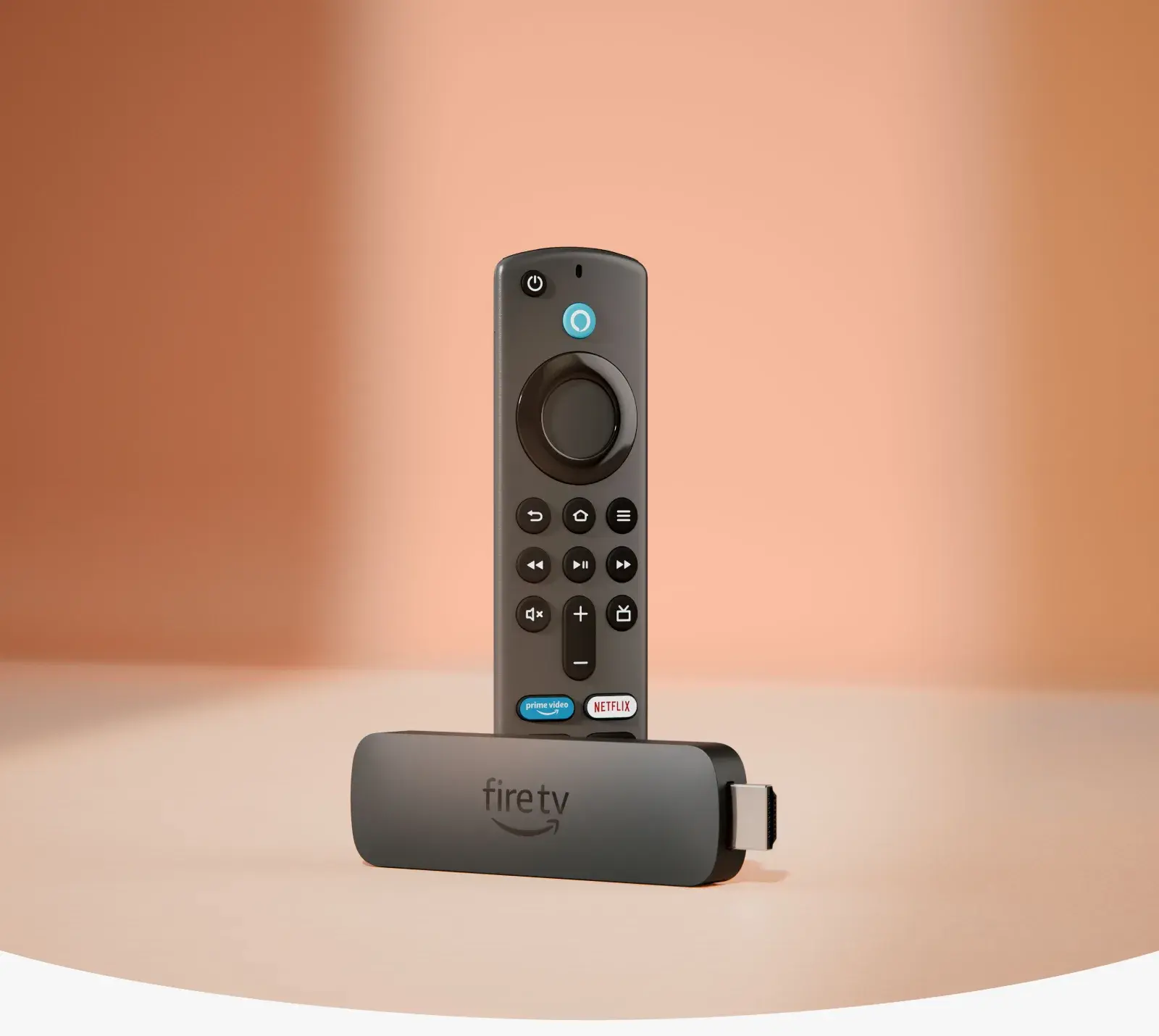
Amazon Fire TV Stick 4K (1st Gen) in Nairobi: Full Guide and Honest Verdict
The original Amazon Fire TV Stick 4K — launched globally in 2018 — was, for years, one of the most popular and widely recommended streaming sticks in the world, and it's a device you'll still find referenced, resold, and occasionally listed by Nairobi electronics sellers today. But if you're specifically searching for the 1st generation model rather than its newer successors, this guide is going to give you the complete picture — full specs, what genuinely distinguishes it from later models, current Kenyan pricing realities, and an honest verdict on whether it's still a sensible buy in 2026, rather than simply recommending it because it's cheap and familiar.
This is a long, thorough guide, deliberately so — this specific model sits in a genuinely more complicated position than Amazon's current lineup, and getting the full picture matters more here than with a brand-new device.
What "1st Generation" Actually Means for This Device
This is worth clarifying immediately, since Amazon has released several devices under very similar "Fire TV Stick 4K" naming over the years, and confusing generations is one of the most common mistakes buyers make in this category.
The original Fire TV Stick 4K (1st Gen) launched in 2018 as Amazon's first streaming stick to support genuine 4K Ultra HD playback, succeeding the earlier 1080p-only Fire TV Stick models. It was a genuinely significant device at launch — Amazon's first affordable, mainstream way to bring true 4K streaming into ordinary households, at a fraction of the cost of early 4K-capable competitors.
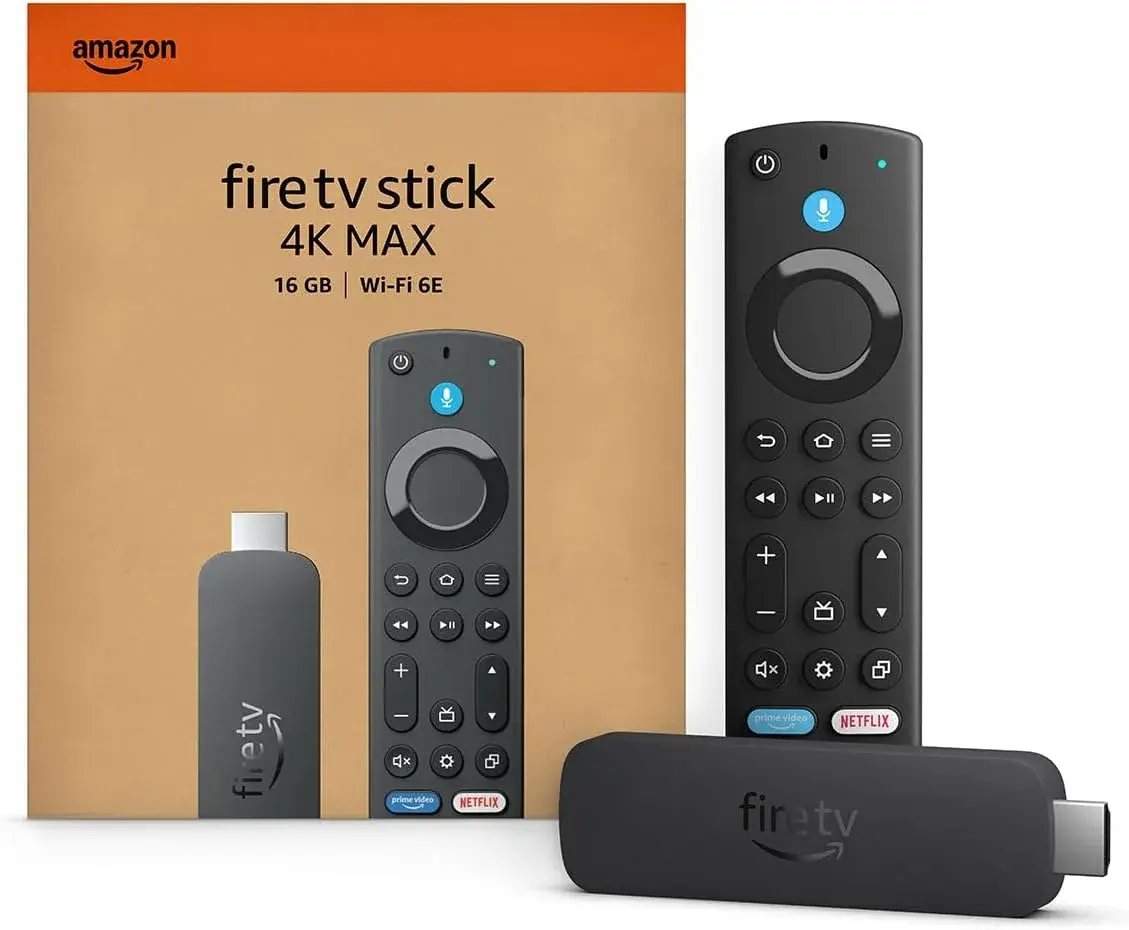
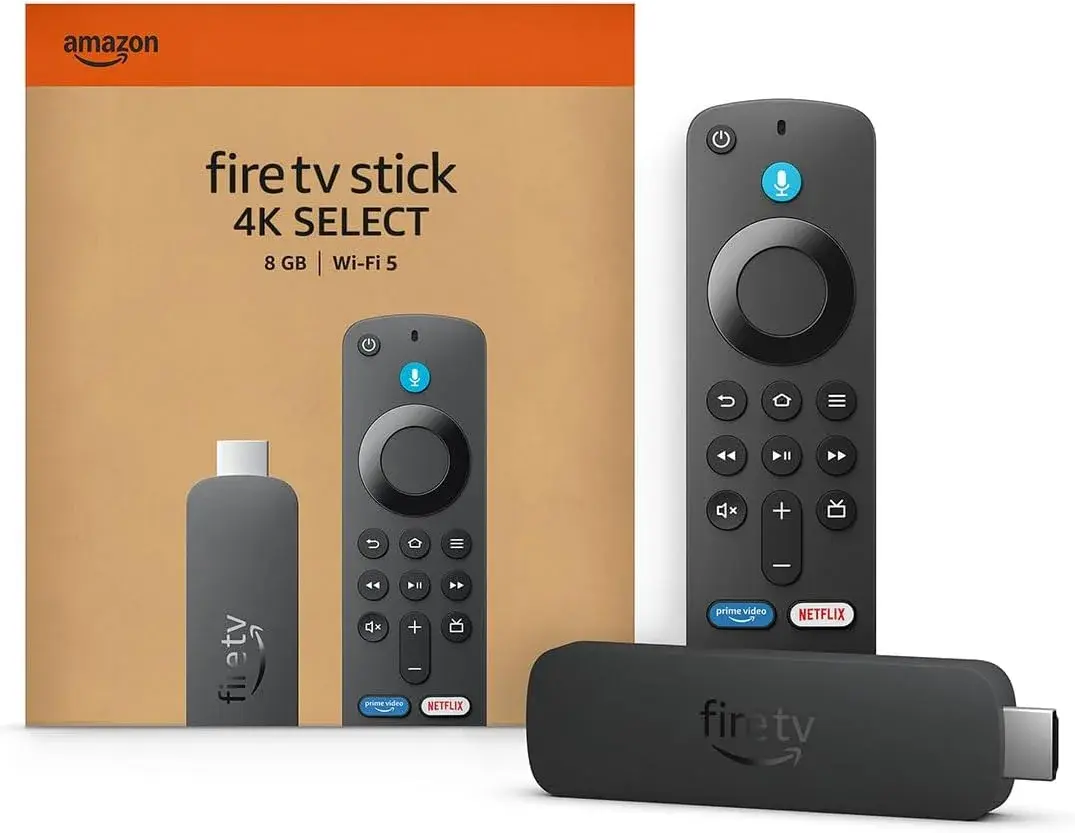
Since then, Amazon has released a 2nd Generation Fire TV Stick 4K (2023) with meaningfully upgraded internals, alongside the more powerful Fire TV Stick 4K Max line (covered in our separate guide) and, more recently, further updated models like the Fire TV Stick 4K Select and 4K Plus. The 1st Gen model this guide focuses on is now Amazon's oldest 4K-capable stick still in circulation, no longer part of Amazon's actively manufactured current lineup, and increasingly something you'd encounter as older retailer stock, secondhand units, or clearance pricing rather than a genuinely current product.
Full Specifications of the 1st Gen Fire TV Stick 4K
- Processor: Quad-core 1.7GHz (ARM Cortex-A53 architecture)
- GPU: 750MHz Mali 450
- RAM: 1.5GB
- Internal Storage: 8GB
- Operating System: Fire OS (based on an earlier Android version than current models)
- Maximum Resolution: 4K Ultra HD, up to 60fps on select content
- HDR Support: HDR10, HLG, with Dolby Vision support added later via a software update rather than present at original launch
- Audio: Dolby Atmos passthrough support on compatible content and audio systems
- Connectivity: Dual-band 802.11ac Wi-Fi (not Wi-Fi 6 or 6E — a meaningful difference from newer models)
- Bluetooth: 5.0
- Ports: HDMI (2.0a), micro-USB for power
- Remote: Original Alexa Voice Remote (a simpler design than the enhanced remotes bundled with later models)
How This Genuinely Compares to Newer Fire TV Sticks
This is the section worth reading most carefully if you're deciding whether to actually buy this specific generation.
Wi-Fi standard is the biggest practical gap. The 1st Gen model uses older 802.11ac Wi-Fi, not the Wi-Fi 6 or Wi-Fi 6E found in the 2nd Gen 4K and 4K Max models. In a busy Kenyan household or apartment building with many competing wireless networks and devices, this genuinely translates into a higher likelihood of buffering or streaming instability compared to newer hardware — not a dealbreaker, but a real, measurable difference.
Processing power is noticeably behind current models. The 1st Gen's 1.7GHz quad-core chip with 1.5GB RAM was genuinely capable in 2018, but current-generation sticks offer meaningfully faster app launches and smoother interface navigation, reflecting years of hardware improvement Amazon has made since.
Software support is a genuine long-term concern. As a discontinued, older-generation device, the 1st Gen Fire TV Stick 4K is further along in Amazon's typical support lifecycle than current models — meaning it's more likely to see reduced update frequency, and eventually reach end-of-support, sooner than a device Amazon is actively selling today.
Dolby Vision was added after launch, not built in from day one. While the 1st Gen model does support Dolby Vision today, this was delivered through a firmware update rather than being a native launch feature — worth knowing if you're comparing spec sheets closely against newer models built around Dolby Vision from the ground up.
An Honest Verdict: Should You Actually Buy This in 2026?
Here's the straightforward answer, rather than a marketing-style recommendation: for most Kenyan buyers in 2026, the 1st Gen Fire TV Stick 4K is not the device to actively seek out and purchase new, given how close current-generation alternatives sit in price. As covered in our companion guide on the Fire TV Stick 4K Max, genuine current-generation Fire TV Stick pricing in Kenya starts from around KES 6,300 to 9,000 for the standard 4K models, and roughly KES 8,500 to 11,500 for the more powerful 4K Max — price points that, in many cases, sit close enough to whatever a 1st Gen unit might be offered at that the meaningfully better Wi-Fi standard, faster processor, and longer remaining software support window of a newer model make it the smarter purchase for close to the same money.
That said, there are a few genuine, specific scenarios where a 1st Gen unit still makes sense:
If you're offered one at a genuinely steep discount relative to current-generation pricing — reflecting its age honestly rather than being sold at inflated, current-model pricing — it remains a functional, capable device for basic 4K streaming needs.
If your household's Wi-Fi setup is simple and uncongested — a small household with few connected devices and a single router with no significant neighboring network interference — the older Wi-Fi standard's disadvantage matters considerably less in practice than in a busier network environment.
If your primary need is simply "4K streaming on a budget," and you understand you're buying legacy hardware rather than expecting current-generation performance, it remains a genuinely functional way to add 4K streaming to an older TV at the lowest possible cost.
Price in Kenya: What to Realistically Expect
Because this specific generation sits outside Amazon's actively promoted current lineup, pricing in Kenya is less standardized than for current models, and it's genuinely important to understand what you're comparing against. Kenyan retailers commonly use "Fire TV Stick 4K" as a general listing name that, in practice, most often refers to the current 2nd Generation (2023) model — which itself represents a meaningfully better buy than the original 1st Gen, at broadly similar pricing, typically in the KES 6,300 to 9,000 range across various sellers.
If you're specifically being offered a genuine, verified 1st Generation (2018) unit rather than the newer 2nd Gen model at a similar price, that's worth treating as a red flag rather than a bargain — you'd be paying current-generation pricing for meaningfully older hardware. A fair price for genuine 1st Gen stock, if you do encounter it (typically as older retailer inventory, clearance stock, or a secondhand unit), should sit noticeably below current 2nd Gen pricing to reflect its age and technical limitations honestly.
How to Tell Which Generation You're Actually Being Sold
This matters more for this specific device than almost any other in Kenya's streaming stick market, given how similarly generations are often named and listed. A few practical ways to confirm what you're actually buying:
- Ask directly and explicitly which generation the unit is, and don't accept a vague "Fire TV Stick 4K" answer without a specific year or generation confirmed.
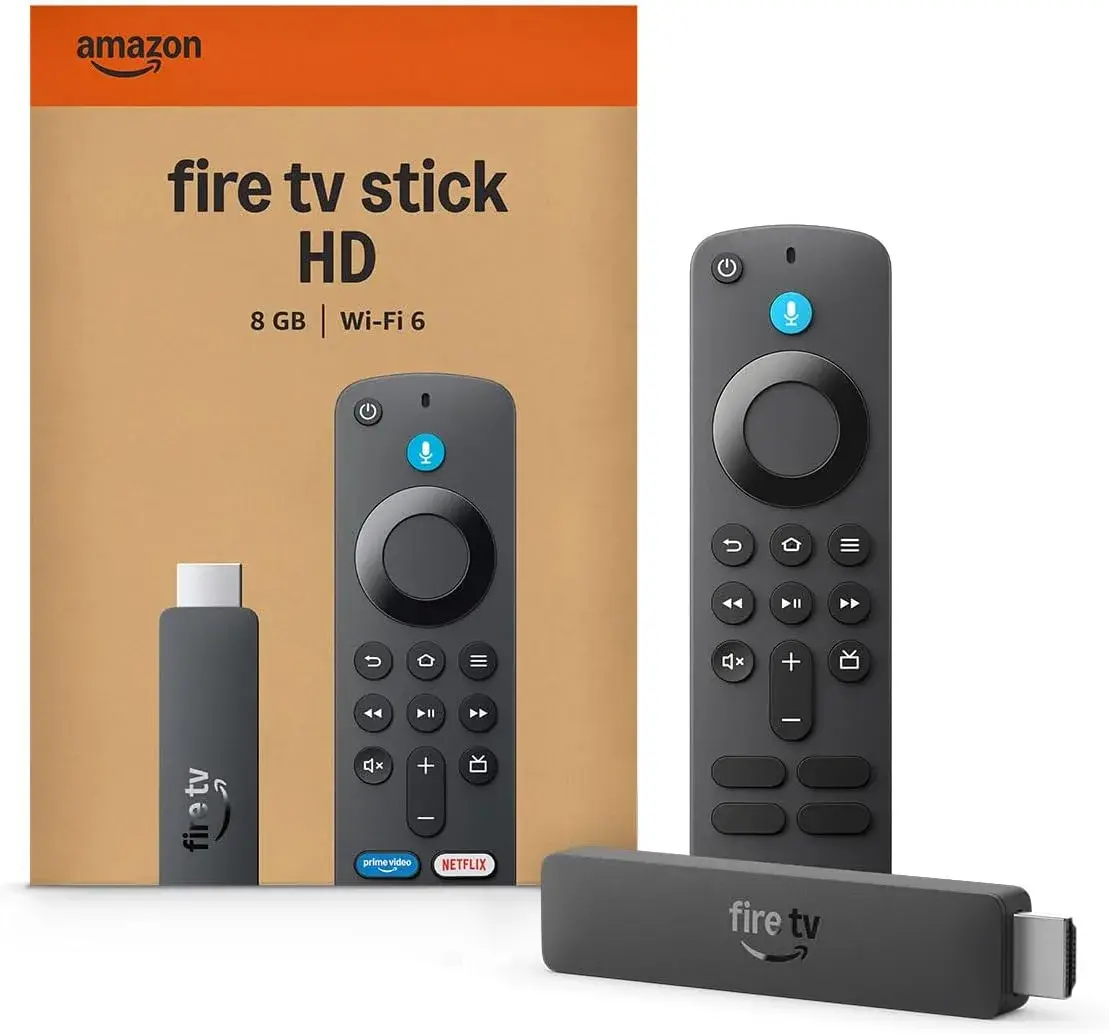
- Check the remote design. The original Alexa Voice Remote bundled with the 1st Gen device has a simpler button layout than the enhanced remotes bundled with 2nd Gen and 4K Max models, which include additional dedicated buttons.
- Ask about Wi-Fi standard support specifically. If a seller can't confirm whether the unit supports Wi-Fi 6, that's often a sign you're looking at older 1st Gen stock, or a seller who hasn't verified the specific unit themselves.
- Request the box or packaging details, since generation information is typically printed on the retail packaging itself.
- Compare the price against current 2nd Gen pricing. If a "1st Gen" unit is priced at or near current 2nd Gen pricing without a clear discount reflecting its age, treat that as a warning sign rather than a fair deal.
Setting Up the 1st Gen Fire TV Stick 4K
If you do end up with a genuine 1st Gen unit, setup remains straightforward, following largely the same process as current models:
- Plug the stick into an available HDMI port on your TV.
- Connect the included micro-USB power cable to a wall outlet.
- Switch your TV's input to the correct HDMI channel.
- Follow the on-screen setup process, connecting to your home Wi-Fi network and signing into an Amazon account.
- Install your preferred streaming apps — most major services remain compatible with this generation, though app performance and load times will generally feel slower than on newer hardware.
What Still Works Well on This Generation
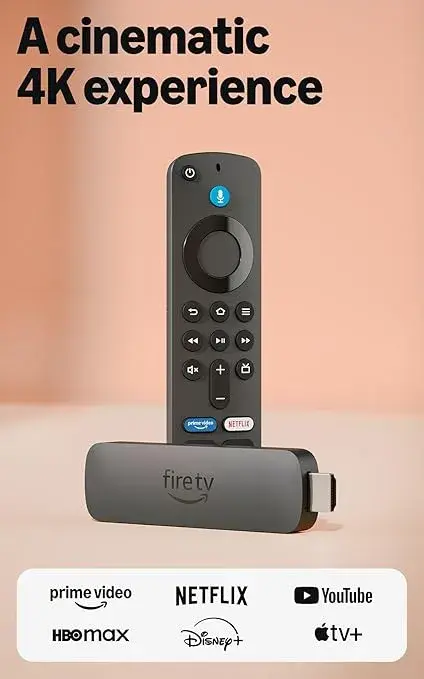
It's worth being fair rather than only listing downsides. The core streaming experience — accessing major apps like Netflix, YouTube, Prime Video, and Showmax — remains genuinely functional on the 1st Gen model, since these services maintain broad backward compatibility across Fire TV Stick generations. True 4K Ultra HD playback works as advertised on supported content, and Dolby Atmos passthrough audio remains available for compatible home theater setups. For genuinely basic streaming needs — watching shows and movies without heavy multitasking between apps — this older hardware still does the fundamental job it was built for, even if newer models do it faster and more smoothly.
Comparing to Generic Android Boxes in Kenya's Market
Even as older, discontinued hardware, it's worth noting the 1st Gen Fire TV Stick 4K still carries real advantages over Nairobi's generic, unbranded "Android TV box" market covered in our companion guide. It received years of genuine Amazon software support after launch (including the later addition of Dolby Vision), uses a real, tested app ecosystem, and comes from an accountable manufacturer — advantages that many generic, anonymous Android boxes simply don't offer regardless of their on-paper specifications. The comparison against current Fire TV Stick models is where this device looks weaker; against the broader field of unverified generic streaming boxes, it still holds up reasonably well.
Buying Safely in Kenya
Given the specific complications around generation confusion covered above, a few checks matter even more here than with a straightforward new-generation purchase:
- Insist on generation confirmation before paying, in writing or clearly stated, not just verbally implied.
- Compare the offered price directly against current 2nd Gen and 4K Max pricing, and treat a 1st Gen unit priced similarly to current models as a clear warning sign.
- Ask whether the unit is genuinely new old-stock, or a used/secondhand unit, since this affects both fair pricing and warranty expectations significantly.
- Confirm what warranty, if any, applies, particularly important given this device's age and discontinued status.
- Check that the remote and power cable included match the 1st Gen design, confirming you're not being sold mismatched or incomplete accessories.
Why City Gadgets Kenya Gives You the Honest Picture
This is exactly the kind of purchase decision where honest guidance matters more than a straightforward sales pitch. City Gadgets Kenya's approach is to tell you plainly when a newer, similarly-priced alternative is genuinely the smarter buy — as it typically is here — rather than pushing older stock simply because it's available. If you're specifically drawn to Fire TV Stick hardware for its accountability, software ecosystem, and streaming quality, we'll help you land on the generation that actually makes sense for your budget and needs, whether that's genuine 1st Gen stock at a fair, honestly discounted price, or a current-generation model that delivers meaningfully more for similar money.
Reach out via WhatsApp to discuss current stock and get an honest comparison across Fire TV Stick generations, or browse our full range of streaming and home entertainment accessories at citygadgetskenya.co.ke.
The Original Alexa Voice Remote: What You Actually Get
It's worth understanding exactly what remote ships with this generation, since Amazon has iterated on its remote design multiple times since 2018. The original Alexa Voice Remote bundled with the 1st Gen Fire TV Stick 4K includes basic navigation controls, a dedicated microphone button for voice search and Alexa queries, and playback controls — but it lacks the dedicated TV power, volume, and mute buttons that later remote revisions introduced. In practice, this means you'll likely still need your television's own remote for basic power and volume control unless you're comfortable navigating those functions through Alexa voice commands instead, which does still work but is a genuinely different experience from simply pressing a dedicated button. If a single, all-in-one remote experience matters to you, this is one of the more practically noticeable differences setting this generation apart from anything Amazon has released since.
What the Interface Actually Looks Like on Older Hardware
Beyond the remote itself, it's worth setting realistic expectations about the on-screen experience. The 1st Gen Fire TV Stick 4K runs an older iteration of Amazon's Fire TV interface, predating the significantly refreshed, faster-navigating design introduced with more recent software updates and current-generation hardware. Menus, app switching, and search functions all still work, but noticeably more slowly than on newer sticks, and without some of the more advanced personalization and cross-app search refinements Amazon has since introduced. If you've used a modern streaming device before — whether a newer Fire TV Stick, a Chromecast with Google TV, or a current smart TV's built-in platform — stepping back to this older interface will feel like a genuine step down in responsiveness, even though the fundamental navigation structure remains familiar.
Live TV, Apps, and Content Access on This Generation
The core app compatibility story for the 1st Gen model remains genuinely reassuring: major streaming services — Netflix, YouTube, Prime Video, Showmax, and others relevant to Kenyan households — continue to support this generation, since streaming app developers generally maintain broad backward compatibility across Fire TV Stick hardware rather than cutting off older devices abruptly. What you will notice is that these apps themselves load more slowly and feel less responsive when switching between them compared to running the same apps on current-generation hardware, a direct consequence of the older, less powerful processor and lower RAM allocation. For a household mainly using one or two streaming apps consistently rather than frequently switching between many services, this limitation matters less in daily use than it might sound on paper.
The Real Cost of "Free" or Very Cheap 1st Gen Units
It's worth addressing directly a pattern that shows up in Kenya's secondhand and clearance electronics market: units offered at prices that seem almost too good to pass up. A genuinely low price on a verified 1st Gen unit reflecting its age is a fair, honest transaction. But it's worth factoring in the practical cost of the compromises covered throughout this guide — a noticeably slower experience, older Wi-Fi standard more prone to buffering in busy networks, and a shorter remaining software support runway than current models. If the price difference between a "too good to be true" 1st Gen unit and a genuine current-generation model is genuinely small, the extra spend on new hardware is very likely to be worth it in terms of daily usability, even before considering long-term software support.
A Practical Buying Checklist for This Specific Device
Given how many generation-specific nuances this guide has covered, here's a simple, practical checklist worth running through before you commit to any 1st Gen Fire TV Stick 4K purchase in Nairobi:
- Get explicit, written confirmation of the generation — don't rely on a verbal "yes, it's the 4K one" without a specific year or generation number stated.
- Compare the offered price directly against current 2nd Gen and 4K Max listings from a few different Kenyan retailers before deciding.
- Ask specifically about the Wi-Fi standard supported, since this is one of the clearest technical fingerprints separating genuine 1st Gen stock from newer models.
- Inspect or ask about the remote's button layout, checking specifically for the absence of dedicated TV power/volume/mute buttons that later models include.
- Confirm whether the unit is genuinely new (if claimed), refurbished, or used, and make sure the price reflects whichever condition is being sold.
- Ask about any warranty or return policy explicitly, given the added uncertainty that comes with buying discontinued hardware.
Frequently Asked Questions
Is the 1st Gen Fire TV Stick 4K still available new in Kenya? It's largely phased out of Amazon's current lineup, so what you'll find in Kenyan retail is typically older stock, clearance inventory, or secondhand units, rather than genuinely new current production — confirm generation and condition explicitly before buying.
What's the real difference between 1st Gen and 2nd Gen Fire TV Stick 4K? The 2nd Gen model (2023) offers meaningfully faster processing, Wi-Fi 6 support (versus the 1st Gen's older 802.11ac standard), and a more refined remote — genuine, noticeable upgrades rather than marketing-only differences.
Does the 1st Gen model support Dolby Vision? Yes, though it was added via a software update after the device's original 2018 launch rather than being a native feature from day one.
Should I buy a 1st Gen unit if it's offered at a similar price to current models? No — if pricing is similar, a current-generation Fire TV Stick 4K or 4K Max represents meaningfully better value given the Wi-Fi, processing, and software support improvements.
Is this device still safe to use given how old it is? It remains functional for basic streaming, though as an older, discontinued device, it's further along in its software support lifecycle than current models — worth factoring into your decision if long-term use matters to you.
Where can I get honest guidance on which Fire TV Stick generation to buy in Kenya? City Gadgets Kenya provides straightforward, honest comparisons across Fire TV Stick generations — reach out via WhatsApp to discuss what genuinely fits your budget and needs.
Final Word
The original Fire TV Stick 4K (1st Gen) was a genuinely important, well-regarded device in its time, and the core streaming experience it offers — true 4K playback, Dolby Atmos audio, Amazon's accountable app ecosystem — remains functional today. But in Kenya's 2026 market, where current-generation Fire TV Stick models sit at broadly similar price points while offering meaningfully better Wi-Fi, processing speed, and remaining software support, this older generation is rarely the smartest purchase unless you're specifically being offered it at a genuinely honest, discounted price reflecting its age. Confirm exactly what generation you're being sold, compare it fairly against current alternatives, and let that comparison — not just familiarity with the Fire TV Stick name — guide your final decision.
Reach out to City Gadgets Kenya on WhatsApp for an honest comparison across Fire TV Stick generations, or browse our full range of genuine streaming devices at citygadgetskenya.co.ke.